94 User Interface
2006792 Rev B – 200228
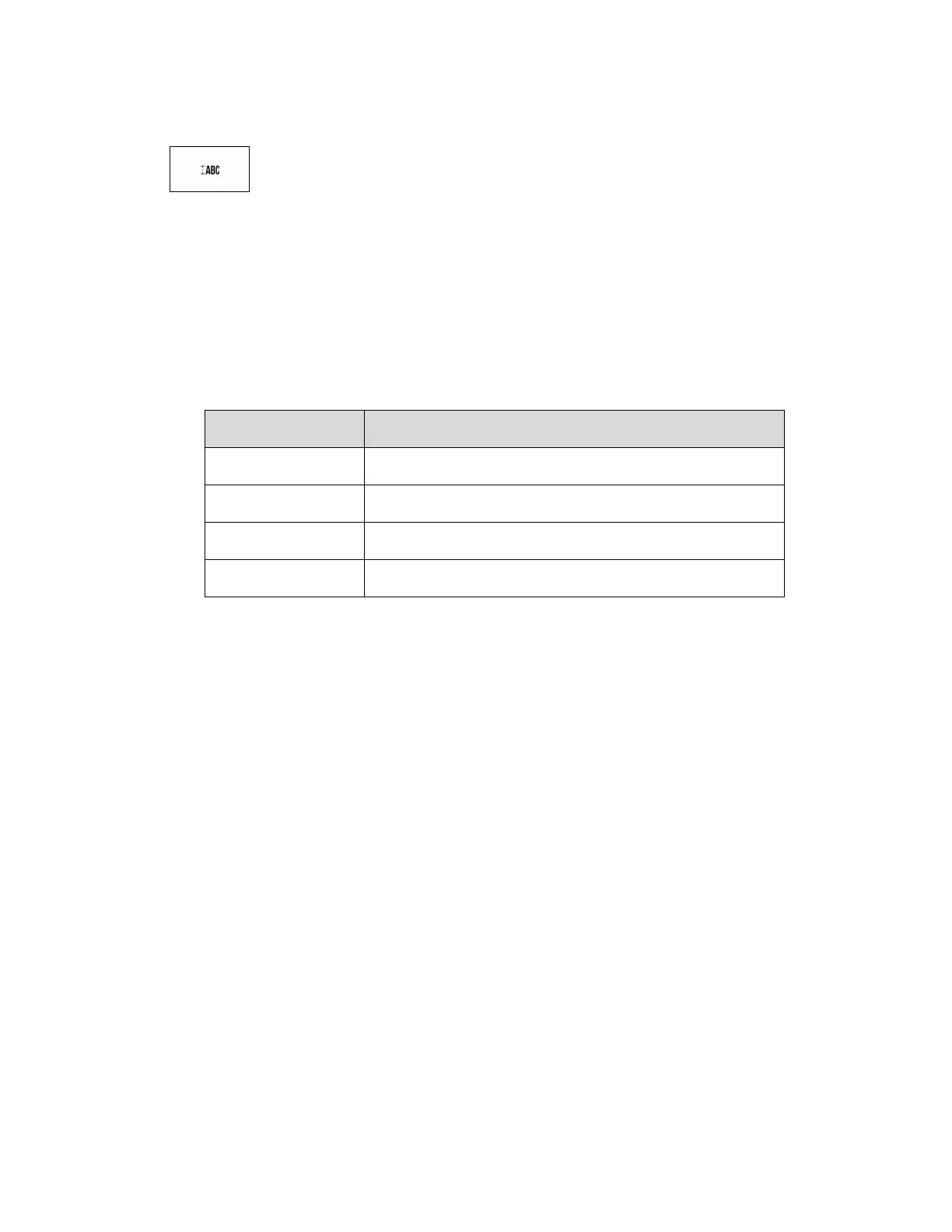
Message Bold/Height
Selects the boldness and height of the text.
• Character Height Adjustment: Adjusts the height of the text (distance apart of the
dots in each column). This can be used to slightly increase throw distance or to
reduce the dot matrix appearance of the text. The default height is 100%. Height can
be adjusted using the slider or using the four number boxes below it, which
correspond to:
Increase character height by 10%
Increase character height by 1%
Decrease character height by 1%
Decrease character height by 10%
• Bold Factor Setting: Adjusts the bolding of the text. The default bolding is 0 (no
bolding). For each number increase in the Boldness Factor, the number of droplets in
each column of ink is doubled, resulting in a darker appearance. Increasing this
value also uses more ink and slows print time.
When finished editing Message Bold/Height settings, select Save.
Select Close to close the Message Bold/Height settings.



 To Next Page