User Interface 95
2006792 Rev B – 200228
BCD
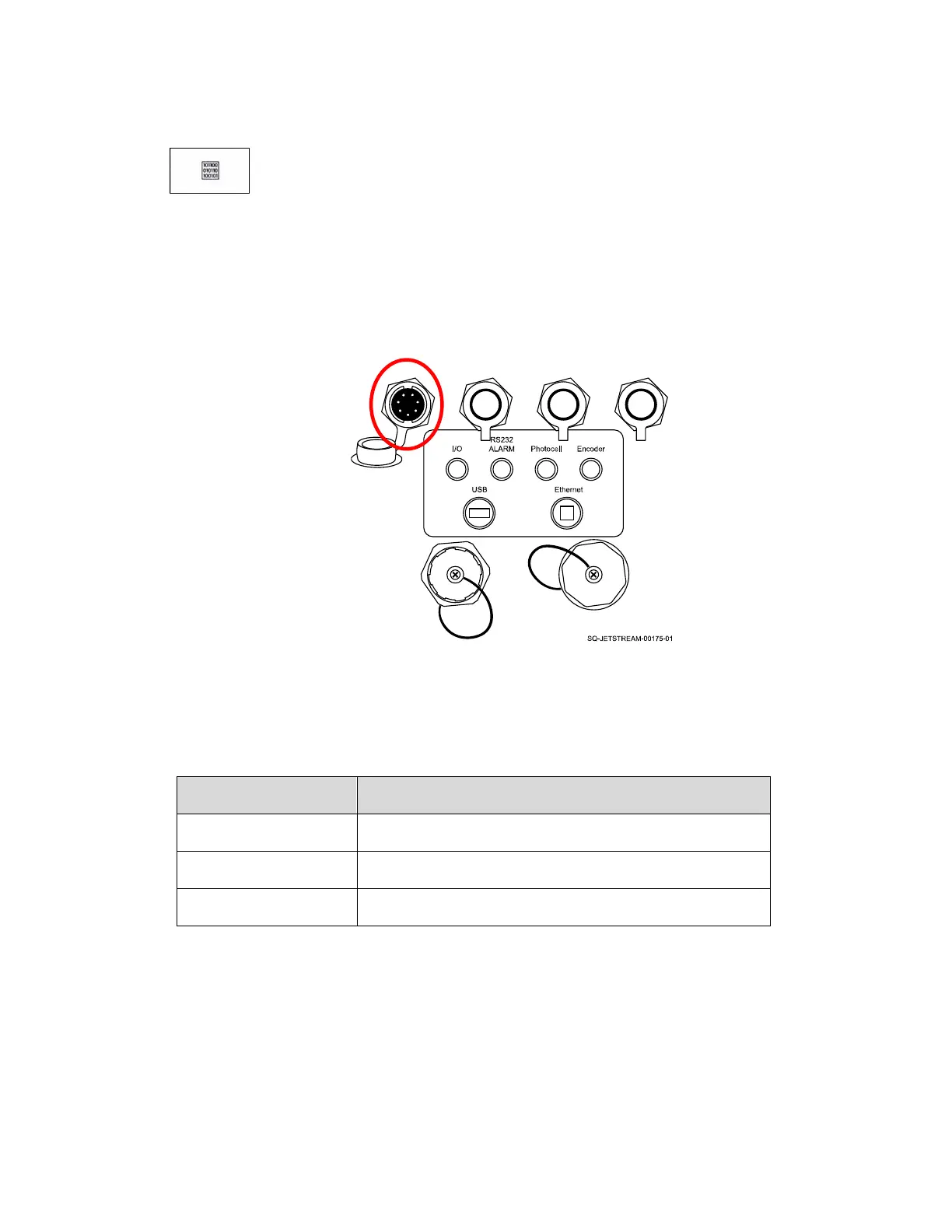
Selects the BCD (Binary-Coded Decimal) Code function. BCD allows users to use an
external device (such as a Programmable Logic Controller/PLC) to remotely toggle
between messages saved in the JetStream’s memory. The external control device must
be connected to the JetStream’s I/O Port.
In the BCD Setting area, Started/Stopped starts and stops the BCD Code function.
In the list to the right, the number of bits corresponds to the number of messages
selected.
When finished viewing or editing BCD settings, select Save.
Select Close to close the BCD settings.



 To Next Page