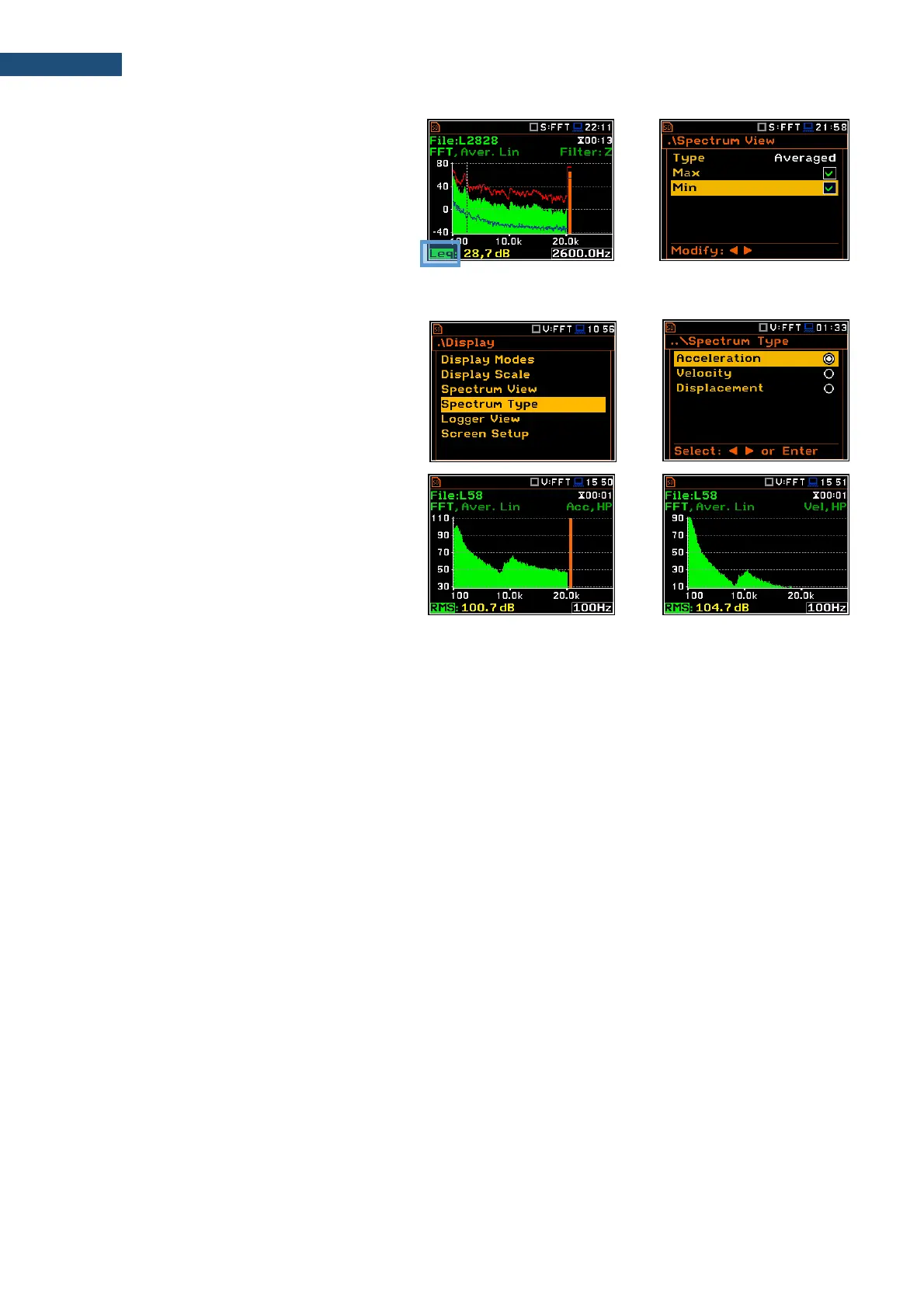
You can easily get into the Spectrum View
screen from the Spectrum view by entering
the result field (Leq/RMS) with the ▲ / ▼
key and pressing <ENTER>.
11.3.4 Changing spectrum type in Vibration modes - Spectrum Type
In the Spectrum Type screen, which is
available only in Vibration modes, you can
select the different types of vibration spectra
to be presented on the display: Acceleration,
Velocity or Displacement.
As an example, same spectrum is presented
as Acceleration and Velocity.



 To Next Page