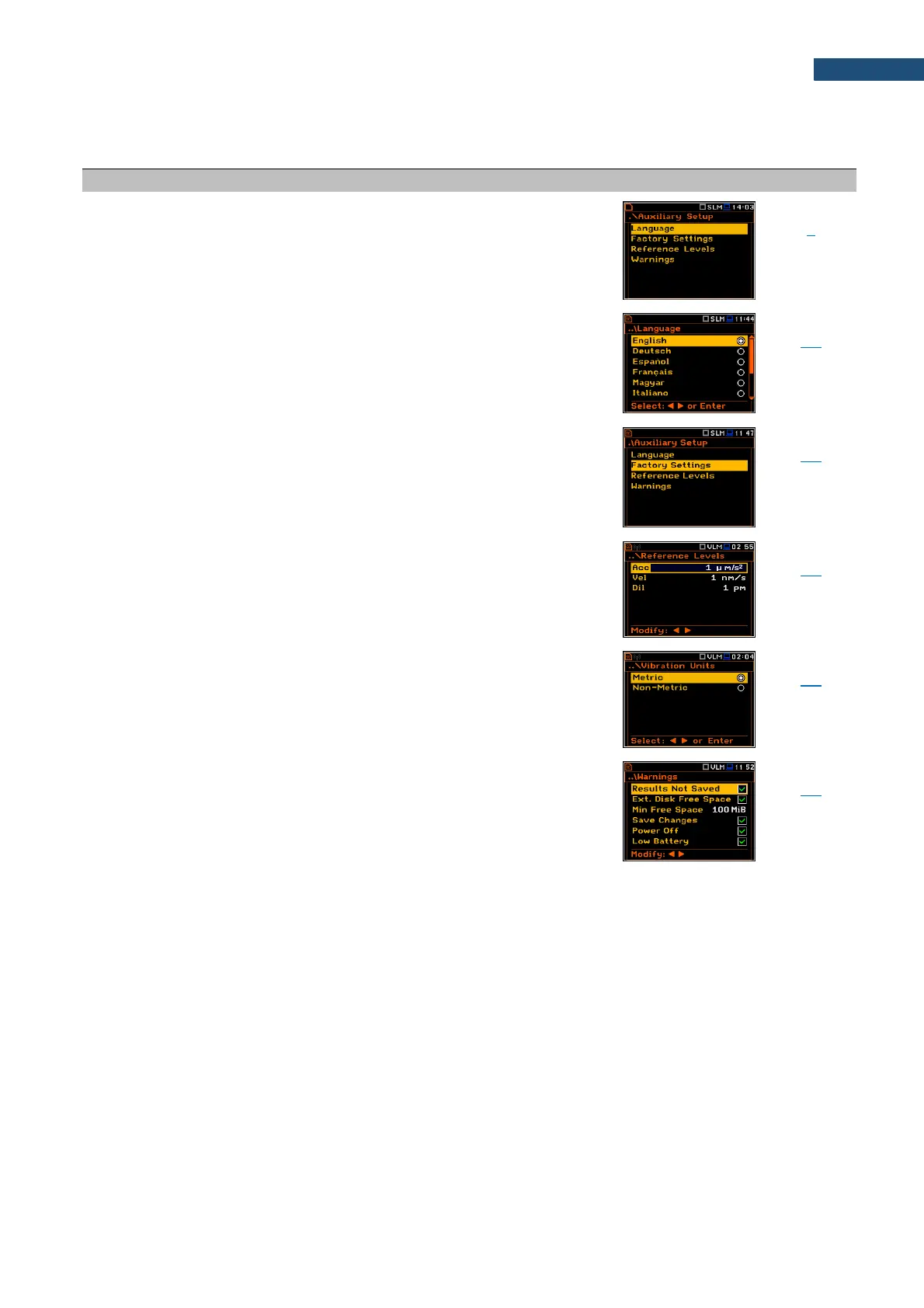
15.7 AUXILIARY PARAMETERS
Section in the Main Menu that enables customizing the
instrument interface to specific user requirements in the
screens: Language, Factory Settings, Reference Levels,
Vibration Units and Warnings.
Selection of the user interface language.
Restoration of the default settings of the instrument.
Screen that enables defining reference levels of the
vibration signal for acceleration (Acc), velocity (Vel) and
displacement (Dil).
Screen that enables selecting units for vibration
measurements.
Screen that enables activating warning messages, which
are to be displayed during the normal operation of the
instrument.



 To Next Page