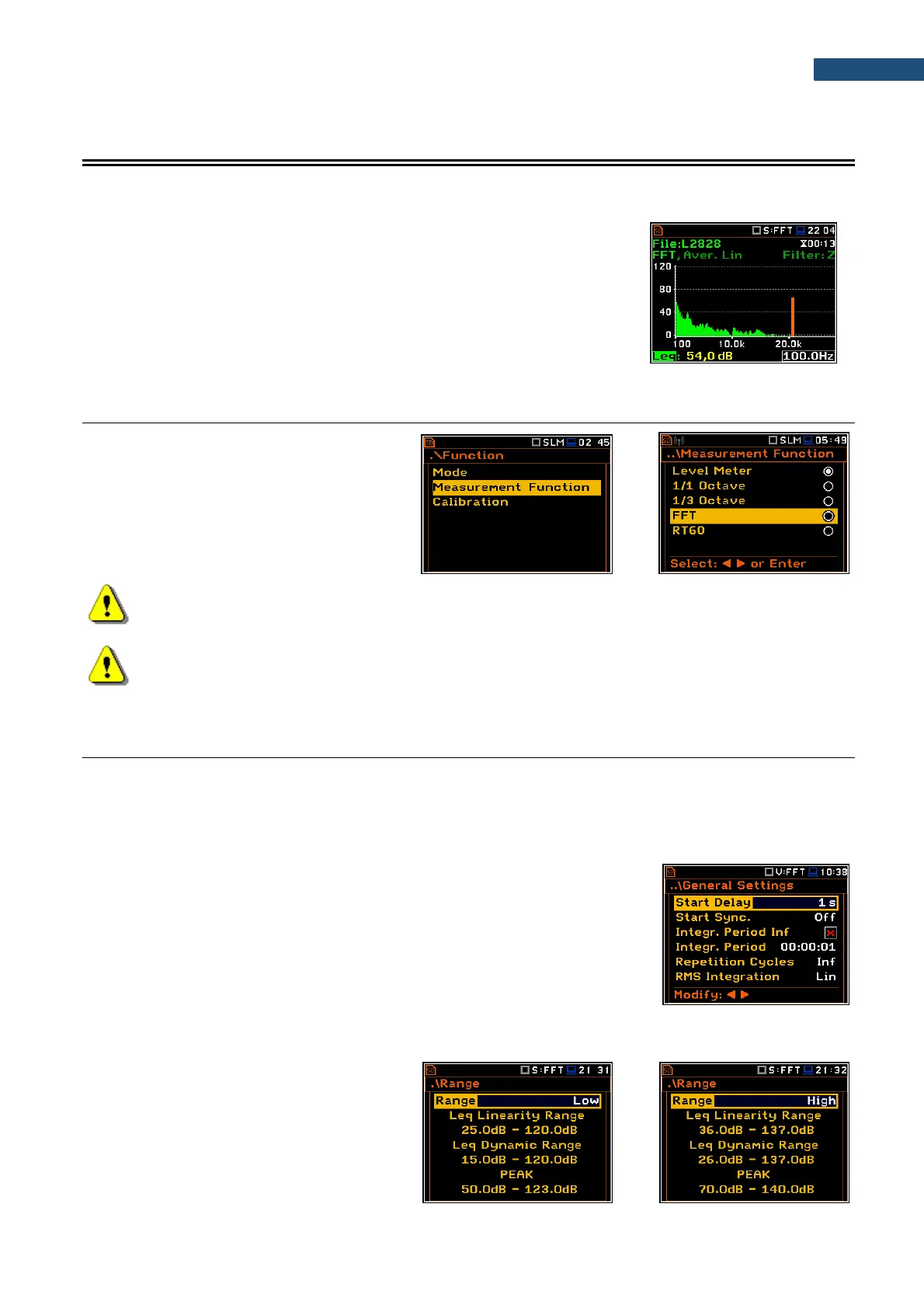
The instrument operates as the FFT analyser in a very similar way to the Level Meter. Moreover, the FFT
analysis is performed in parallel with the SLM or VLM measurements.
Results of the FFT analysis (spectra) measured with preselected frequency
weighting filter and window, are presented in the Spectrum view.
The read-out of spectrum values can be done with a vertical cursor.
11.1 SELECTING FFT FUNCTION
To select the FFT analysis function, open the
Measurement Function screen, select the
FFT position and press <ENTER>.
Note: The FFT function is optional and should be unlocked by entering the activation code in the text
editor screen, which is opened after first attempt to select this option. Once unlocked this option will
be ready to use permanently.
Note: It is not possible to change the current function during a running measurement.
In this case, the instrument displays for about 2 seconds the message: “Measurement in Progress”.
To change the current function, the measurement must be stopped!
11.2 CONFIGURING FFT ANALYSER
11.2.1 General measurement settings of FFT analysis – General Settings
Execution of the FFT analysis depends on a certain number of the parameters, configured in the Measurement
section.
FFT spectra are averaged during Integration Period and saved as
Summary Results the number of times specified by the Repetition Cycles
parameter.
The Integration Period and Repetition Cycles parameters are defined in the
General Settings list.
11.2.2 Selecting measurement range for FFT analysis - Range
The input range for the FFT function can be
selected in the Range screen: Low or High.
Depending on the settings of the Scale
parameter (path: <Menu> / Display /
Display Scale) the range for a vibration signal
can be presented in absolute or logarithmic
units (dB).



 To Next Page