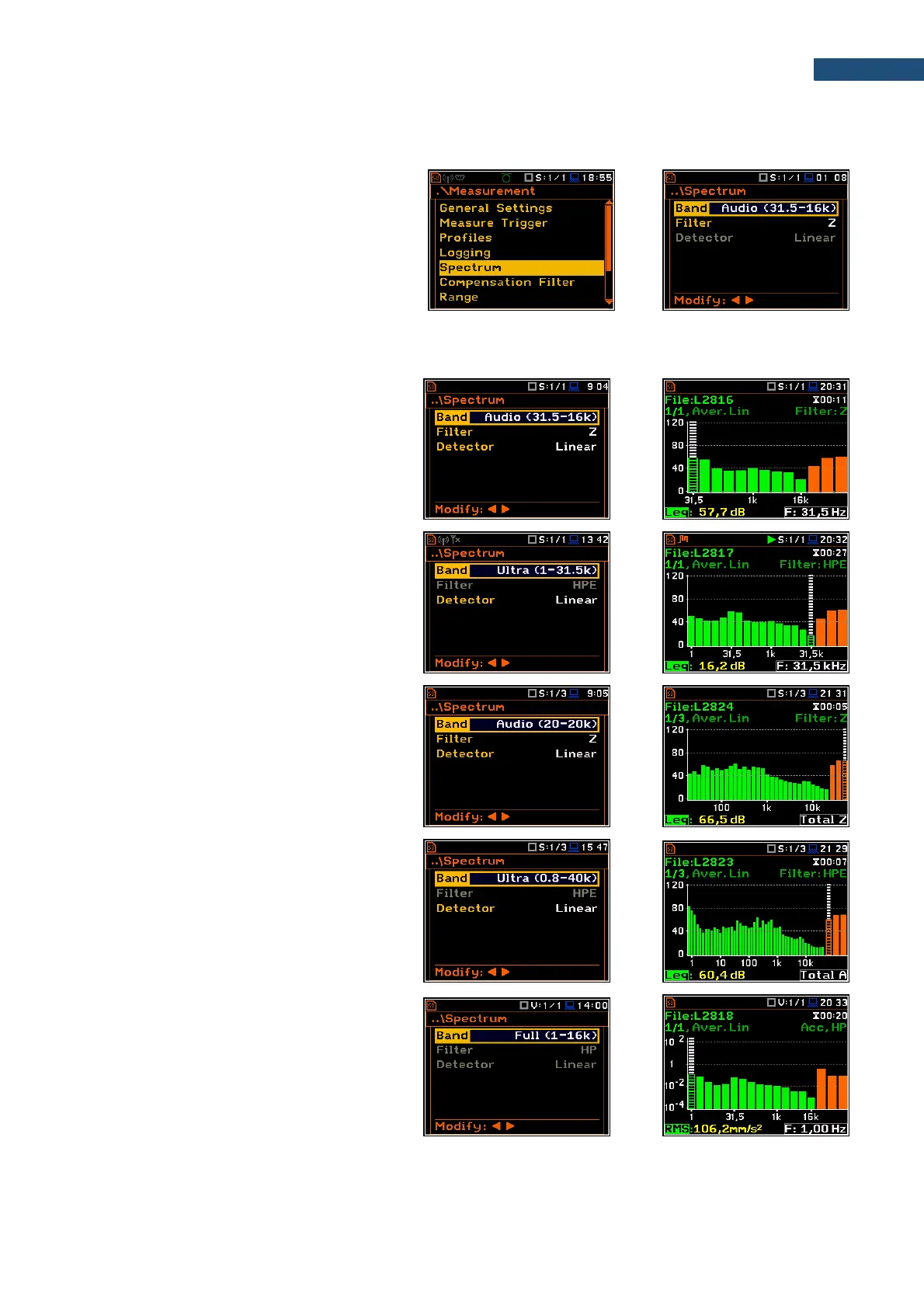
10.2.4 Setting parameters of 1/1-octave and 1/3-octave analysis - Spectrum
For active 1/1 Octave and 1/3 Octave
functions a context position (Spectrum)
appears in the Measurement list (path:
<Menu> / Measurement / Spectrum). In the
Spectrum screen, you can select the band
and the pre-weighting broadband frequency
filter (only for sound measurements).
Selection of the band
The Band parameter defines the band of 1/1-octave or 1/3-octave analysis.
Available bands of the sound analysis are as
follows:
- 1/1 Octave:
o Audio (31.5-16k) - 10 filters with
centre frequencies from 31.5 Hz to
16 kHz
o Ultra (1-31.5k) - 16 filters with centre
frequencies from 1 Hz to 31.5 kHz
- 1/3 Octave:
o Audio (20-20k) - 31 filters with centre
frequencies from 20 Hz to 20 kHz
o Ultra (0.8-40k) - 48 filters with centre
frequencies from 0.8 Hz to 40 kHz
Available bands of the vibration analysis are
as follows:
- 1/1 Octave:
o Full (1-16k) - 15 filters with centre
frequencies from 1 Hz to 16 kHz



 To Next Page