It is recommended to set the Start Delay time to 0 seconds for the Timer
function.
5.12 ADVANCED ALARM FUNCTION - ALARMS
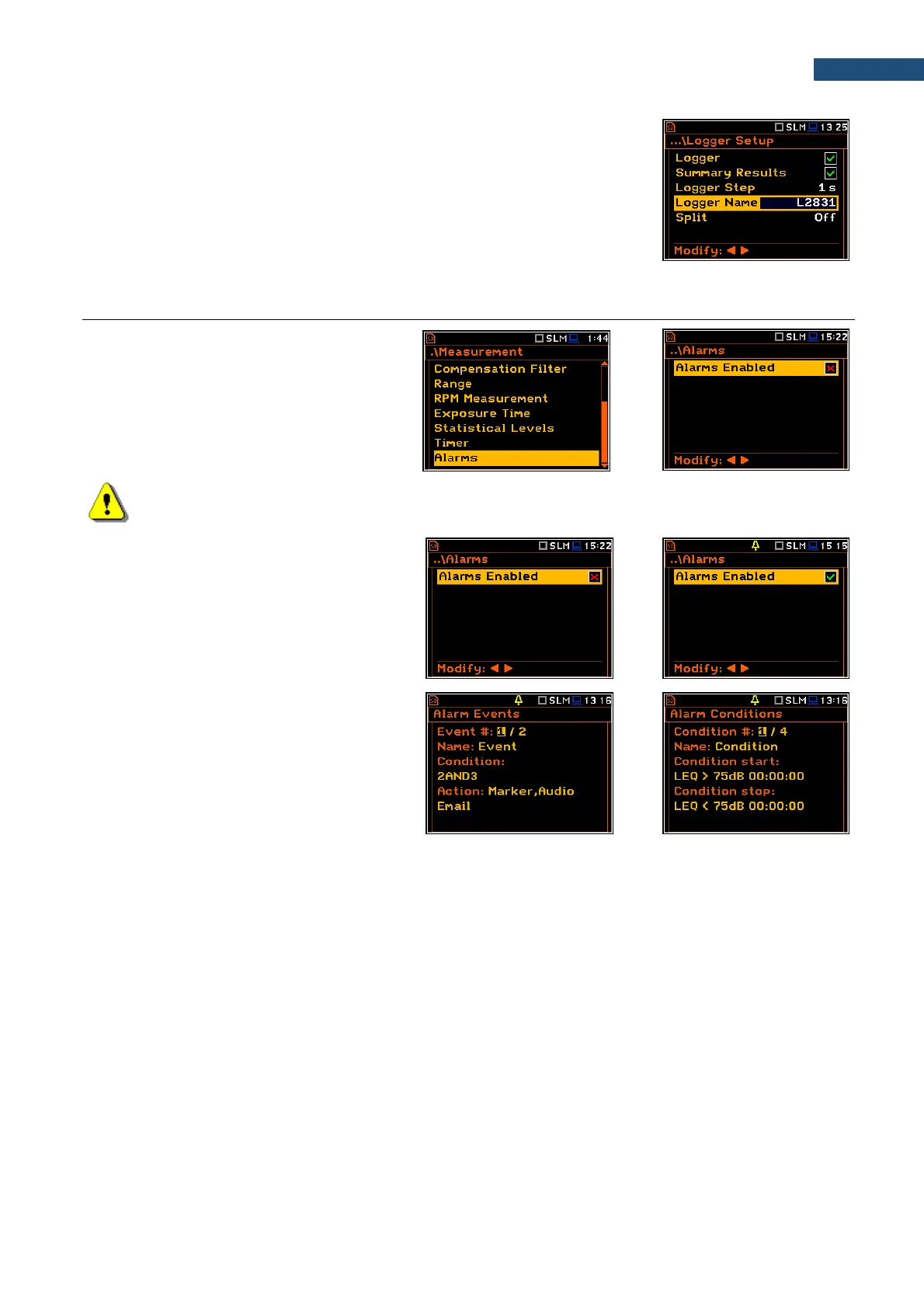
The Alarms position appears in the
Measurement list in the case the advanced
alarms configuration file (ALARM.SVA) is
uploaded to the predefined SYSTEM
catalogue. It opens the screen in which you
can enable or disable the advanced alarm
function.
Note: The advanced alarm settings are configured via SvanPC++ or via SvanNET web-service since
this function was designed for the SV 277 PRO/PRIM monitoring stations.
If you enable advances alarms, the „alarm”
icon appears, and the instrument will generate
alarms according to the programmed settings.
The SvanPC++ and SvanNET manuals
describe the advanced alarms configuration.
Enabled Alarms settings can be seen in the
special measurement views: Alarm Actions,
Alarm Events and Alarm Conditions.
These views can be changed with the ▲ / ▼
key pressed together with <Alt>.
The event, action and condition record can be
changed with the ◄ / ► key pressed together
with <Alt>.



 To Next Page