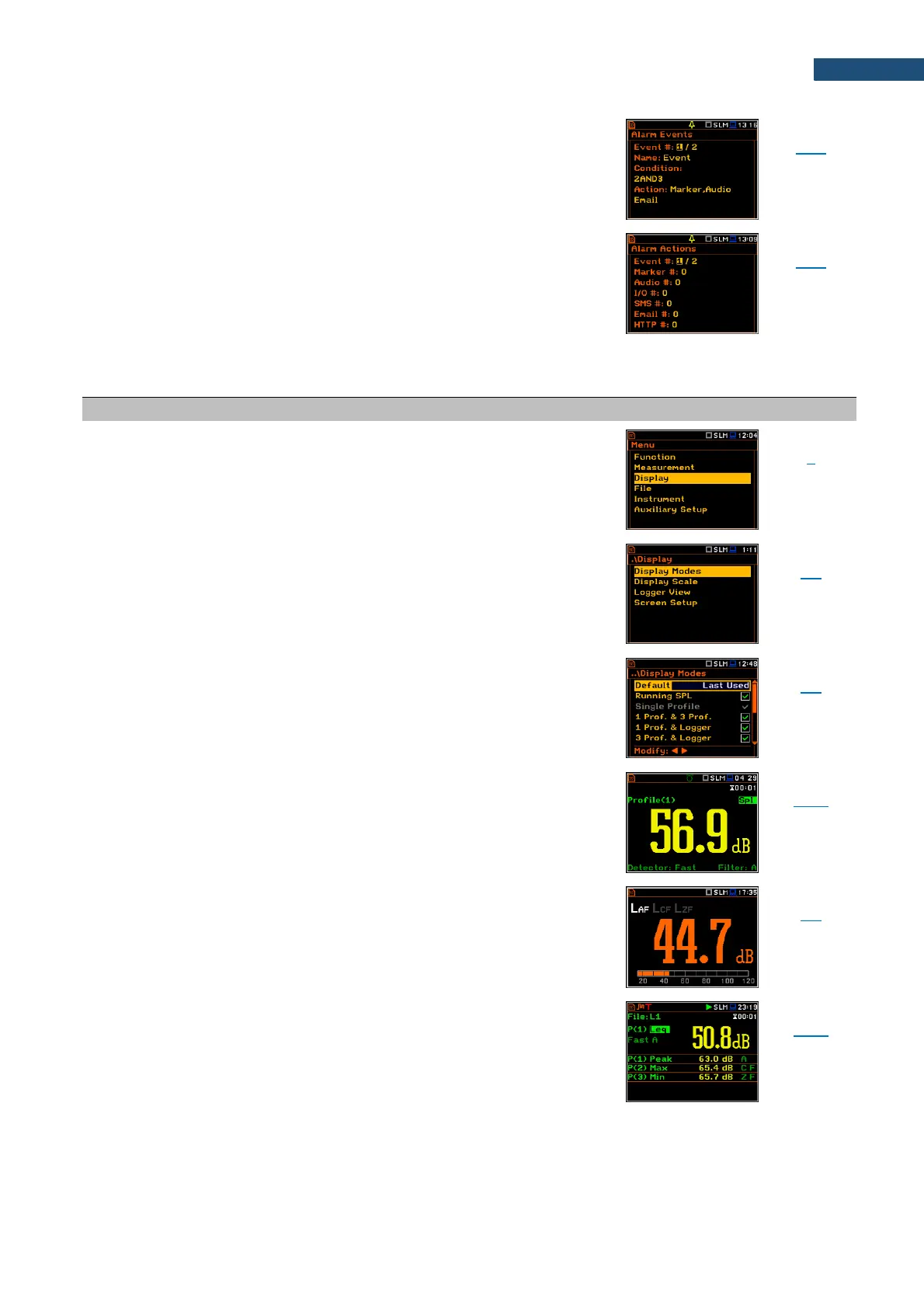
Event that generates alarm based on combination of
Threshold and Time conditions. For each event, a
different type of Action can be set.
Type of action in case of alarm: marker, audio, external
I/O, SMS text message, or e-mail.
Section of the Main Menu that enables setting of the
measurement views.
Mode of measurement results presentation/view. Modes
can be activated in the Display Modes screen.
Mode of measurement results view that will be presented
after instrument’s turn on.
Mode of the one result view. This mode is always
available and cannot be disabled in most functions:
Level Meter, 1/1 Octave, 1/3 Octave and FFT.
Mode of the running SLP result view in Sound
measurement modes. This mode is used for the noise
level estimation before the measurement start.
Mode of presentation of one result in the upper part of
the screen and three results in the lower part of the
screen.



 To Next Page