Turning the instrument on
To turn the instrument on, press the <Alt> and <Start/Stop> keys at the same time.
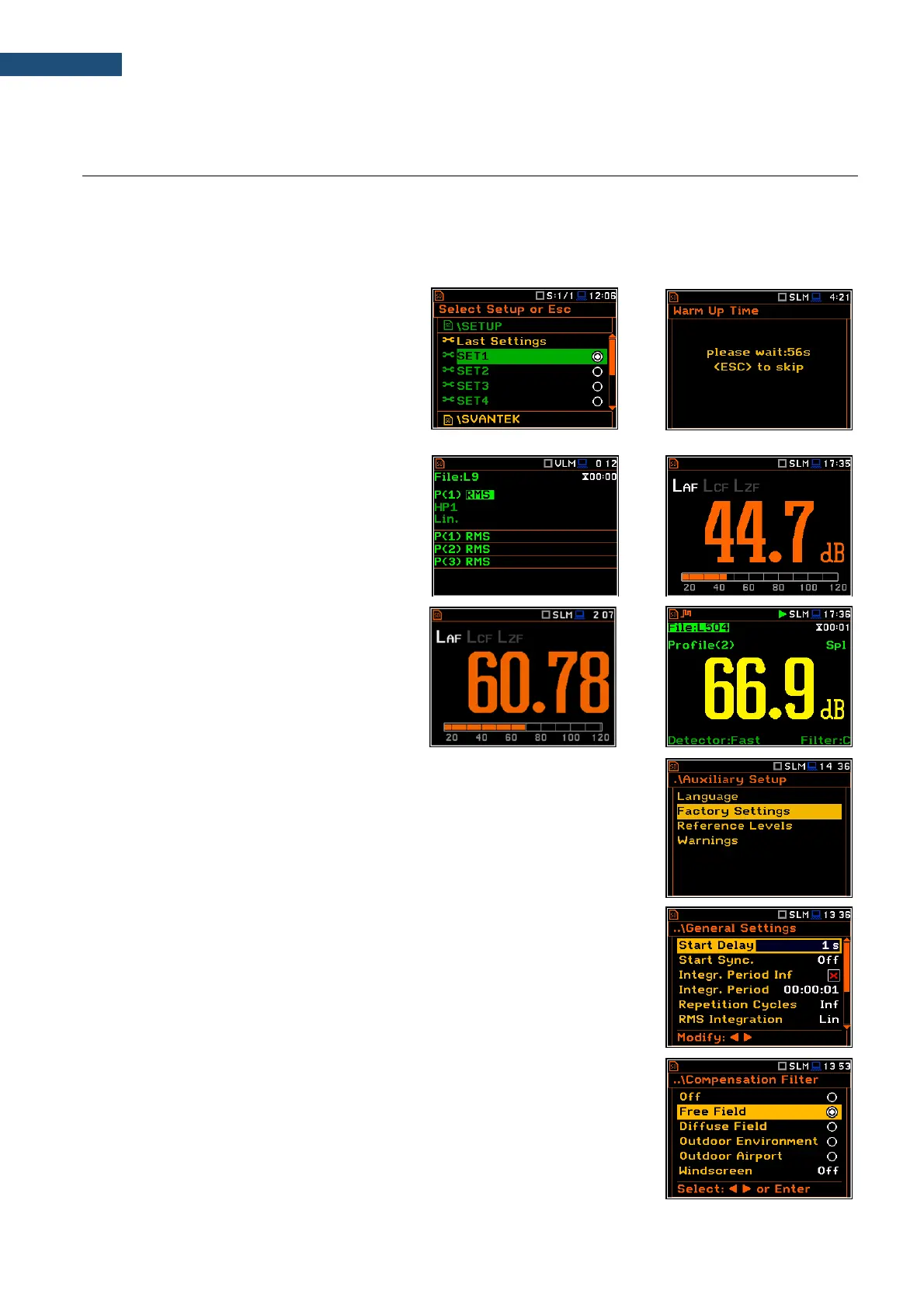
The instrument goes through the self-test routine after turning on, displaying during this time: manufacturer logo,
name of the instrument and the firmware version.
Then it enters the screen with the list of
settings from which you can select the
required one and confirm the selection with
the <ENTER> key or skip selecting with the
<ESC> key.
The instrument will warm up for one minute,
after which it will enter one of the presentation
modes:
• the last used, just before the unit switch
off, in case of Vibration measurements
or
• the Running SPL view (if it was
enabled) or the last used, just before the
unit switch off, in case of Sound
measurements.
Starting measurements
To start measurements, press the
<Start/Stop> key. The measurement will be
performed with the current instrument
settings, which are preserved in the internal
memory of the instrument.
Setting default parameters
The instrument as sold has default settings which you may change, but always
return to them with the use of Factory Settings option in the Auxiliary Setup
menu.
Next chapters of the manual will describe in detail what each parameter means
and how to change the instrument settings.
Main default settings
With the default settings, the instrument will measure sound pressure level by
three virtual meters, so called profiles (Measurement Mode: Sound;
Measurement Function: Level Meter) with 1 second delay from the <Start>
key pressure (Start Delay: 1 s), 1 second integration time (Integration Period:
00:00:01), infinitive repetition till press the <Stop> key (Repetition Cycle: Inf),
linear integration for the RMS base results (RMS Integration: Lin), linear
integration for statistics (Statistics: Lin), daytime limits for Lden calculations
(Day Time Limits: 6-18 h), time frames for two rolling Leq calculations
(Rolling Time(1): 30 m and Rolling Time2: 1 h), free field compensation
(Compensation Filter: Free Field), active logging of the selected results with
1 second step (Logger: On; Logger Step: 1 s; Logger Results: Peak, Max,
Min and Leq for all profiles) and summary results saving including Statistics.



 To Next Page