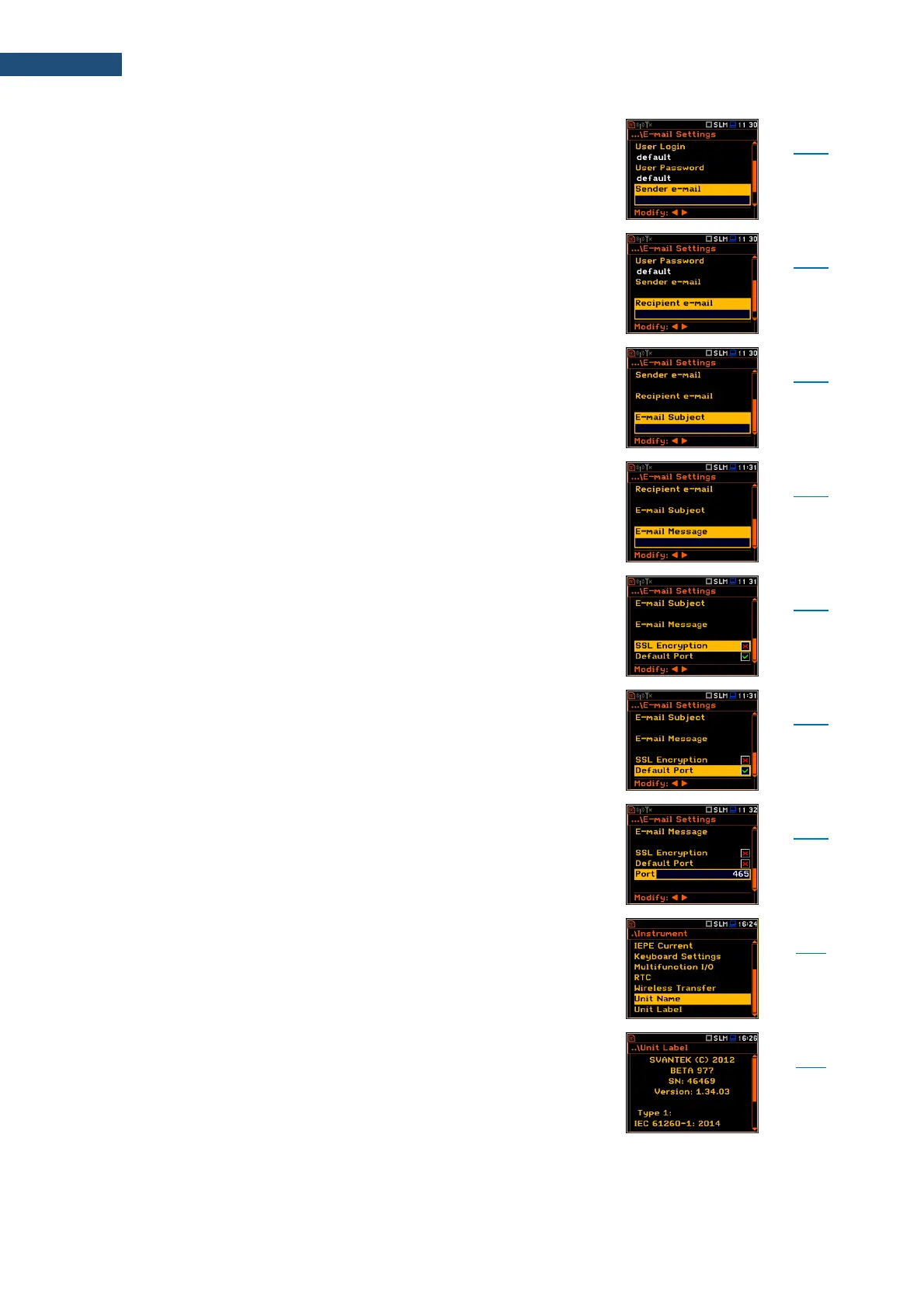
Parameter of the E-mail Settings screen defining e-mail
address from which the e-mail message will be sent.
Parameter of the E-mail Settings screen defining e-mail
address to which the e-mail message will be sent.
Parameter of the E-mail Settings screen defining e-mail
message's subject.
Parameter of the E-mail Settings screen defining
additional text which will be appended to the standard e-
mail message template used for alarm notification.
Parameter of the E-mail Settings screen switching on the
option enabling attempt to configure the modem for
connecting to the mail server used the encryption
protocol SSL.
Parameter of the E-mail Settings screen switching on the
option enabling attempt to communicate with the mail
server on the default port (25 for normal calls, 465 with
SSL).
Parameter of the E-mail Settings screen defining user’s
own port.
Screen that enables editing of the instrument name
visible by the SvanNET web-service.
Screen that displays information about the instrument
type, its serial number, the current software version
installed and the relevant standards, which the
instrument fulfils.



 To Next Page