4. PC Software
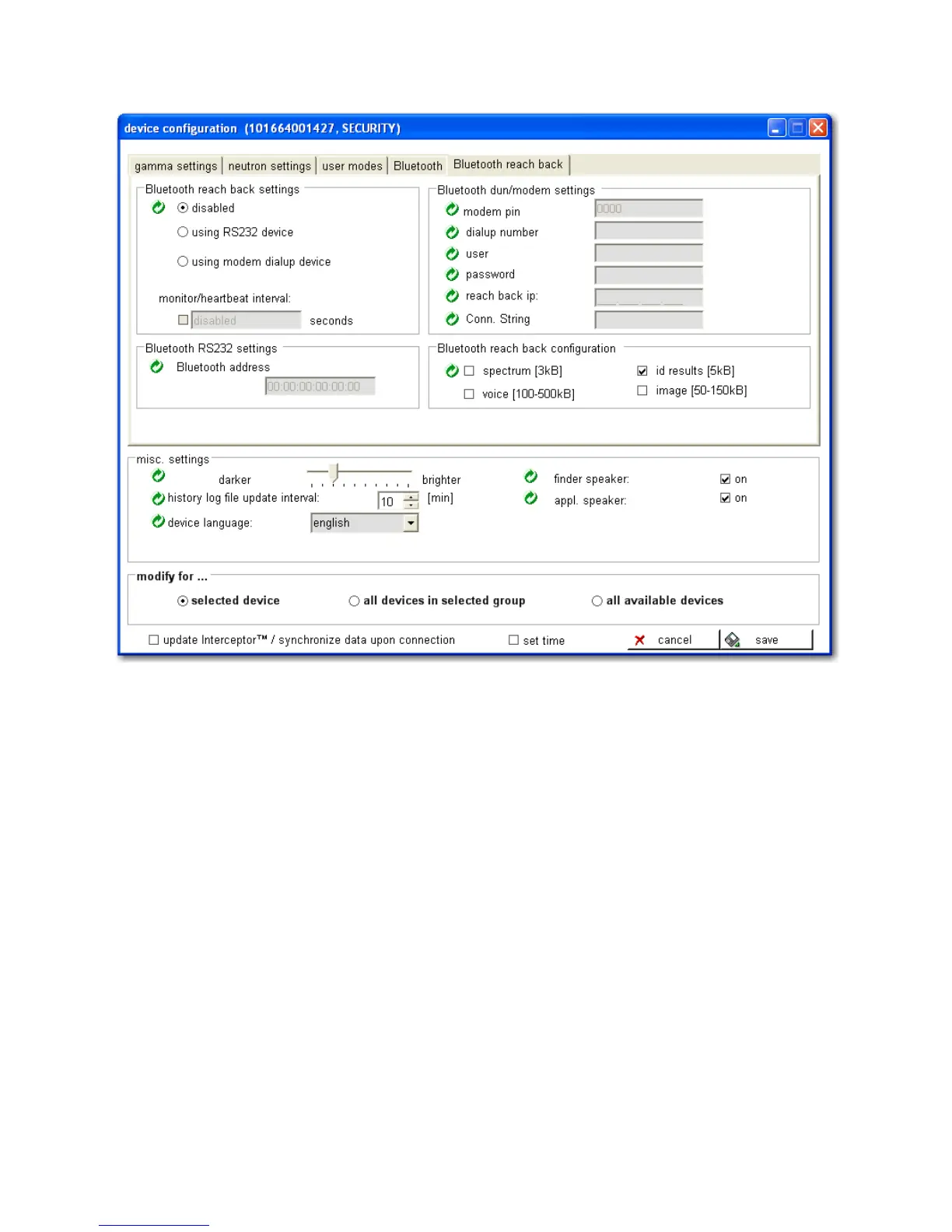
Figure 4-19. PC Software - Bluetooth® Reach-Back Configuration
Warning Bluetooth® must be enabled on the device prior to setting up and
using Reach-Back! s
General Bluetooth® Reach-Back settings for the I™:
• “disabled” inactivates this feature. If this is selected, all Reach-Back
functionality is disabled. The factory default is “disabled”.
• “using RS232 device” sets Reach-Back to communicate via Bluetooth®
RS232 device to a host device and enables the Bluetooth® RS232 Set-
tings fields.
• “using modem dialup device” sets Reach-Back to communicate via
Bluetooth® to a wireless telephone utilizing dial-up networking
(DUN) and modem and enables the Bluetooth® DUN/Modem Set-
tings fields.
84 Interceptor™/en/5.1(4956)/Feb2010 ICx Technologies










 To Next Page