UTT Technologies User Management Menu
http://www.uttglobal.com Page 104
Select Account Group: Add the account to the selected account group. The
account group should be set on the
User Management > User Group page.
Accounting Mode: The Device support Account Billing of PPPoE Server. It offers
account billing based on time. You can configure account expiration notice on the
APP Control > Notification > Account Expiration Notification page.
Account Effective Date: Select the date the account starts to take effect.
Account Expiration Date: Select the date the account expires.
Max. Tx Rate: Specify the maximum upload bandwidth of a PPPoE dial-in user
that uses the current PPPoE account.
Max Rx Rate: Specify the maximum download bandwidth of a PPPoE dial-in user
that uses the current PPPoE account.
Remarks: Specify the description of the PPPoE account.
Note:
1) If you want to assign a static IP address to the user that uses a PPPoE account to
establish a PPPoE session, you should enter the IP address in
theStatic IP
Address text box, and should set the Max. Sessions to 1.
2) Fixed Rate Limiting is no effect to PPPoE account after you have configured
Tx/Rx Rate.
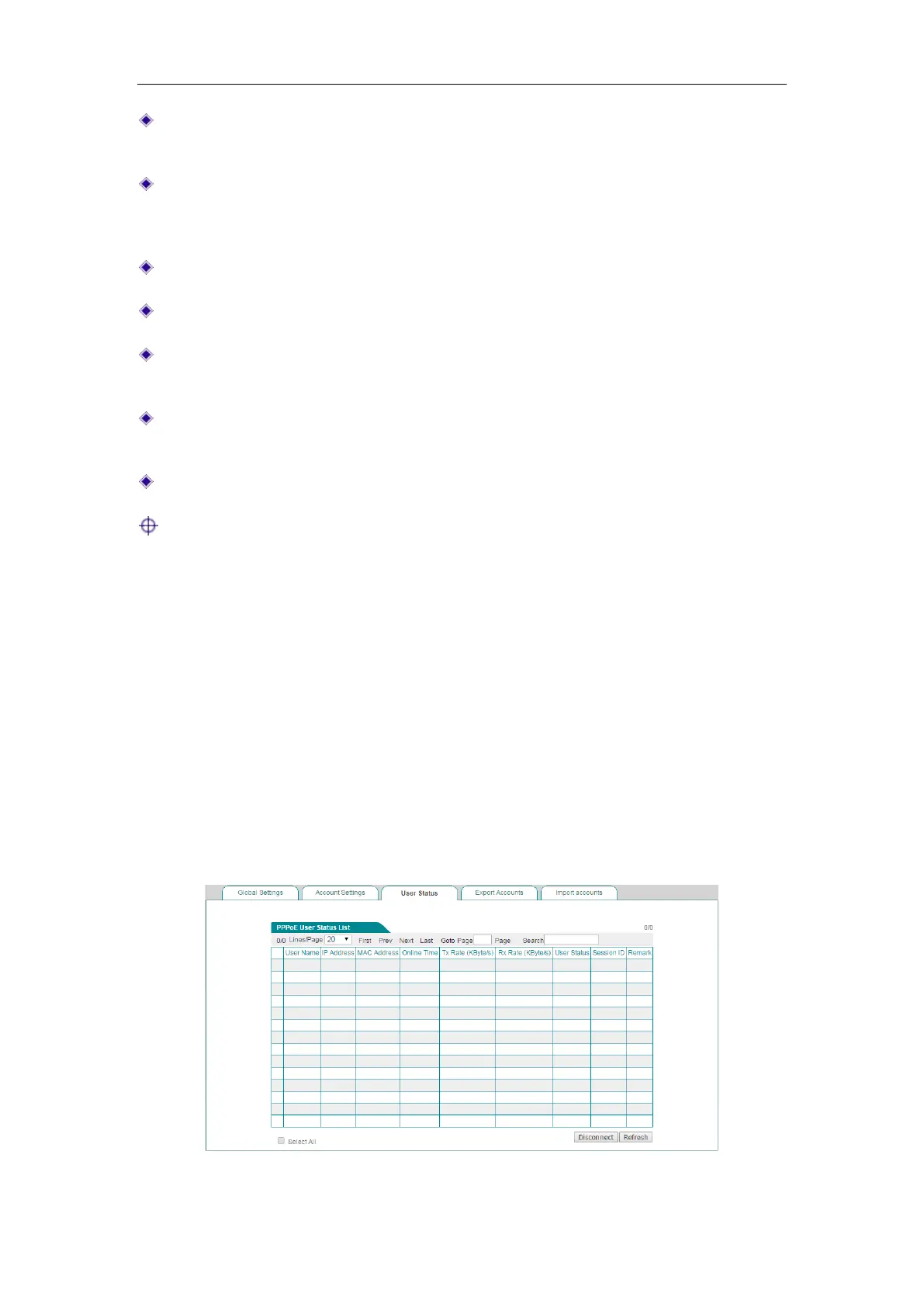
9.3.3.3 User Status
In the PPPoE > User Status page, you can view the status and usage information of
each online PPPoE dial-in user. If a PPPoE dial-in user has established the PPPoE
session to the Device successfully, you can view the assigned IP address, MAC
address, Rx Rate and Tx Rate of the user, online time and session ID of the PPPoE
session.
Figure 9-14 PPPoE User Status List



 To Next Page