UTT Technologies User Management Menu
http://www.uttglobal.com Page 105
User Name: Displays the PPPoE username. The PPPoE dial-in user uses it to
dial-up and establish the PPPoE session to the Device.
IP Address: Displays the PPPoE dial-in user’s IP address that is assigned by the
PPPoE server.
MAC Address: Displays the PPPoE dial-in user’s MAC address.
Online Time: Displays the elapsed time since the PPPoE session was
established successfully.
Rx Rate: Displays the real-time download rate (in kilobytes per second) of the
PPPoE dial-in user.
Tx Rate: Displays the real-time upload rate (in kilobytes per second) of the
PPPoE dial-in user.
User Status: Displays the PPPoE account status. If a PPPoE dial-in user has
established the PPPoE session to the Device successfully with the PPPoE
account, it displays Connected; Else, it displays Disconnected.
Session ID: Displays the session ID of the PPPoE Session, which uniquely
identifies a PPPoE session.
Remark: Displays the description of the PPPoE user status.
Disconnect: If you want to hang the established PPPoE session up manually,
select the leftmost check box of this PPPoE session, and then click the
Disconnect button.
Refresh: Click to view the latest information in the list.
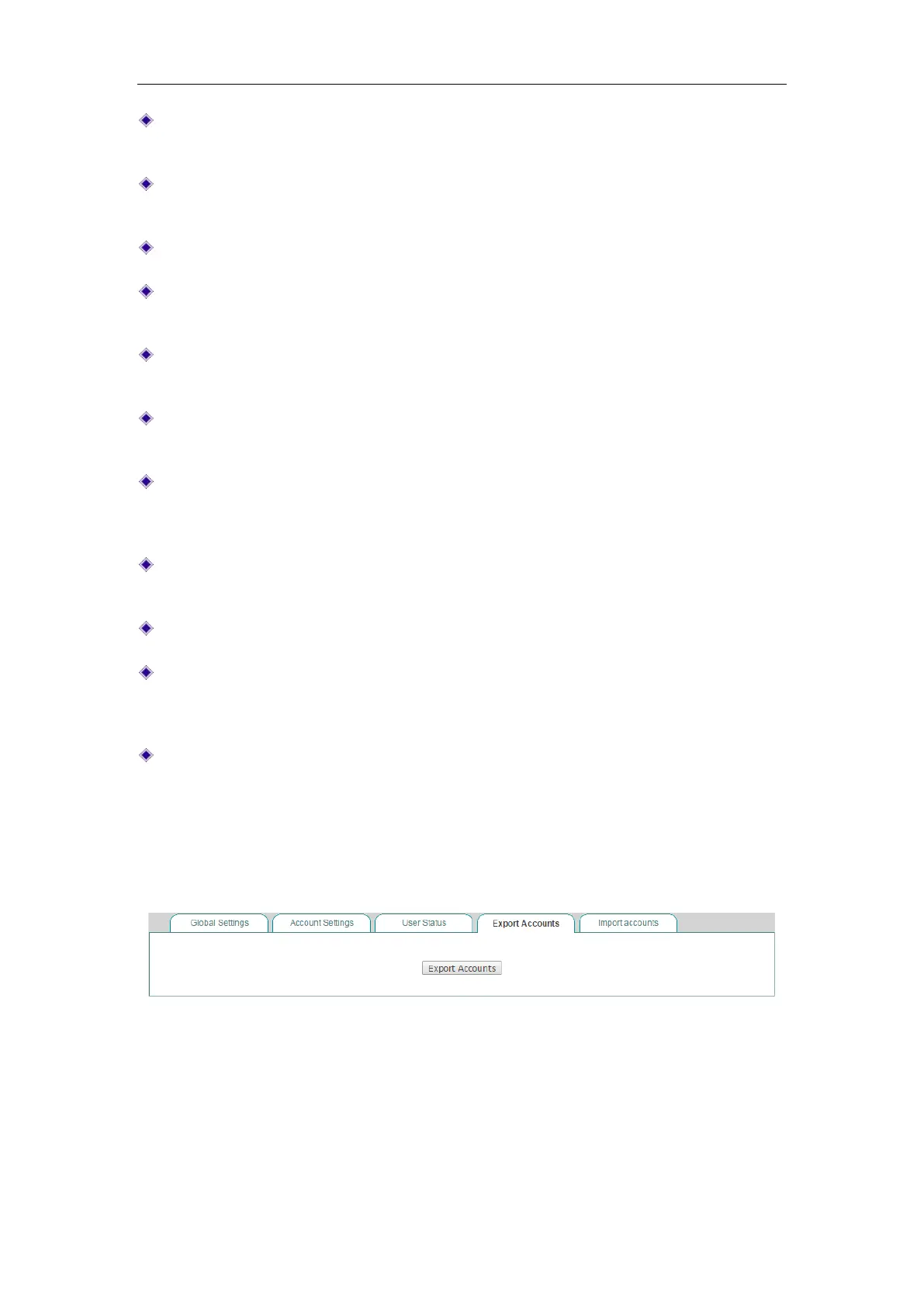
9.3.3.4 Export Accounts
The PPPoE > Export Accounts page provides PPPoE accounts export function to
simplify operation. Click the Export Accounts button to export accounts in txt format.
Figure 9-15 Export PPPoE accounts



 To Next Page