UTT Technologies Wireless Menu
http://www.uttglobal.com Page 59
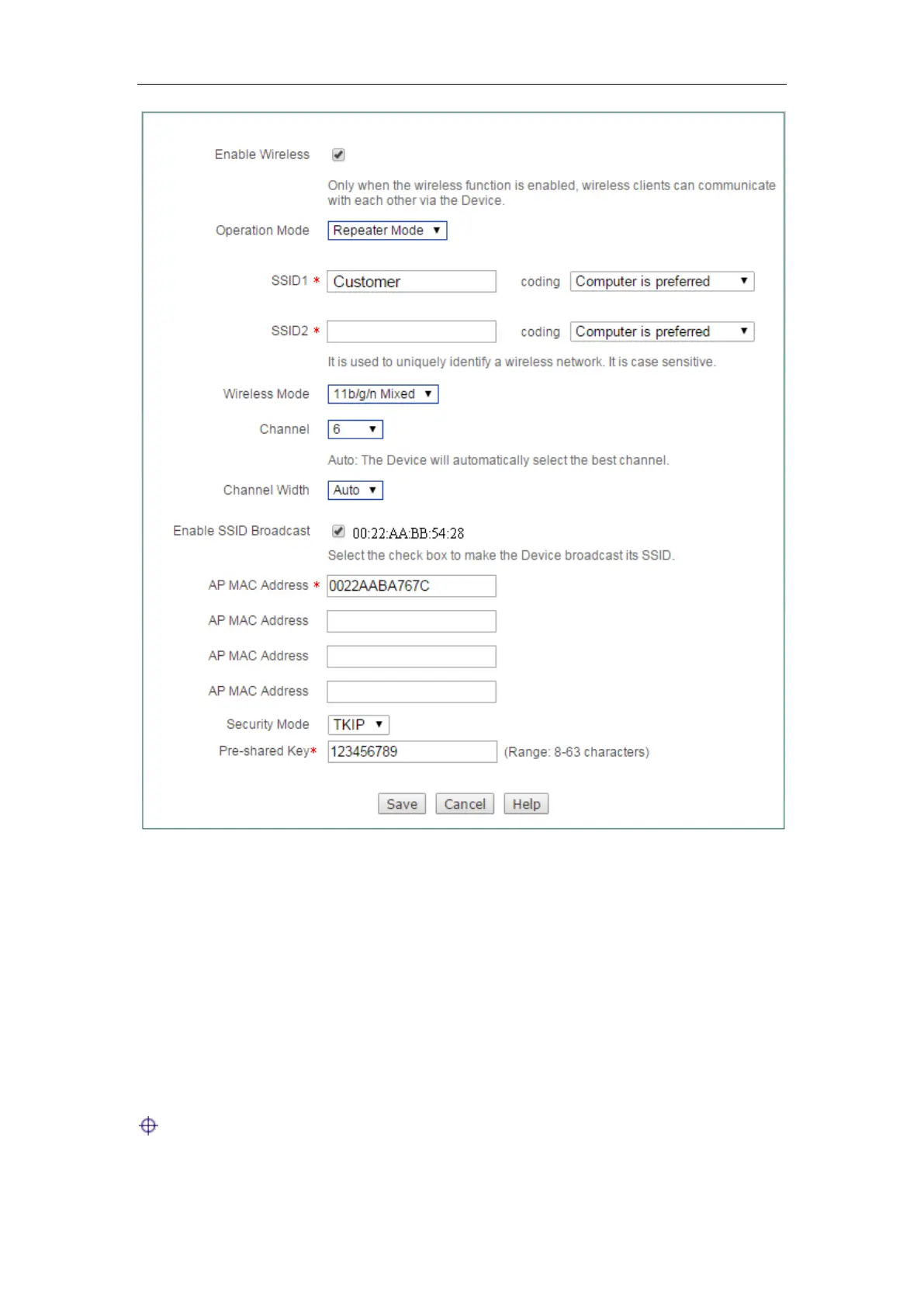
Figure 5-15 Repeater Mode instance
Step 4 Login to the Device A.
Step 5 Go to Wireless > Basic page and configure the operation mode of Device A as
Repeater Mode, and the SSID, wireless mode, channel, channel bandwidth,
security mode, pre-shared key are configured in the same way as Device B,
and the AP MAC address is: 0022AABB5428 (the MAC address of Device B).
Through the above configurations, the office personnel in Building 2 can connect to
Device A through Device B in Building 1, and access to the Internet through the
gateway.
Notes:
1) The gateway of the computer in Building 2 is directed to the LAN port of



 To Next Page