4 Front Panel Control
124 July 29, 2013, 715003794 Rev. B
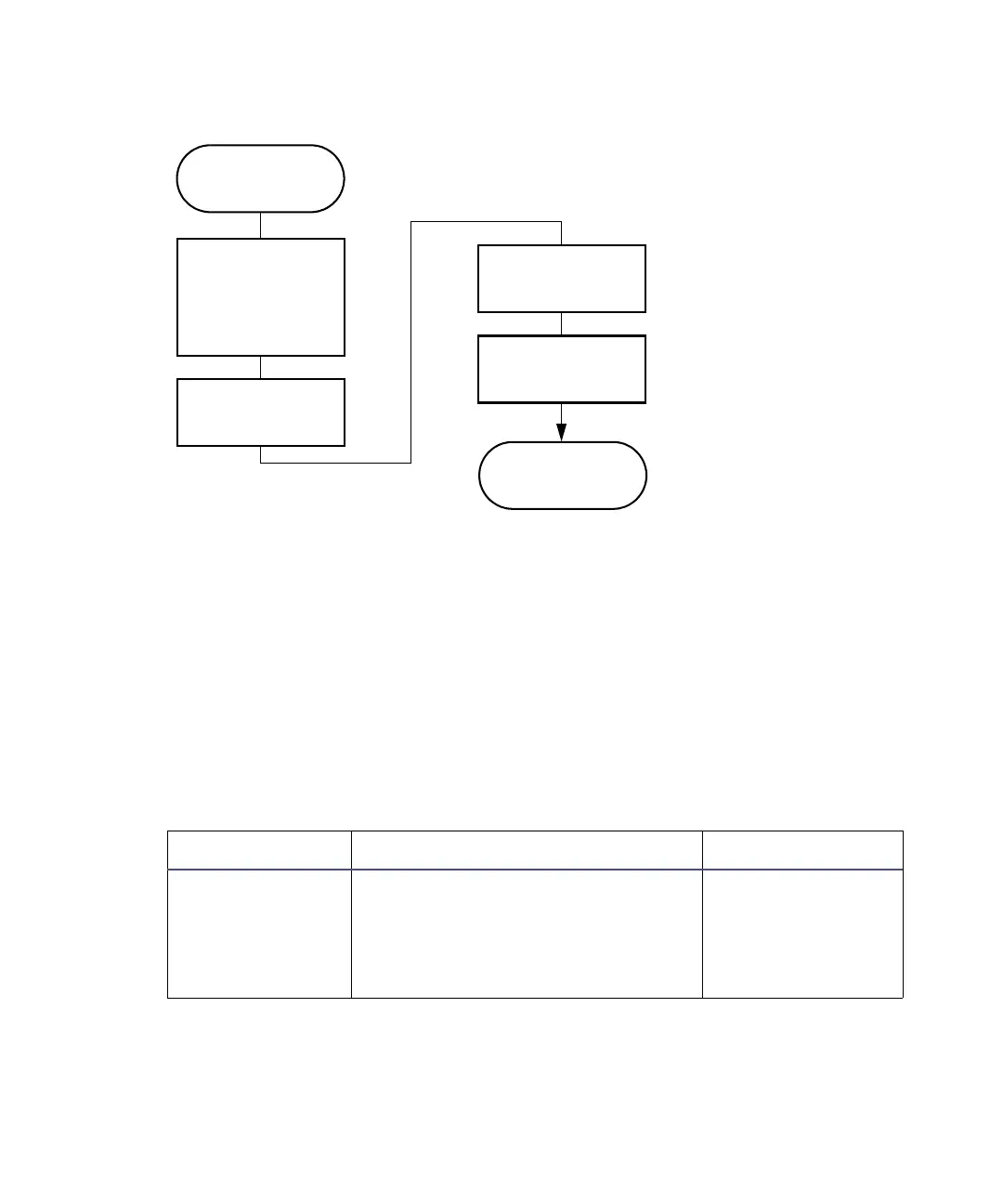
Steps to setting up a direct control run:
To access the direct control functions:
1. Press Menu/Status to display the Status screen (see the figure on
page 120).
2. Press the Direct Function screen key. A list of direct functions appears.
3. From the list of direct functions, select the function you want to specify,
and then press Enter.
4. Follow the instructions for each function, as described in the following
sections.
Direct functions:
Direct function Description Reference
Dry Prime Opens the flow path (from the
selected solvent reservoir to the
prime/vent valve) to replace air
with solvent, and then performs a
prime.
“Dry prime the
system” on
page 126
Press the Menu/
Status key
The function
begins to run
Select the
separation method,
or enter parameter
values in the Status
screen
Press the
Direct
Function
screen key
Select the direct
function to perform
Enter the function
parameters



 To Next Page