7 Maintenance
218 July 29, 2013, 715003794 Rev. B
To clean the sample compartment:
1. Push down about 1/4-inch on the spring-retaining pin in the center of
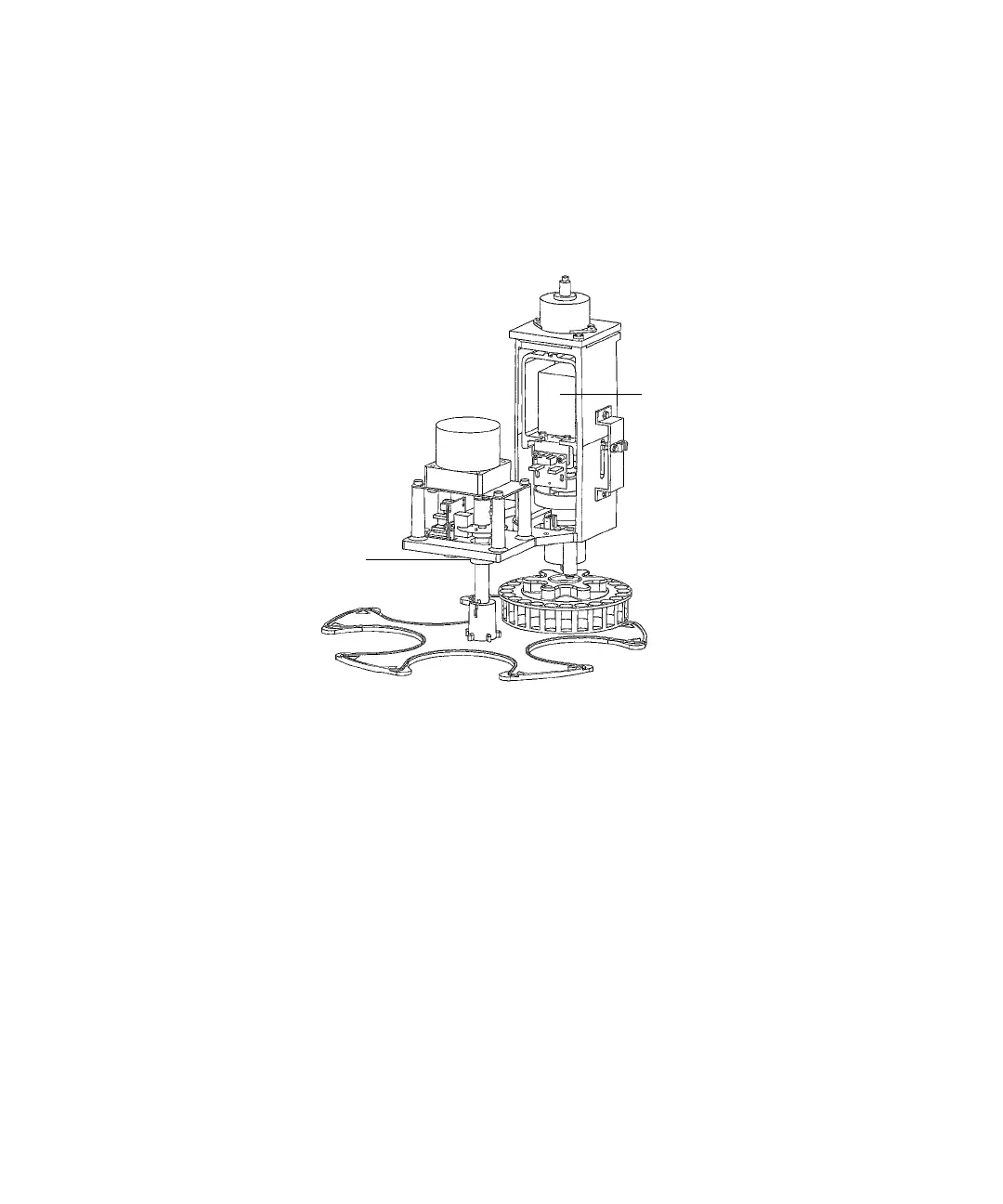
the carousel carrier to loosen the carousel carrier (see the figure “Sample
compartment components:” on page 218).
Sample compartment components:
2. Slide the carousel carrier toward the front of the unit, and then remove
the carousel carrier.
3. Remove the carousel floor plate, and clean it with a non-abrasive
cleaner.
4. Reinstall the carousel floor plate.
5. Push down about 1/4-inch on the spring-retaining pin in the center of
the carousel carrier to reinstall the carousel carrier.
6. Reinstall the sample compartment front panel with the two sample
compartment front panel screws.
Carousel floor plate
Sample carousel
Sample carousel
motor
Carrier carousel
motor
Retaining pin
(not shown)
Carousel
carrier



 To Next Page