Service Manual FB 7100 Replacing a selection button
5G - 10 January, 2005
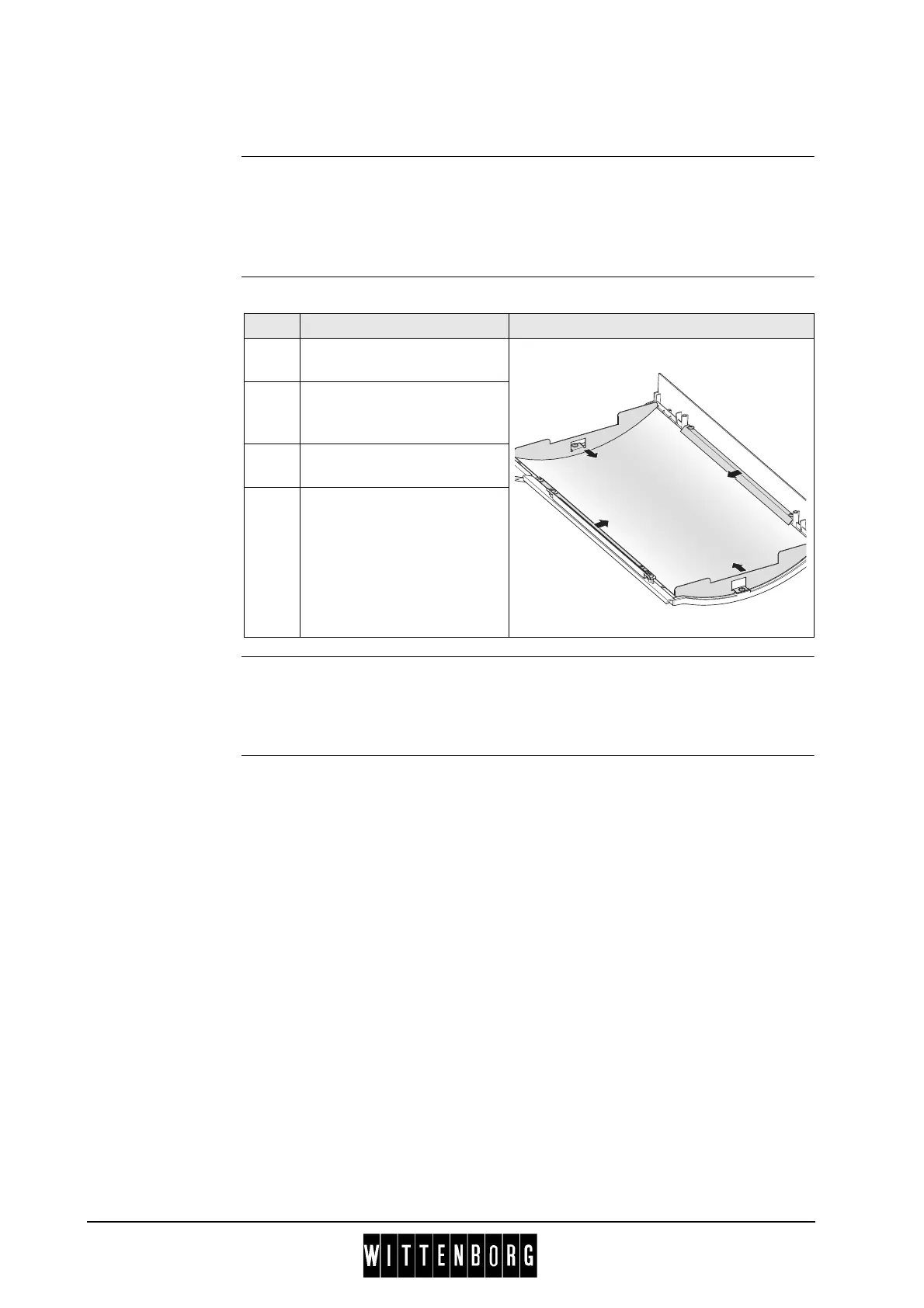
G.2.8 Replacing the advertising poster
Preparation Before replacing the advertising poster:
• Open the door.
• Switch off the main switch.
• Remove the advertising poster frame, see this section, page 5G-9.
Replacement The procedure for replacing the advertising poster is as follows:
Installation Installation is done in reverse order, considering that the poster and the dif-
fuser are placed carefully in the frame, in order that no light is penetrating
the edges when poster frame is repositioned.
Step Action Illustration
1 Loosen the six screws that
hold the suppport brackets.
2 Push support brackets
towards the middle to
release poster.
3 Remove diffuser plate and
poster.
4 Replace old poster by new
one.



 To Next Page