Service Manual FB 7100 Programming
January, 2005 4- 3
4 Programming
Software version This chapter describes the FB 7100 menu system, software release 6.0.
4.1 Menu navigation
Introduction In this section the menu system and the way to find your way through it is
introduced.
The following topics are covered:
• Presentation of the navigation buttons and the display, see below.
• Description of the various functions of the four navigation buttons in
the menu system, see page 4-4.
4.1.1 Navigation buttons and display
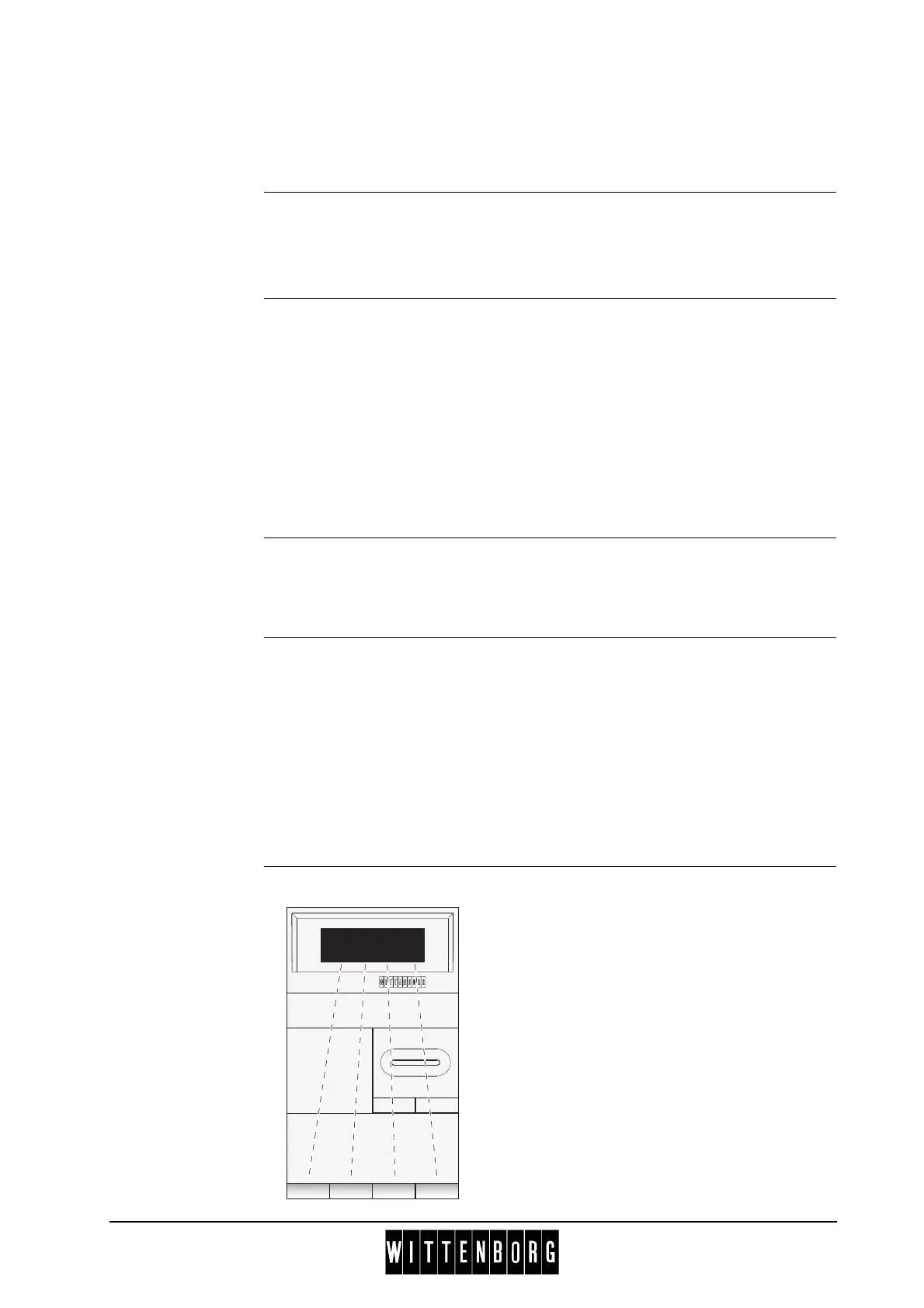
Navigation buttons When the machine is in Menu selection mode, the four pre-selection
buttons in the top row of the selection panel are used for retrieval of data
and for settings, (see illustration below).
Display The display shows the current menu in the first line, and lists the available
sub-menus below.
The bottom line indicates the functions of the four navigation buttons, e.g.,
‘^’ ‘V’ ‘Sel’ ‘Esc’. The functions of the buttons depend on which action is
needed.
A selection marker ‘*’ in front of a menu or sub menu shows which menu
item will be selected when ‘Sel’ is pressed.
Illustration
----CASH ACTION----
*Cash collected
Manual filling
^ v Sel Esc
The display shows the current
functions of the navigation buttons.



 To Next Page