Service Manual FB 7100 Programming
4 - 4 January, 2005
4.1.2 Button functions
Introduction The two tables below show the functions of the navigation buttons. The
functions vary according to which part of the menu system you are in and
which options are at hand.
The bottom line of the display always indicates the current functions of the
keys.
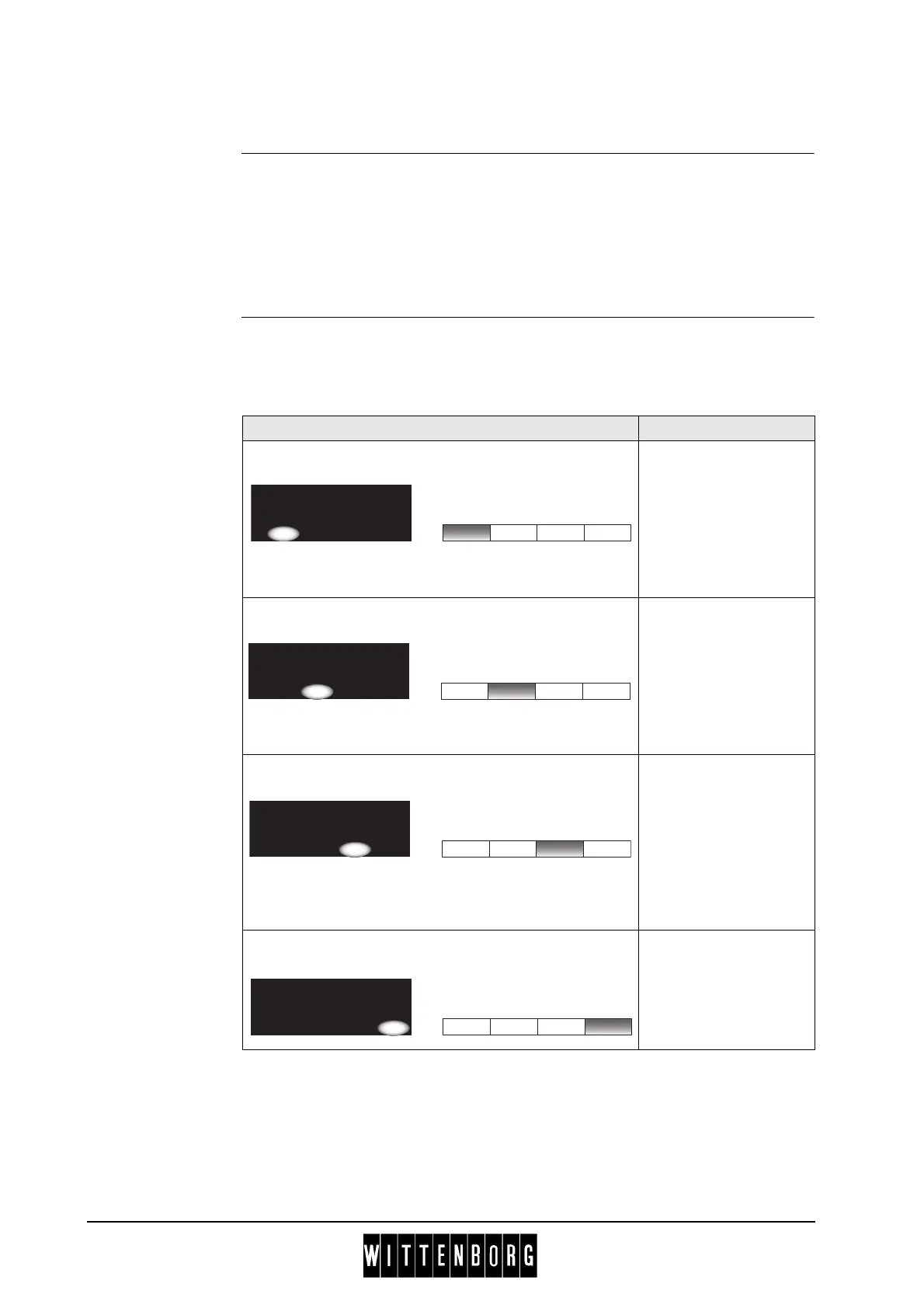
Table 1 This table describes how the four pre-selection buttons are used for
navigation in the menu system.
Display Button Function
‘Up’ button.
The button is used to
move from one menu
item to the one above
within a menu (e.g.
from "Total turnover" to
"Total number" in the
Sales audit menu.)
‘Down’ button.
The button is used to
move from one menu
item to the one below
within a menu (e.g.
from "Total number" to
"Total turnover" in the
Sales audit menu.)
‘Select’ button.
With this button you
select the menu item
indicated by the
selection marker *, i.e.
you either move one
level further into the
menu system or
activate a function.
‘Esc’ button.
The button is used to
move back one level in
the menu system, i.e.
opposite of the ‘Select’
button.
----SALES AUDIT----
*Total number
Total turnover
^ v Sel Esc
----SALES AUDIT----
*Total number
Total turnover
^ v Sel Esc
----SALES AUDIT----
*Total number
Total turnover
^ v Sel Esc
----SALES AUDIT----
*Total number
Total turnover
^ v Sel Esc



 To Next Page