Service Manual FB 7100 Programming
January, 2005 4- 5
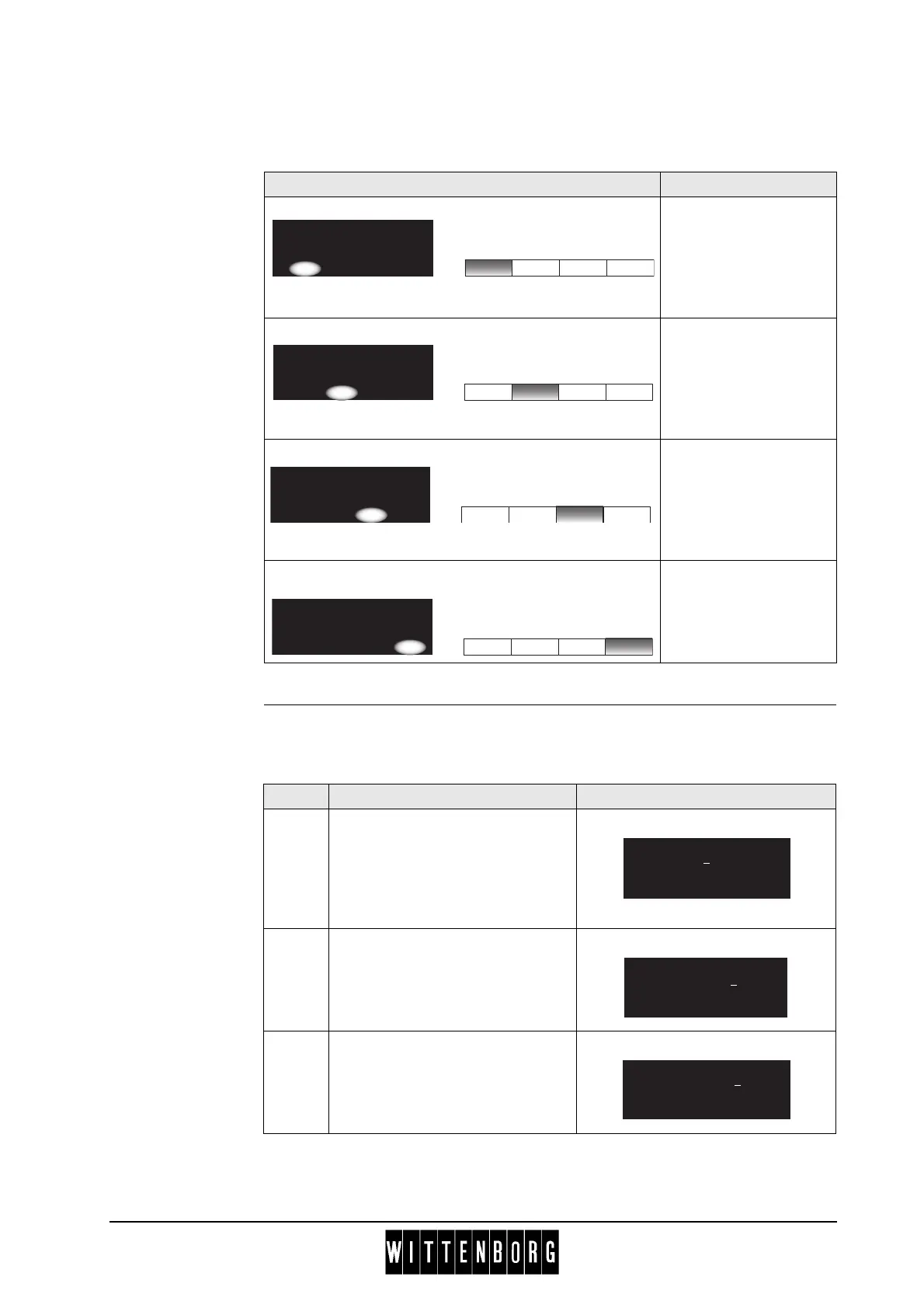
Table 2 This table describes how the buttons are used to enter or change numbers,
e.g., price or quantity settings.
Example This table illustrates how you change a price setting in the machine.
Example: Change price of a drink from 3.25 to 3.50.
Display Button Function
‘Minus’ button.
The button is used to
decrease a numeric
value in increments of
one.
‘Plus’ button.
The button is used to
increase a numeric
value in increments of
one.
‘Next’ button
The button is used to
continue to the next
letter or digit, e.g., in
price setting menus.
‘OK’ button
Pressing the button will
save changes to
settings in the system.
Price: [Drink]
*Set price: xx.xx
(-) (+) -> OK
Price: [Drink]
*Set price: xx.xx
(-) (+) -> OK
Price: [Drink]
*Set price: xx.xx
(-) (+) -> OK
Price: [Drink]
*Set price: xx.xx
(-) (+) -> OK
Step Action Display
1.
Navigate to "Price per drink" in the
Basic operations menu and press
‘Sel’.
Press ‘v’ one or more times to find
the name of the drink, and press
‘Sel’.
2.
Press ‘->’ twice to move the cursor
to the digit 2.
Press ‘(+)’ three times. The
display now reads 3.55
3.
Press ‘->’ once to move to the next
digit.
Press ‘(-)’ five times to decrease
the number by 5.
The display now reads 3.50.
(+)
->
OK
(-)
Price Cappuccino
Set price: 0
3.25
(+)
->
OK
(-)
Price Cappuccino
Set price: 03.5
5
(+)
->
OK
(-)
Price Cappuccino
Set price: 03.50



 To Next Page