Service Manual FB 7100 Payment systems
5P - 6 January, 2005
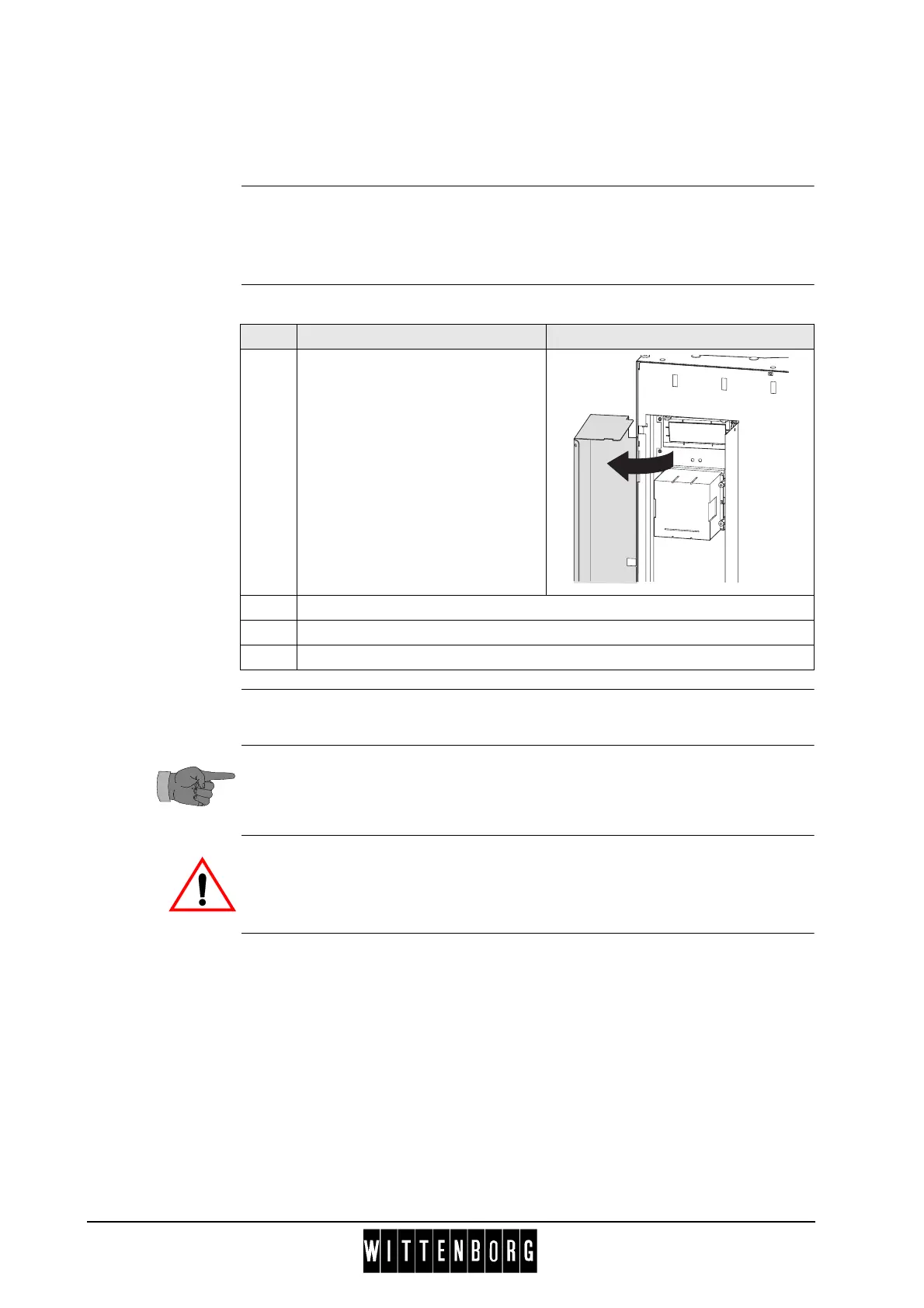
P.2.4 Disassembling the Proton card reader
(Proton = Chipper/Chipknip)
Preparation Before disassembling the Card reader
• Open the door.
• Switch off the main switch.
Disassembly Follow these steps to disassemble the card reader:
Assembly Assembly is done in reverse order.
For more information concerning the card reader refer to the information
of the manufacturer.
Never adjust the coin mechanism or disconnect the connecting cable to the
vending machine while the machine is carrying voltage.
Step Action IIllustration
1 Swing cover for payment system
open.
2 Disconnect the electrical connection to the card reader
3 Remove four screws and remove the card reader.
4 Remove four screws to disassemble the frame from the card reader.



 To Next Page