Service Manual FB 7100 Replacing a selection button
January, 2005 5G - 11
G.2.9 Removing the door switch
Preparation Before replacing the advertising poster:
• Open the door.
• Switch off the main switch.
• Remove the brewer unit, see chap. 5.B.3.2, page 5B-4.
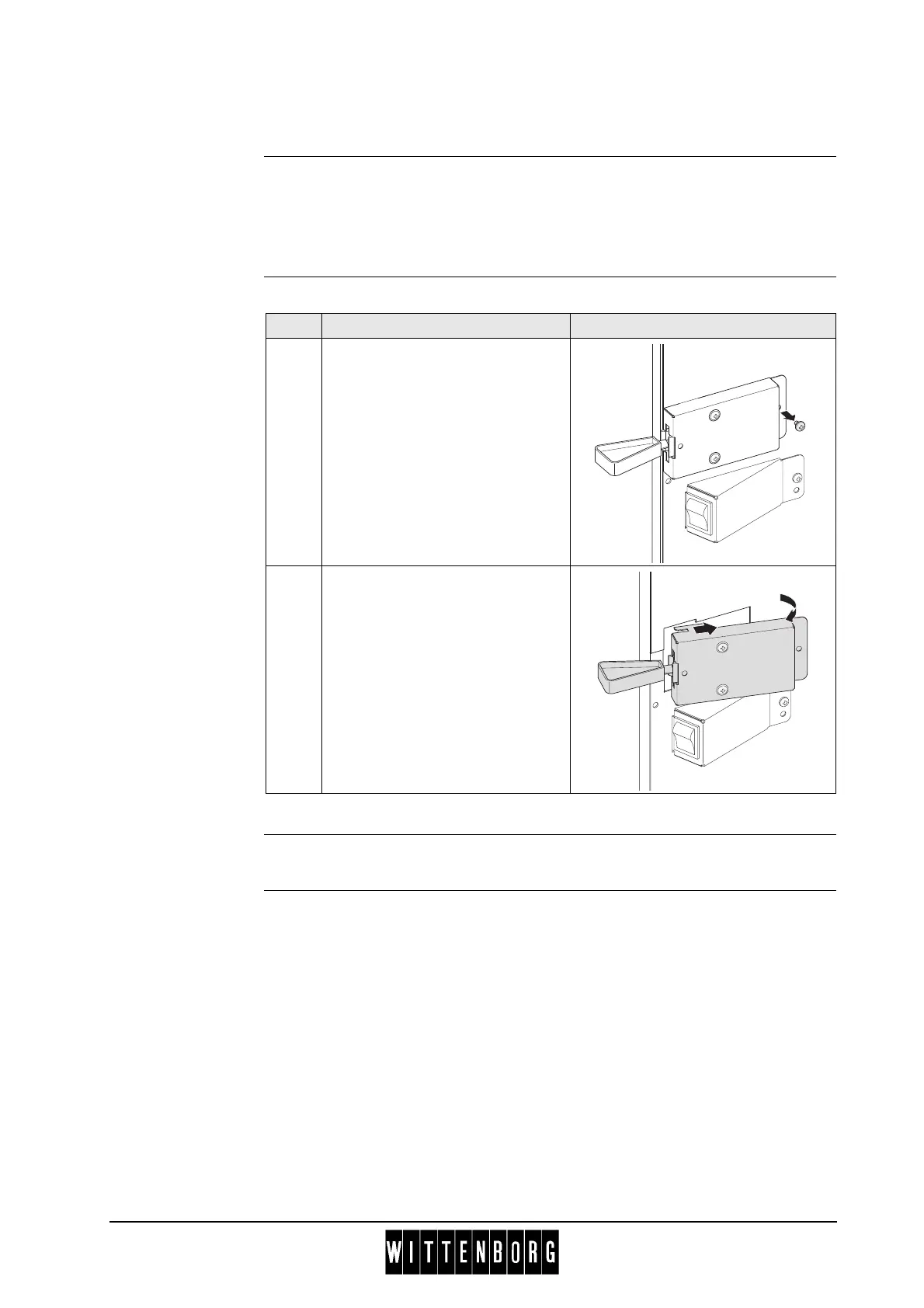
Removal The procedure for removing the door switch is as follows:
Installation Installation is done in reverse order.
Step Action Illustration
1 Remove one screw from the
switch bracket.
2 Slide bracket slightly backwards
and pull it outwards. Disconnect
electrical connection, and remove
bracket from cabinet.



 To Next Page