Service Manual FB 7100 Payment systems
January, 2005 5P - 5
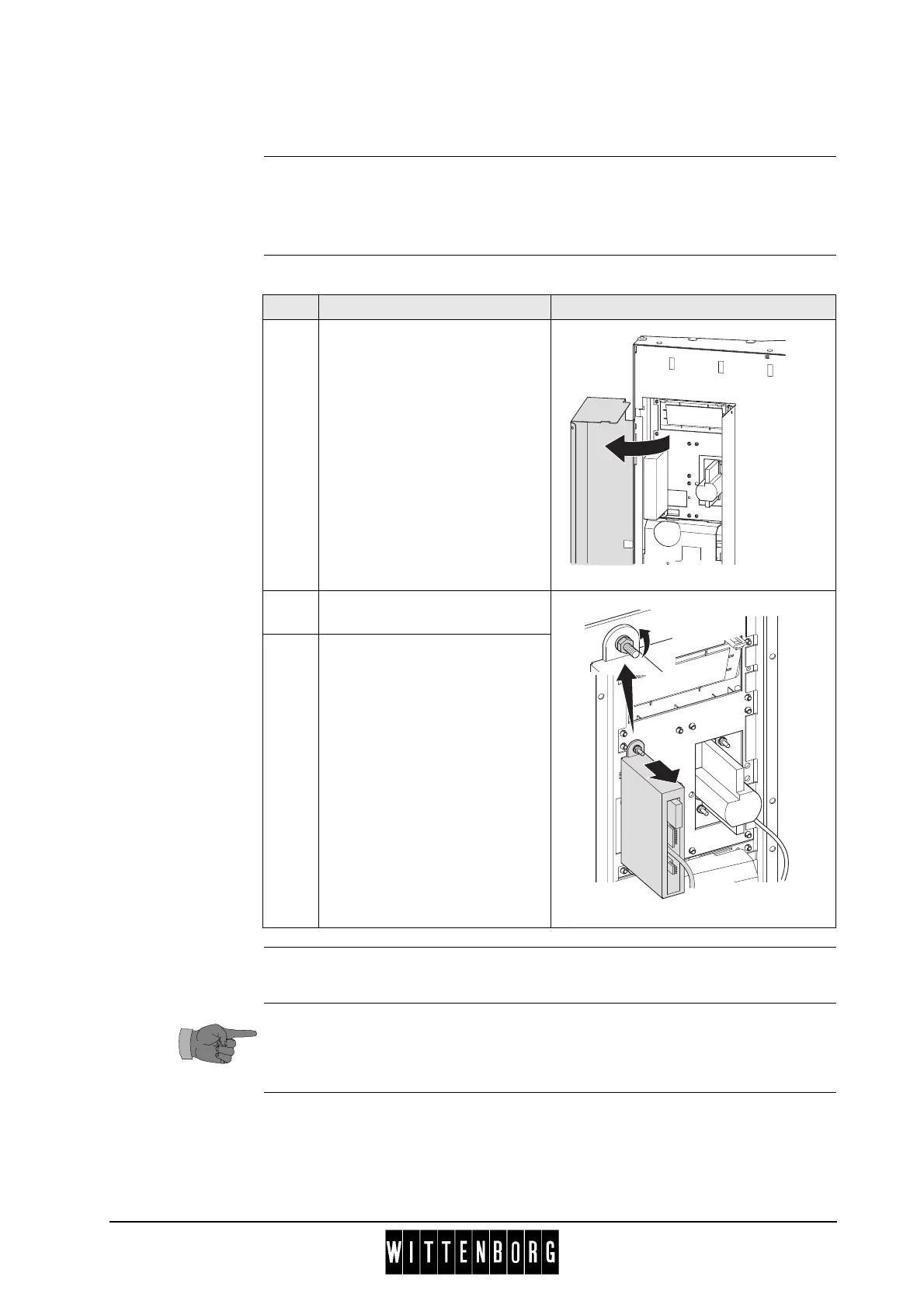
P.2.3 Disassembling the CPU for the ZIP card reader
reparation Before disassembling the Card reader
• Open the door.
• Switch off the main switch.
Disassembly Follow these steps to disassemble the card reader:
Assembly Assembly is done in reverse order.
For more information concerning the card reader refer to the information
of the manufacturer.
Step Action Illustration
1 Swing cover for payment
system open.
2 Disconnect the electrical
connection to the CPU.
3 Remove two nuts and remove
the CPU.



 To Next Page