Service Manual FB 7100 Programming
January, 2005 4- 7
4.2 Operator menu
4.2.1 Purpose of the Operator menu
Purpose The Operator menu is intended for persons with a daily responsibility for
the running and maintenance of the machine e.g., cleaning, setting up
prices, managing sales turnover and performing light adjustments to
ensure a faultless operation.
4.2.2 How to access the Operator menu
Accessing the
Operator menu
Follow the steps below to access the Operator menu.
1.
Applies to the default setting. Local settings may bring the user to a different
starting position in the menu system.
Returning to vend
mode
1 Close the door.
2 Press ‘Esc’ once. Wait for a maximum of 20 seconds till the machine is
back in vend mode.
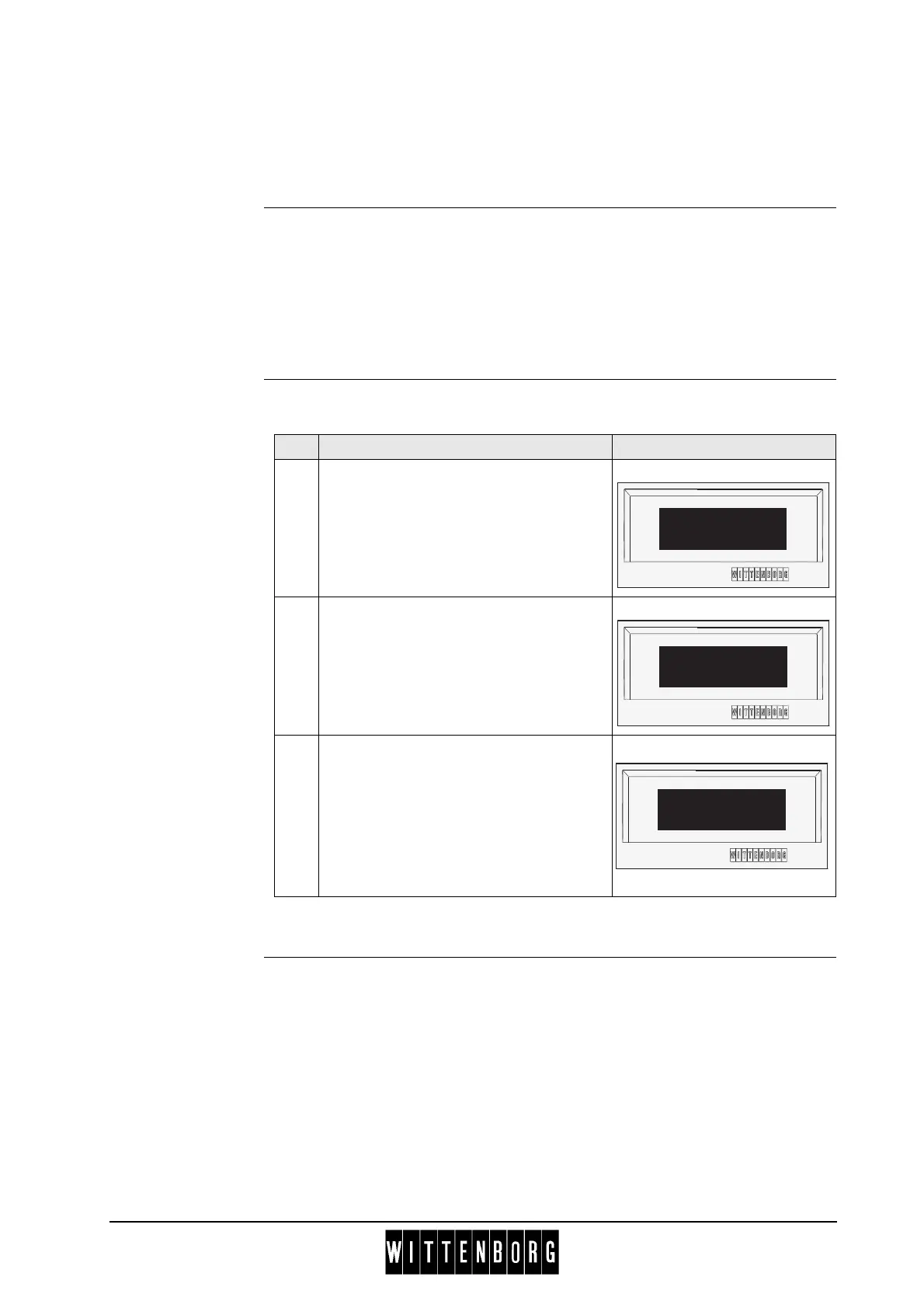
Step Action Display
1.
Unlock and open the door.
The display now shows a short cut
selection window.
2.
Press ‘4’ (Menu) to proceed to the
“MENU SELECTION” window.
The selection marker ‘*’, by default, is
placed next to "Operator". 1
3.
Press ‘Sel’ to enter the Operator menu.
-----SHORTCUTS-----
*(1)=Rinse 3=Counter
(2)=Test 4=Menu
(1) (2) (3) (4)
--MENU SELECTION---
*Operator
Technician
^ v Sel ESC
-----OPERATOR------
*Filling/Clean
Counters
^ v Sel Esc



 To Next Page