116 | PGC5000 GEN 2 | 892 J006 MNAH
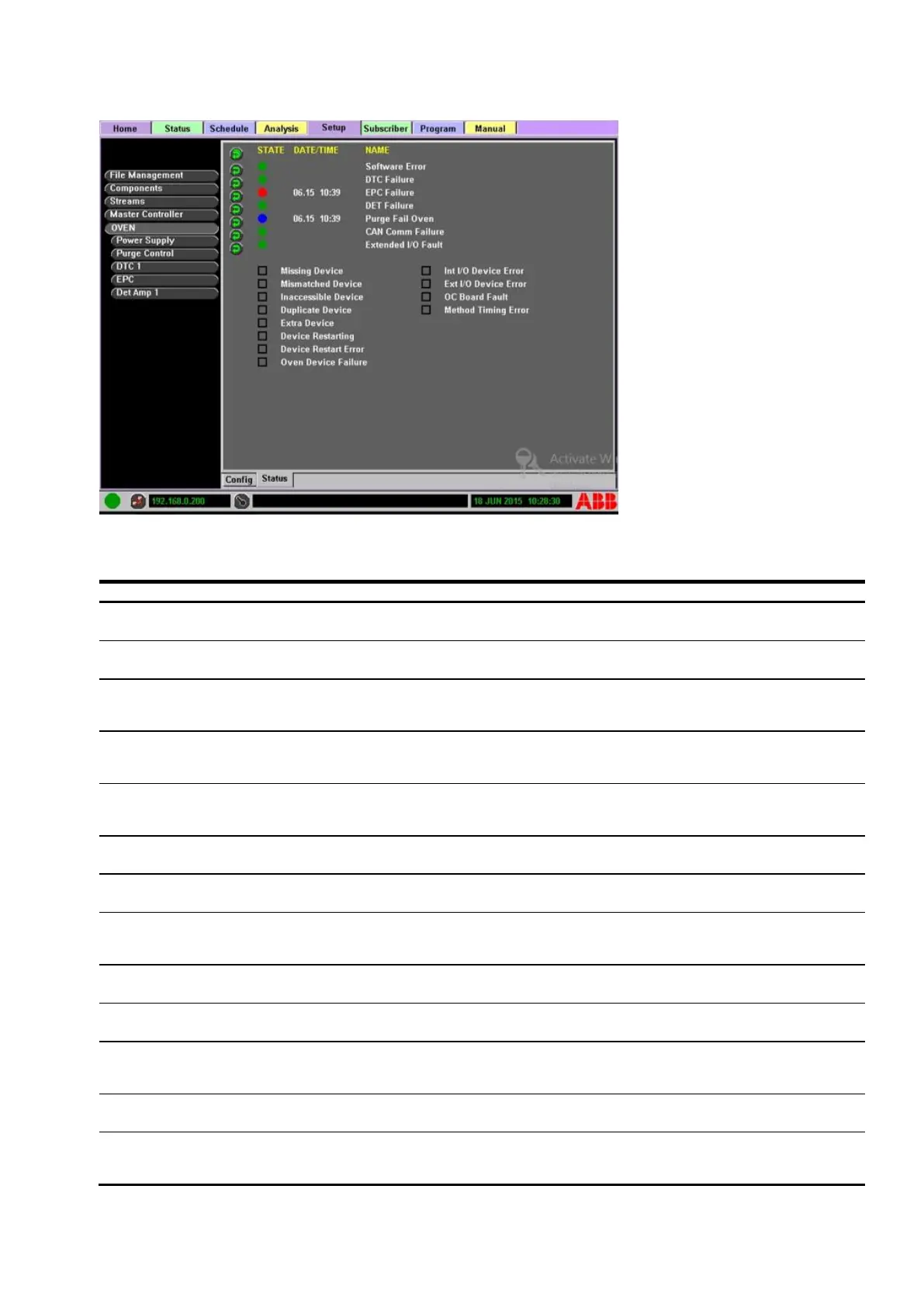
Figure 6-3: Diagnostic display example
The following table gives a resolution to indicator boxes where applicable.
Table 6-3: Box indicator descriptions
Board did not report to Oven
Controller (OC) at startup.
Check power to board. Check CAN
connections. Contact ABB.
Board identity does not match
config file.
Contact ABB. Check config file.
Board communication not
viable.
Check CAN connection to Wago
module.
Refer to Wago documentation.
Two devices have the same
CAN node ID.
Correct by changing the node ID of
one of the duplicate boards. Refer to
the Service Manual.
A board that responded to the
OC is not listed in the system
configuration.
Contact ABB for more information.
Remove board.
PIC Comm Error
(Hardware Error)
DSP and PIC supervisor have
stopped communicating.
Replace DTC Digital card. Refer to the
Service Manual.
Broken valve
(Hardware Error)
Valve failed start-up test.
Check solenoid block cable. Replace
faulty solenoid if problem persists.
AC fault (Hardware
Error)
DTC did not detect AC or
power to heater failed.
Check AC connections to DTC
assembly. T-Rating faults can also
cause this symptom.
Current out-of-range
(Hardware Error)
Internal power test failed.
Check heater(s) to verify proper
resistance. Check heater connections.
Device did not communicate
with OC or go online.
Check board LEDs for error. Refer to
the Service Manual.
Device stopped
communicating.
Check board LEDs for error. Check
CAN bus.
Refer to the Service Manual.
Failed to send executable code
to device.
Check board LEDs for error. Refer to
the Service Manual.
Unexpected Heater
Voltage
Internal power test failed.
Can occur as a result of PIC
supervisor shutdown or T-Rating
failure. Verify heaters and



 To Next Page