82 | PGC5000 GEN 2 | 892 J006 MNAH
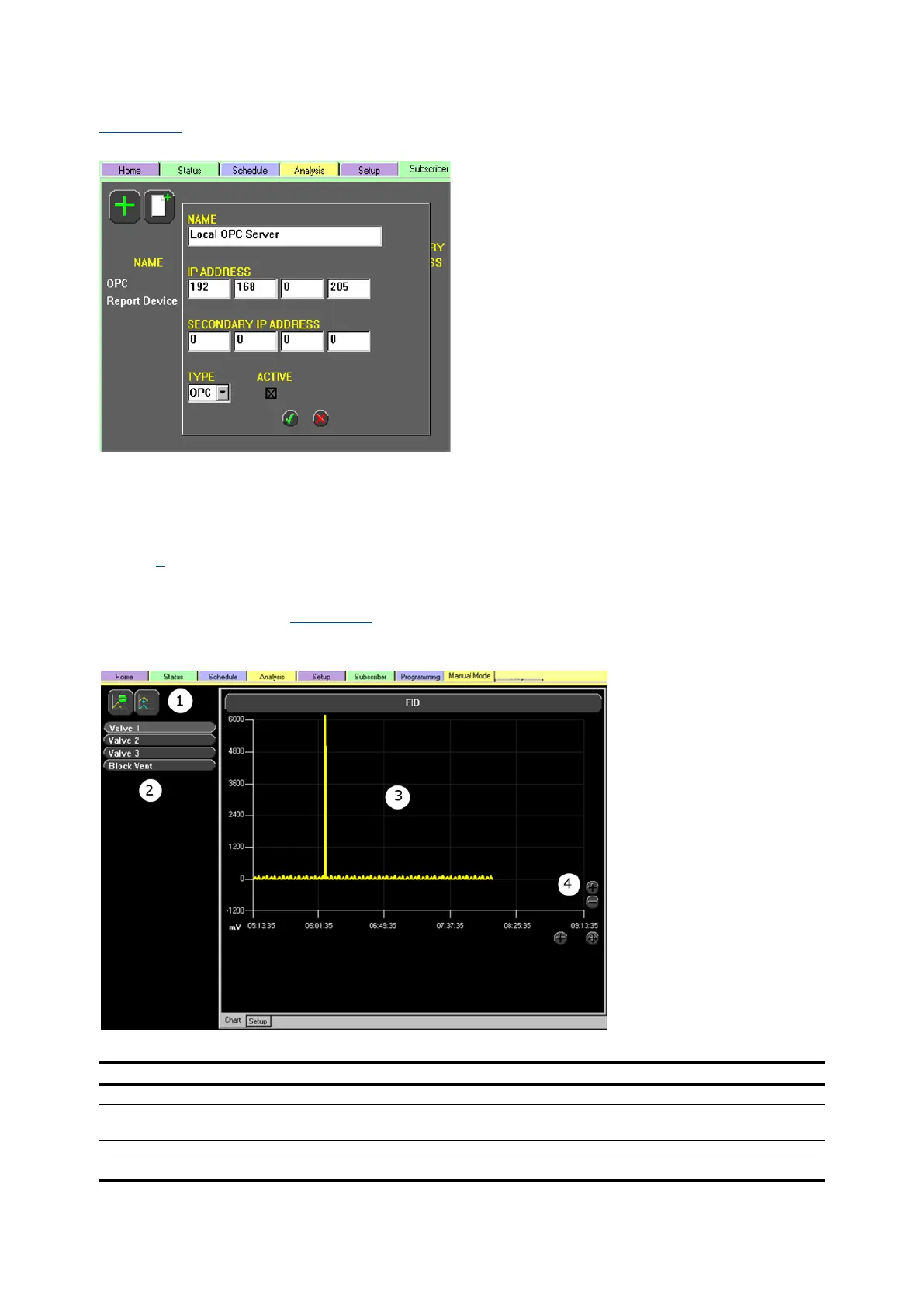
configured to report to the OPC Server as an OPC device type when added in the Subscriber tab (see
Figure 4-55).
Figure 4-55: Subscriber OPC Example
4.8 Program tab
The Program Tab gives the operator a means for programmatic control and calculations in addition to
the built-in capabilities. This provides the necessary support to customize operation of the analyzer to
support unique requirements.
Section 7 provides detailed information on the scripting process.
4.9 Manual mode tab
The Manual Mode tab (see Figure 4-56) displays up to four hours of continuous chromatogram data. It
also allows individual manipulation of the valves and other specific elements of the analyzer.
Figure 4-56: Manual Mode>Chart Example
Legend: Manual Mode>Chart Example



 To Next Page