98 | PGC5000 GEN 2 | 892 J006 MNAH
Failure to follow the purge and pressurization instructions listed on the analyzer nameplate constitutes
product misuse.
DANGER – Serious damage to health / risk to life. The customer must ensure any
override jumper is removed when start-up, maintenance or troubleshooting are completed.
5.7 RUI
The PGC5000 Generation 2 analyzer’s RUI provides remote access, across an Ethernet network, to a
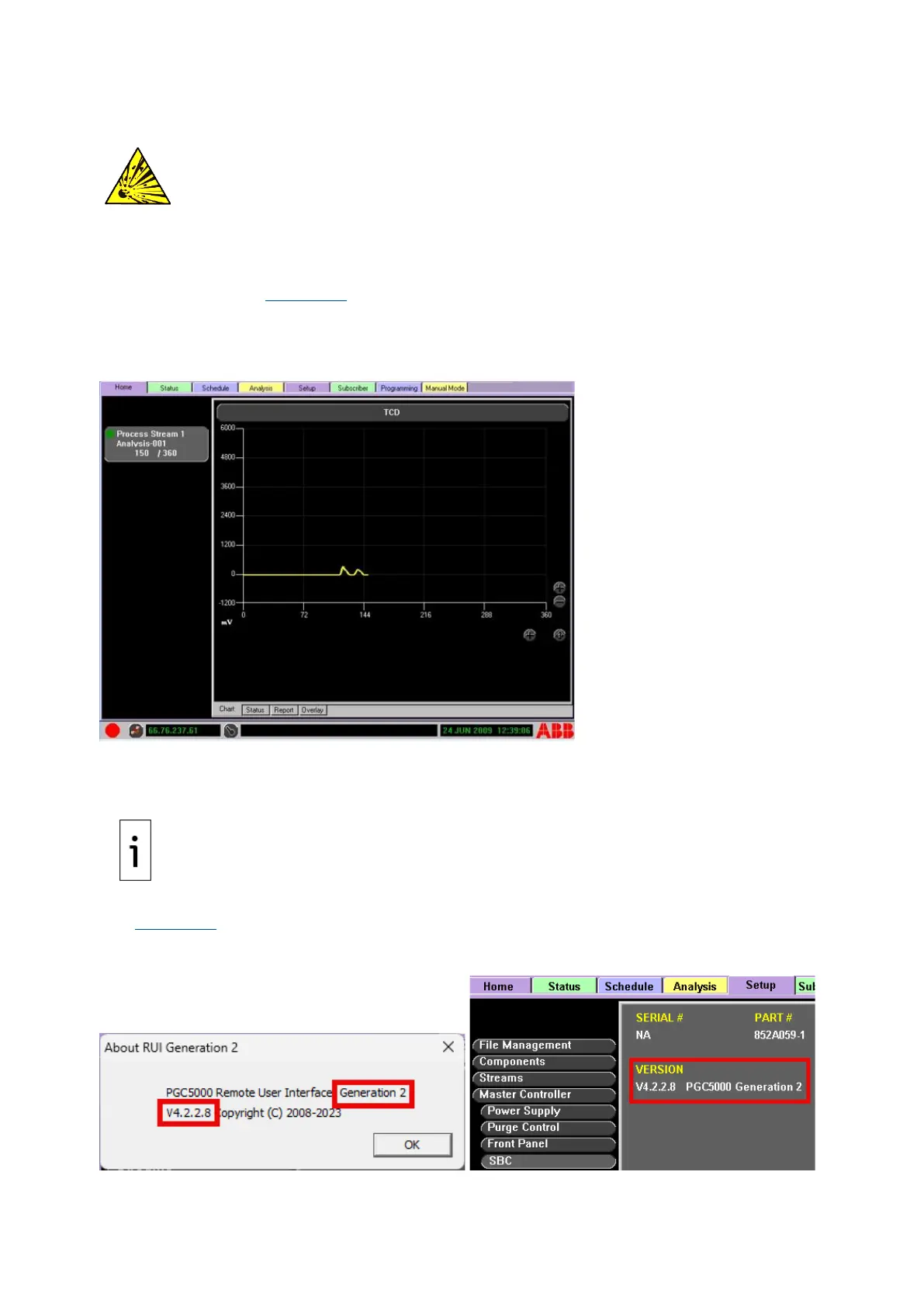
specified analyzer (see Figure 5-11). The RUI can be used on a PC, a tablet, or a PGC5000A, on the
same network as the analyzer being accessed. The RUI functions are unique and are only applicable to
the analyzer. The RUI also provides access to the Report Viewer program (which is only in PGC5000
analyzers version 3 and earlier). This section provides basic guidelines applicable to this RUI.
Figure 5-11: RUI
The RUI is particularly useful when working with an Oven with Integrated Controller. These analyzers
have no Local User Interface (LUI), so accessing these analyzers through the RUI is an efficient
solution.
IMPORTANT NOTE: Refresh the RUI screen to ensure all settings are displayed on the remote
screen. Cycling between tabs accomplishes this update.
For proper operation, ensure the RUI version number matches the version running on the analyzer
(see Figure 5-12). Locate the version number by selecting the About window on the top menu bar of
the RUI or navigate to Setup>Master Controller>SBC Config subtab.
Figure 5-12: Version Number Comparison



 To Next Page