892 J006 MNAH | PGC5000 G EN 2 | 25
3.2.2 Action icons
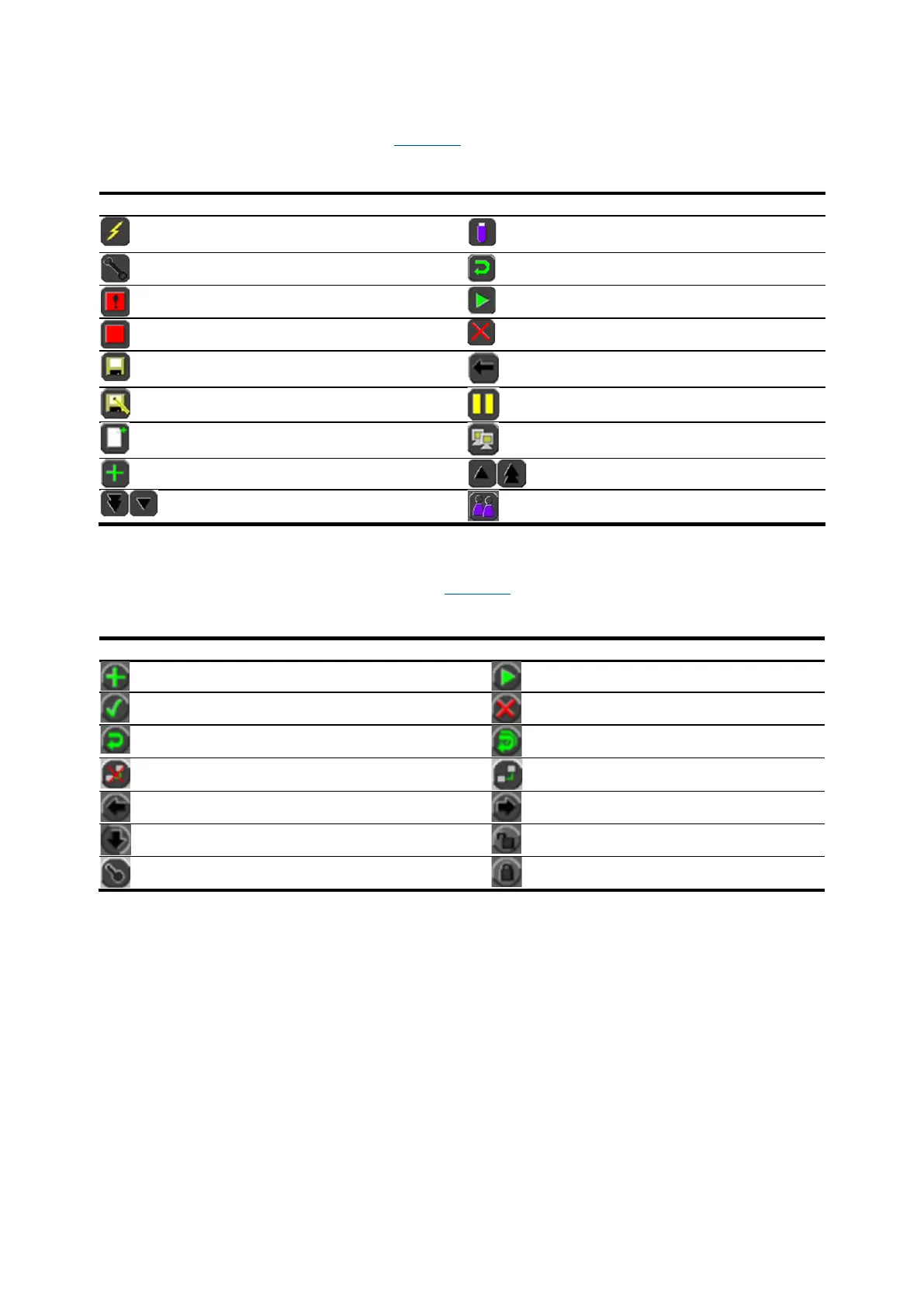
Action icons represent action commands. Table 3-1 shows the action icons and a brief description of
each one.
Table 3-1: Action icons
Power Failure Recovery Setup (Schedule
Tab)
USB Flash Drive Operation (Setup Tab)
Maintenance Mode (Schedule Tab)
Restore Settings (Setup Tab)
Schedule Abort (Schedule Tab)
Schedule Stop (Schedule Tab)
Save – Replaces saved information after
editing
Apply Response Factor (Setup Tab >
Component)
Save As – Saves as a new file
Pause – Pauses schedule execution
Routing Table Configuration (Setup >
Network Adapters)
Add – Adds existing item from library
3.2.3 Function/navigation buttons
Function/navigation buttons complete an action. Table 3-2 describes the function and navigation
buttons.
Table 3-2: Function and navigation buttons
Add to a scope (Status Tab)
Reset – Resets single indicator
Reset – Reset all displayed indicators
Disconnect from remote Master Controller
Connect to a remote Master Controller
Go Back – Returns to the last input
Shift Down – Virtual Keyboard Control
Unlock a locked chromatogram
Log in to a Master Controller



 To Next Page