68 | PGC5000 GEN 2 | 892 J006 MNAH
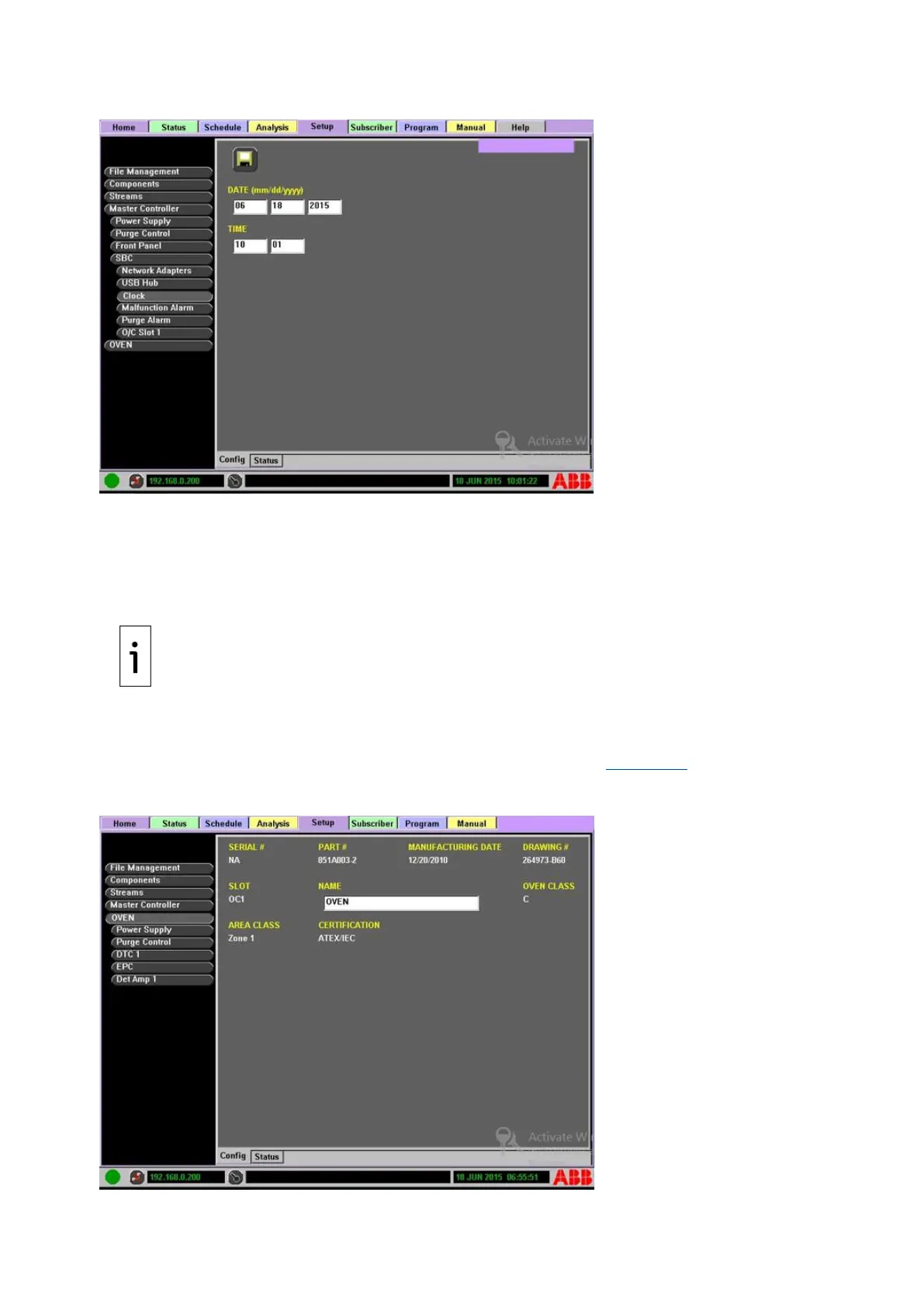
Figure 4-32: Clock Set Example
To set the date and time:
1. Navigate to Setup>Master Controller>SBC>Clock>Config Subtab.
2. Adjust the date and time as necessary.
3. Save settings by selecting the Save icon at the top of the screen.
4.6.7 Oven configuration
Since there may be more than one oven, the Oven button in the Function Select list may indicate the
oven number (i.e., Oven 1, Oven 2). The Oven button displays information about the oven selected
and lists the oven ancillary items including the Power Supply, Purge Control, Digital Temperature
Controls, Electronic Pressure Controller and the Detector Amplifier (see Figure 4-33). If needed,
change the oven name in the space provided, for easy reference.
Figure 4-33: Setup Oven Configuration



 To Next Page