892 J006 MNAH | PGC5000 G EN 2 | 133
Example: 0020 WRITE_DIGITAL( “InIo.Wago1.DigOut.3”, 0)
7.4.73 Y2X function
Description: Returns the value of Y raised to the X power.
Syntax: Y2X( fpbase, fpexp )
Comments: fpbase, fpexp are floating point expressions.
Example: 0010 LPRINT Y2X( 2, 10 )
Prints the value of 2 raised to the power of 10 ( = 1024 ).
7.4.74 ZONE PRESSURE function
Description: Returns the actual pressure of the specified zone.
Syntax: ZONE_PRESSURE( ovenaddress$ )
Comments: ovenaddress$ is a string variable (or constant) containing the address of the zone, e.g.
“Oven1.Epc1.PZ.1”
Example: 0010 Z1 = ZONE_PRESSURE( “Oven1.Epc1.PZ.1” )
Returns the actual pressure of zone 1 in EPC1 in Oven 1.
7.4.75 ZONE TEMPERATURE command
Description: Returns the actual temperature of the specified zone.
Syntax: ZONE_TEMPERATURE( ovenaddress$ )
Comments: ovenaddress$ is a string variable (or constant) containing the address of the zone, e.g.
“Oven1.Dtc1.TZ.1”
Example: 0010 Z1 = ZONE_TEMPERATURE( “Oven1.Dtc1.TZ.1” )
8 Software upgrade
8.1 PC upgrade
If the PC has no VistaNET software installed, refer to the STAR Data Management System (DMS)
Operating Instructions. The Additional information section has a link to the document.
IMPORTANT NOTE: PGC5000 software version 4.x.x.x and later uses the STAR Core software
instead of the VistaNET Core. In this case, the STAR Core software needs to be installed on the PC
to view chromatograms and run the PGC5000 Remote Client.
If PGC5000 version 3.x.x.x is in the system that will be running an older version of the RUI, then the
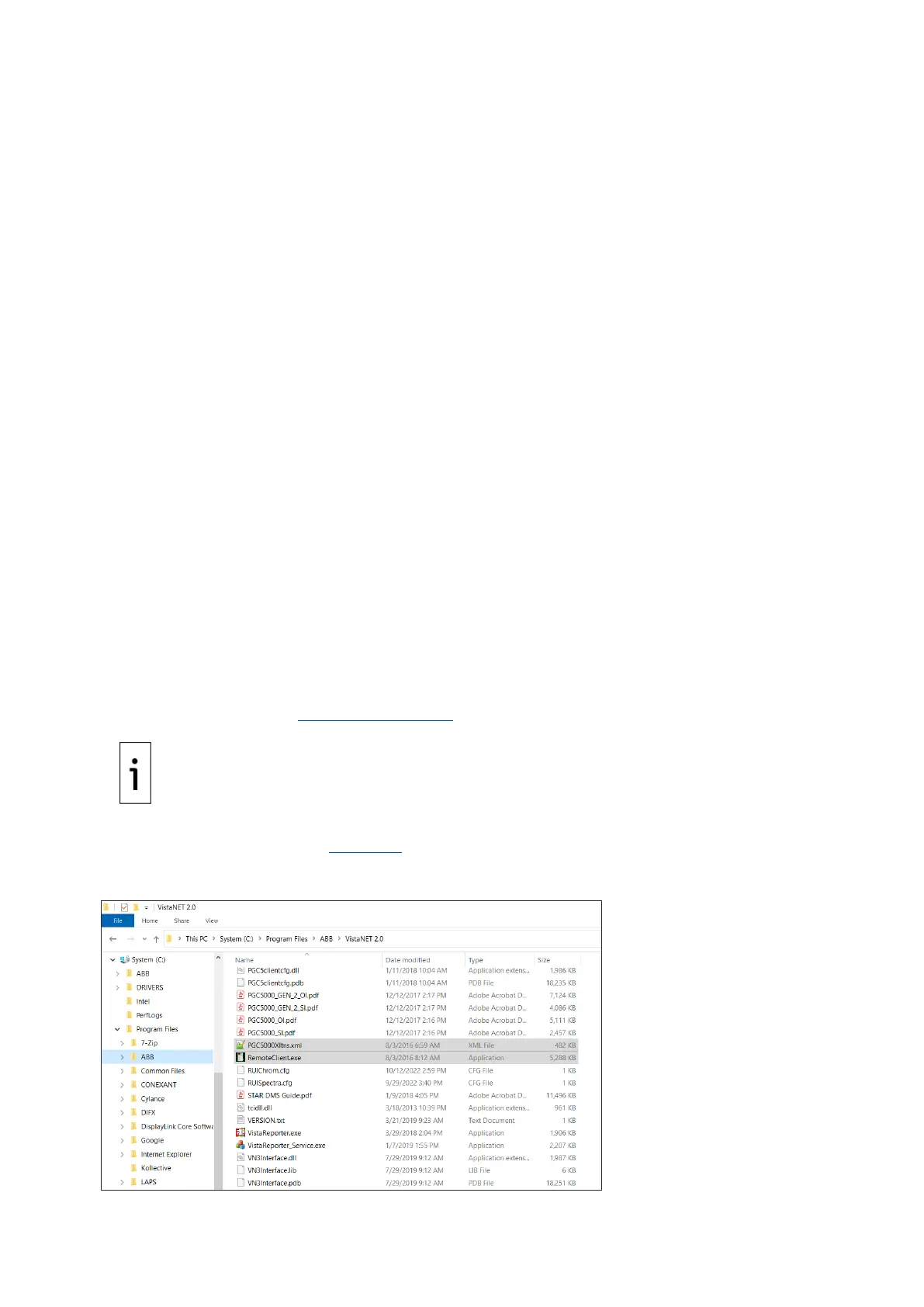
files and GCHelpfiles folder (see Figure 8-1) will need to be copied to a temporary folder and then
copied back after the STAR Core software is uninstalled.
Figure 8-1: GCHelpfiles Example



 To Next Page