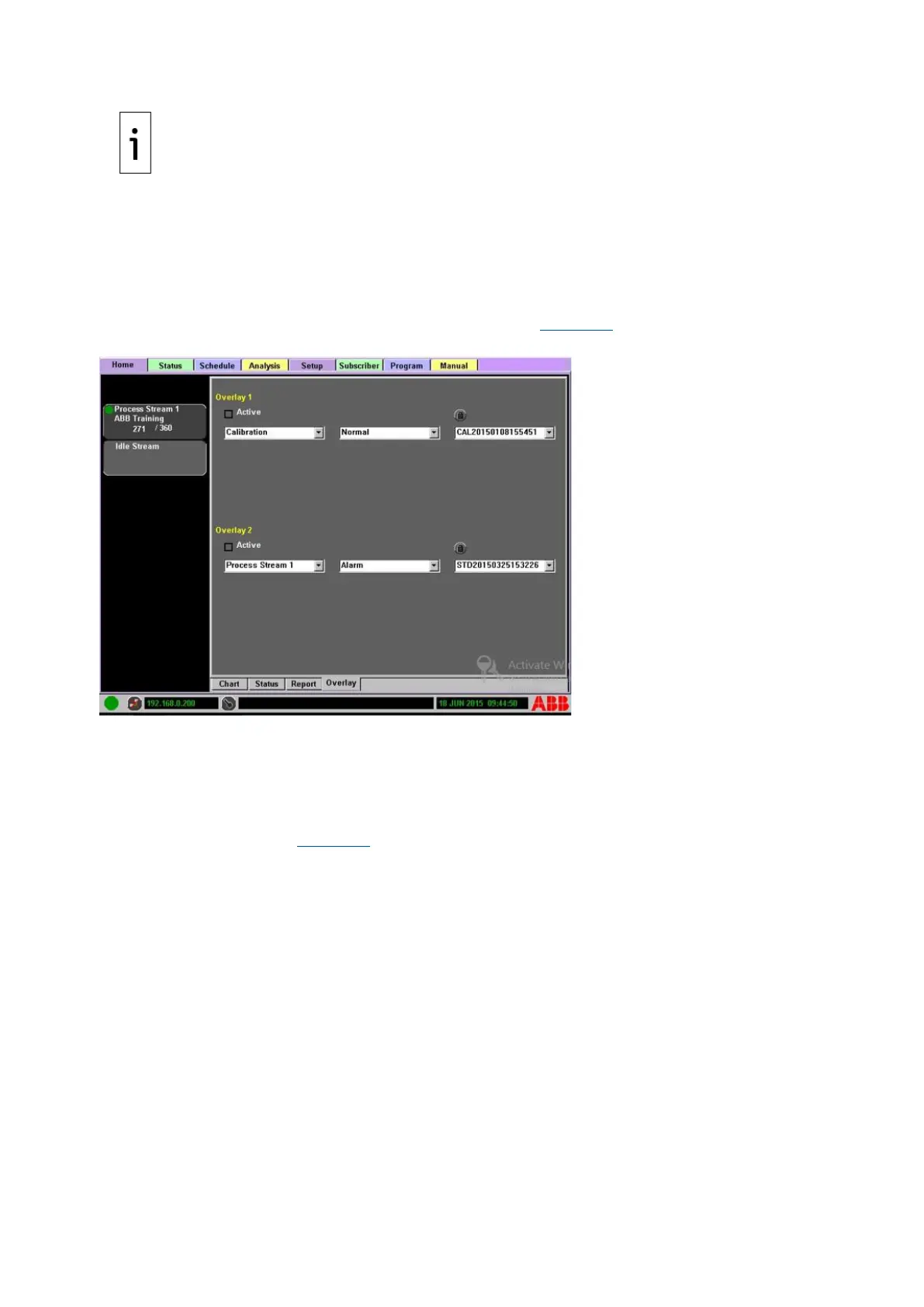
To turn off the overlay display, clear the Active box on the Overlay Subtab.
The SBC stores analysis data continuously for a maximum of seven days. Report files are overwritten
after seven days or when the storage media is filled.
To manually save a chromatogram:
1. Press the Lock button above the chromatogram file name.
2. Clear the Previous box.
3. From the drop-down menu, select the locked item (see Figure 4-8).
Figure 4-8: Locked Overlay
4. Select the desired chromatogram file from the third (rightmost) drop-down menu.
5. Unlock the file by highlighting the file name and clicking the Unlock button above the
chromatogram file name.
4.3 Status tab
The Status Tab screen (see Figure 4-9) displays a hierarchy of equipment levels and all indicators.
Status alerts, such as overall health, process limits, and alarms are visible through the color-coded
Indicator Status icons.



 To Next Page