892 J006 MNAH | PGC5000 G EN 2 | 49
4.4.5 Step subtab
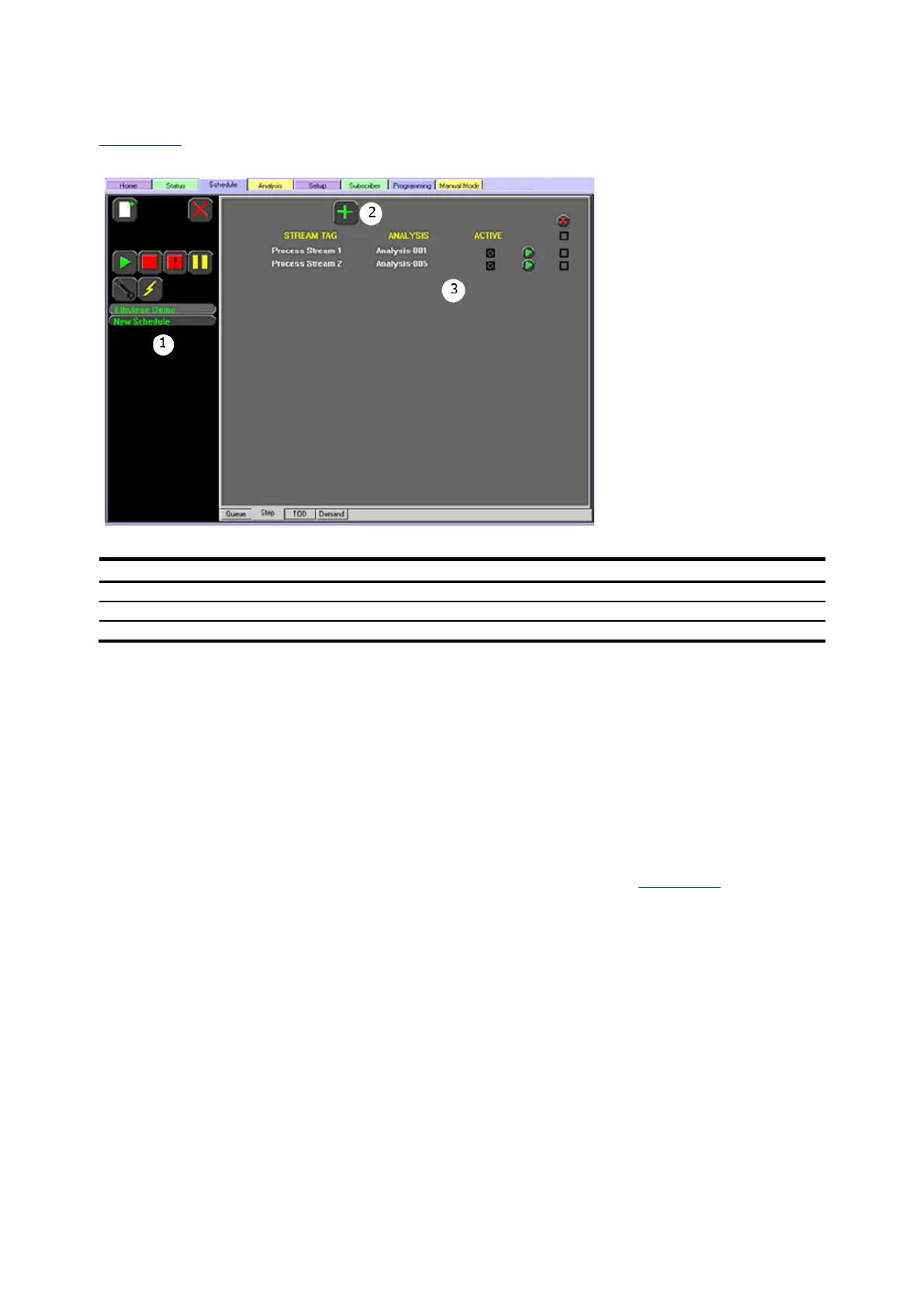
Figure 4-14 shows the Step subtab display. It allows the user to add steps to a schedule.
Figure 4-14: Schedule>Step display
Legend: Schedule>Step display
To add an analysis:
1. Press the Add icon.
2. Select the stream and press the Next button to continue.
3. Select the analysis and press the Next button to continue. Press the Go Back button to go back
or press the Abort button to cancel.
4. Press the Accept button to accept the selection. Press the Go Back button to go back or press
the Abort button to cancel.
When accepted, the analysis will be added to the schedule on the Step screen. Check the ACTIVE box
to activate.
4.4.6 Time of day subtab
The Schedule>TOD subtab displays the currently configured analyses, the streams they use, the
frequency at which they run, and whether they are being actively used (see Figure 4-15). It allows
frequency configuration at monthly, weekly, daily, hourly, minute or second intervals.



 To Next Page