Reviewing Results
AEROSET
®
Customer Training Guide 5-7
94858-103 — July 2003
Limited View Buttons
Upon entering the DATABASE screen, the following buttons at the
bottom of the Display Area are highlighted to indicate which orders and
results are displayed. Text color on the buttons corresponds to
DATABASE screen text colors.
• <Pending>—Pink
• <Incompl> (incomplete)—Blue
• <Rerun>—Pink
• <Complete>—Blue
• <Valid> (validated)—Black
The buttons can be deselected to change the view. To return to the default
view, select <All> at the bottom of the Display Area.
Customized View Option
A customized view can be defined to display whenever <Custom> is
selected. Perform the following steps to configure the customized view.
1. Select <Database> in the Information Access Area, if the screen is
not currently displayed.
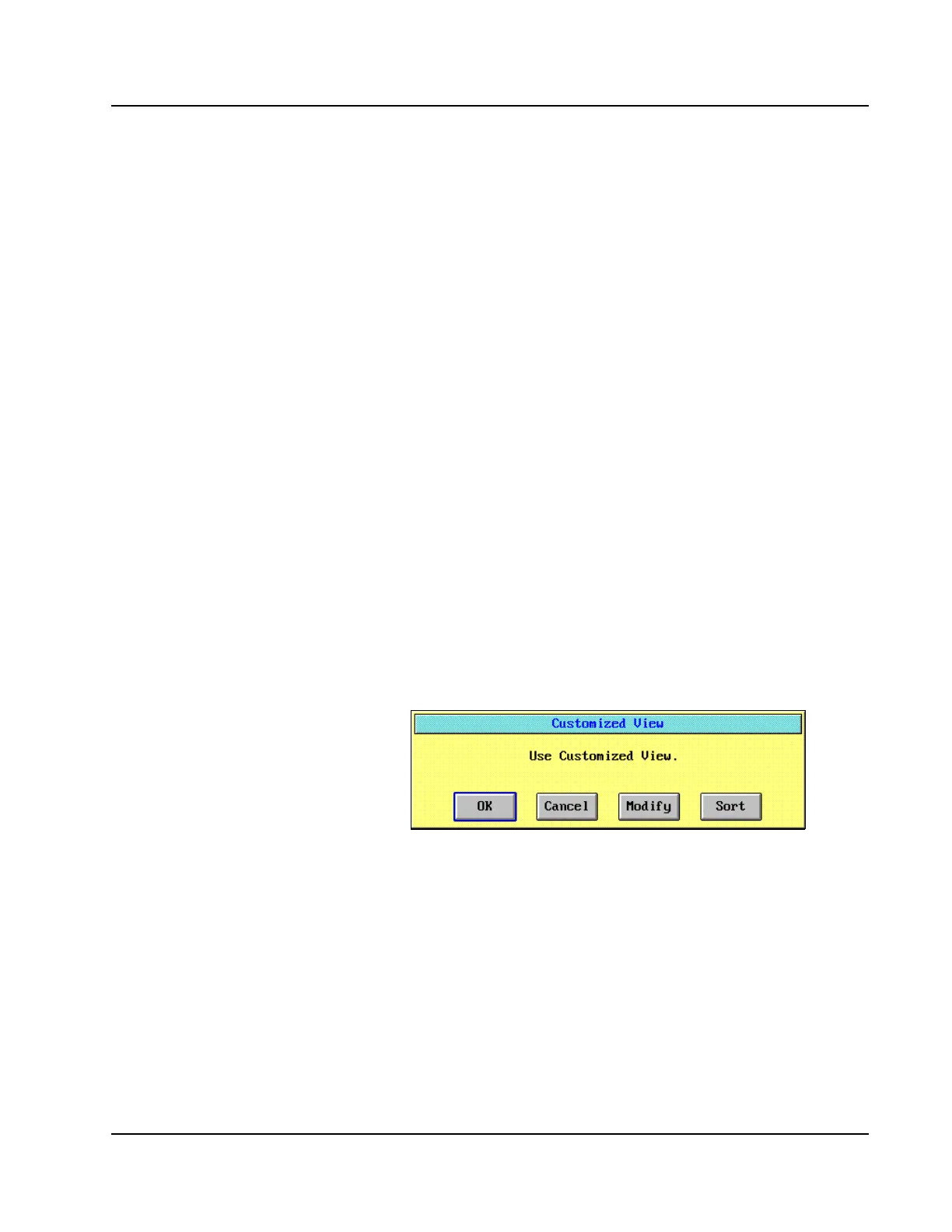
2. Select <Custom> at the bottom of the DATABASE screen. The
Customized View dialog window is displayed.
Figure 5.2: Customized View Dialog Window
• R = Rerun is pink, but is
not the same as pending.
• Pending results have not
yet been run.
• #’s on each button show
how many of each type.
• The processing samples
(brown) are reflected in the
number on the incomplete
button.
• Discuss the fact the
customized view options are
the same as the buttons on
the bottom of the database
screen.
• Discuss how to configure a
customized view.
• Example: Check pending,
incomplete, and rerun to
show that when you choose
custom, it will only pull
those up.
• Cal and QC, once selected,
will continue to be displayed
until deselected.



 To Next Page