MODULE 5: RESULT HANDLING
5-8 AEROSET
®
Customer Training Guide
94858-103 — July 2003
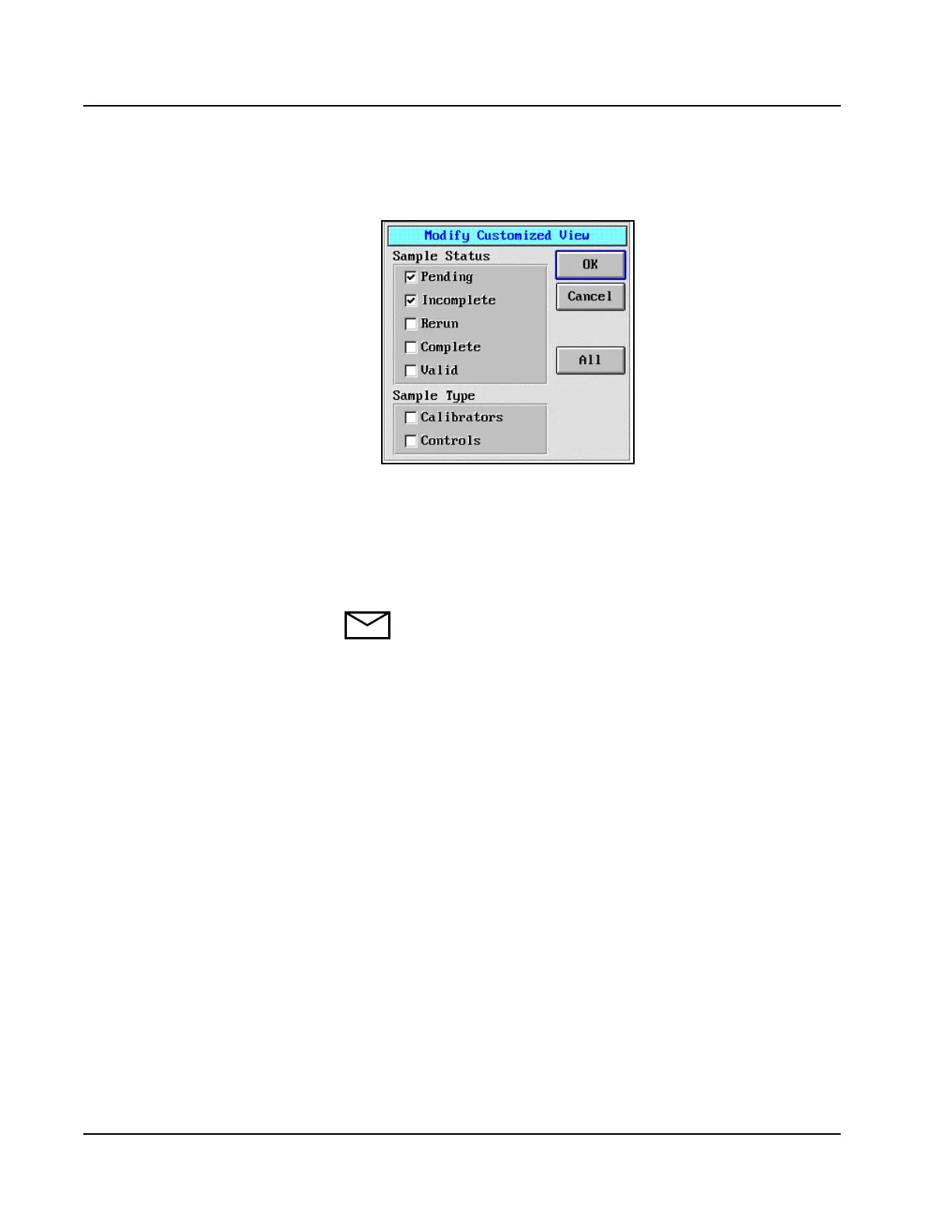
3. Select <Modify>. The Modify Customized View dialog window is
displayed.
Figure 5.3: Modify Customized View Dialog Window
4. Place a checkmark (;) in the box to the left of each desired Sample
Status and Sample Type option to be included in the customized
view.
5. Select <OK> to save the settings.
NOTE: Selected Sample Type options remain on the
DATABASE screen until they are deselected on the Modify
Customized View dialog window.



 To Next Page