Calibrating an Assay
AEROSET
®
Customer Training Guide 6-15
94858-103 — July 2003
8. When all desired assays have been selected, select <OK> in the
upper right-hand corner of the SELECT ASSAYS FOR
CALIBRATION screen. The RUN OPTIONS screen is displayed.
NOTE: It is necessary to perform a full calibration on any
assay for which the configured calibrator values have been
edited. This calibration must be performed immediately
after the edits. Refer to Calibrator/Control
Configuration in Section 2, Installation Procedures and
Special Requirements of the AEROSET System
Operations Manual for information on calibration
configuration.
NOTE: To run quality control after calibration, place a
checkmark (;
;;
;) in the box to the left of the QC after Calib
option by touching the box. Controls run automatically
after calibration for the assays selected to calibrate. Also,
select the checkbox under the desired QC levels.
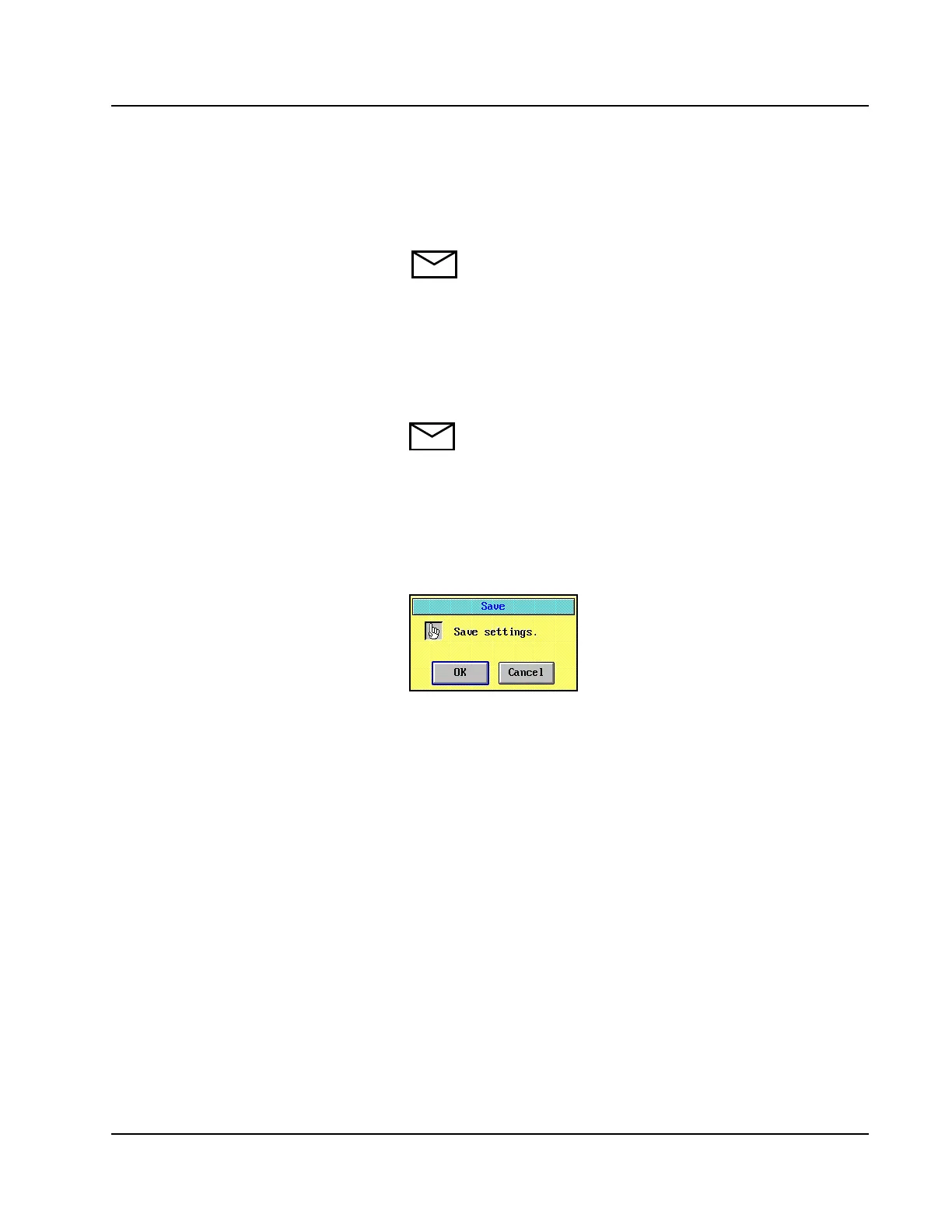
9. Select <Save> in the right-hand column of the RUN OPTIONS
screen to save the calibration order. A confirmation dialog window
is displayed.
Figure 6.3: Save Confirmation Dialog Window
10. Select <OK>.
11. Select <Cancel> on the RUN OPTIONS screen to exit the screen
without starting the run.



 To Next Page