Calibration Review
AEROSET
®
Customer Training Guide 6-27
94858-103 — July 2003
The text color indicates the calibration status:
NOTE: To access the Calibration Details screen for an assay,
highlight the assay name and select <Detail>.
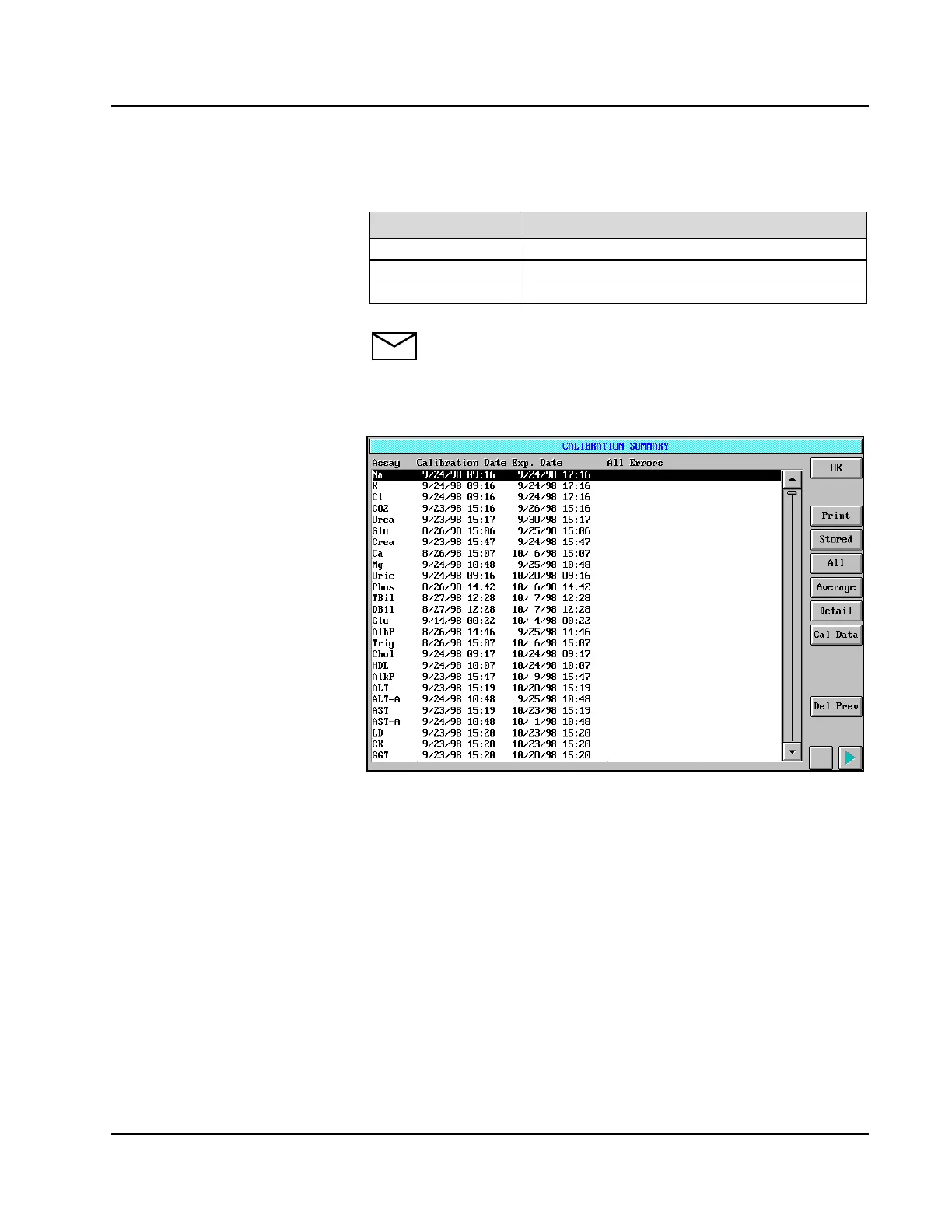
To view the date and time that each calibration was performed, select
<Dates> in the right-hand column. The calibration dates are displayed.
Figure 6.10: CALIBRATION SUMMARY Screen
To return to the view of the calibration data, select <Cal Data> from the
right-hand column.
Color Status
Black OK
Pink Pending or calibration curve expiration date exceeded
Brown Failed



 To Next Page