MODULE 6: CALIBRATION
6-28 AEROSET
®
Customer Training Guide
94858-103 — July 2003
Saving Calibration Data to the Stored Average
If desired, the current calibration data can be added to the stored average.
Up to 31 curves can be stored. An average of the calibration absorbance
data can be maintained. The SD, CV, and range of the absorbance data
are also calculated. To save data to the stored average perform the
following steps:
NOTE: The System status must be READY to perform this
procedure.
1. Select the desired assay calibration data to save to the stored average
by selecting the assay name.
• To highlight multiple consecutive assays in the list, select the
first assay name in the list then highlight the remaining assays
by holding [Shift] and pressing [↓] on the keyboard.
• To highlight multiple random assays, hold down [Ctrl] while
selecting the assay names on the screen.
• To highlight all assays, select <All> in the right-hand column.
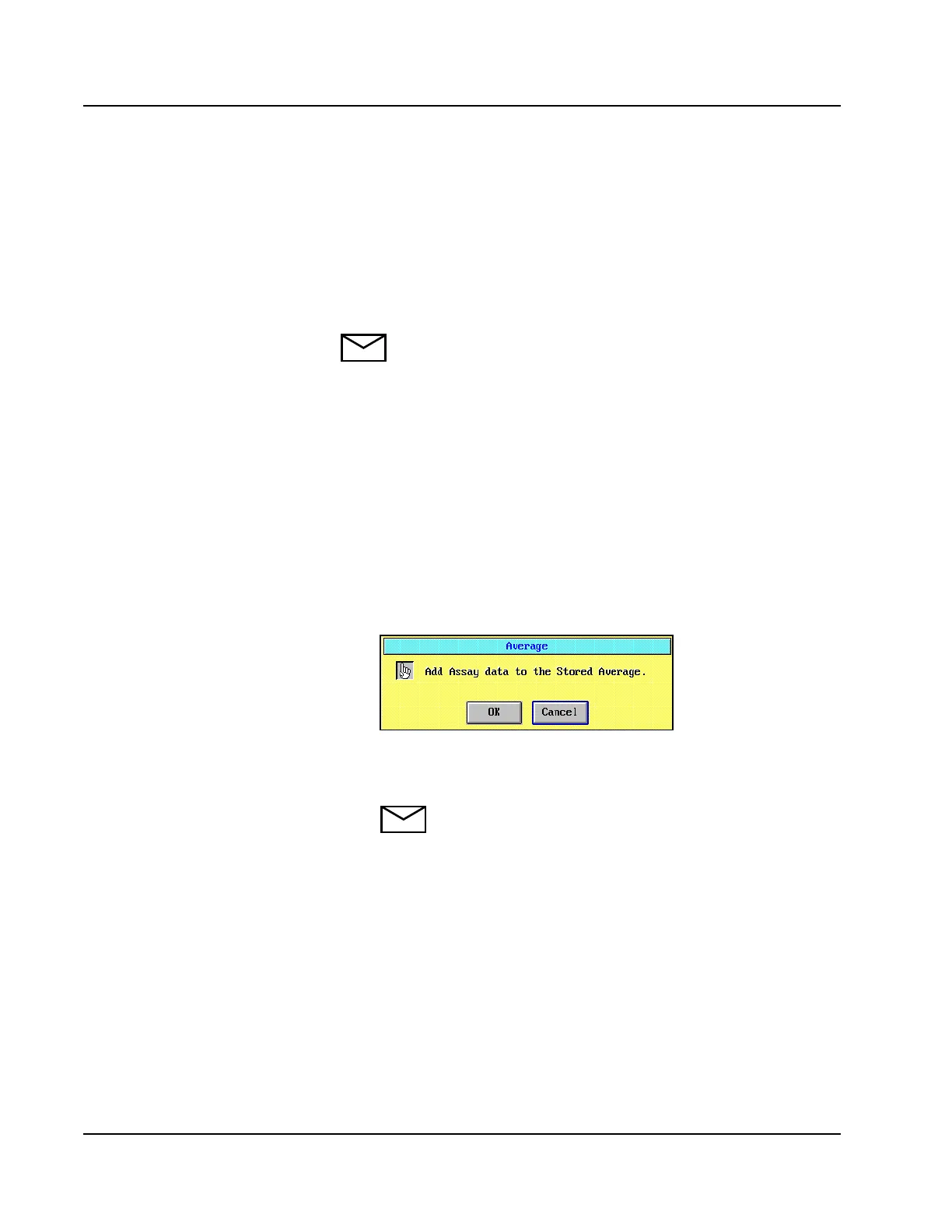
2. Select <Average> in right-hand column of the CALIBRATION
SUMMARY screen. A confirmation dialog window is displayed.
Figure 6.11: Average Confirmation Dialog Window
3. Select <OK>. The selected data are added to the stored average.
NOTE: The Operator must ensure that calibration data are
not added to the stored average more than once.



 To Next Page