MODULE 6: CALIBRATION
6-30 AEROSET
®
Customer Training Guide
94858-103 — July 2003
Deleting Calibration Curve Data
Deleting the Previous Calibration Data
When a calibration for an assay is complete and the factors are
calculated, the AEROSET System compares the factors of the new and
the previous calibration curves.
If the percent difference between the first factor of the new calibration
and the first factor of the last accepted calibration is greater than the
defined FAC Limit %, a FAC Calibration Error Code is generated. If the
new calibration curve is acceptable after reviewing calibration and QC
data, the previous curve must be deleted.
Use the following instructions to delete the previous calibration curve.
NOTE: The System status must be READY to perform this
procedure.
1. Select <Cal Summary> in the Information Access Area. The
CALIBRATION SUMMARY screen is displayed.
2. Select the assay for which the previous calibration curve is to be
deleted by selecting the assay name.
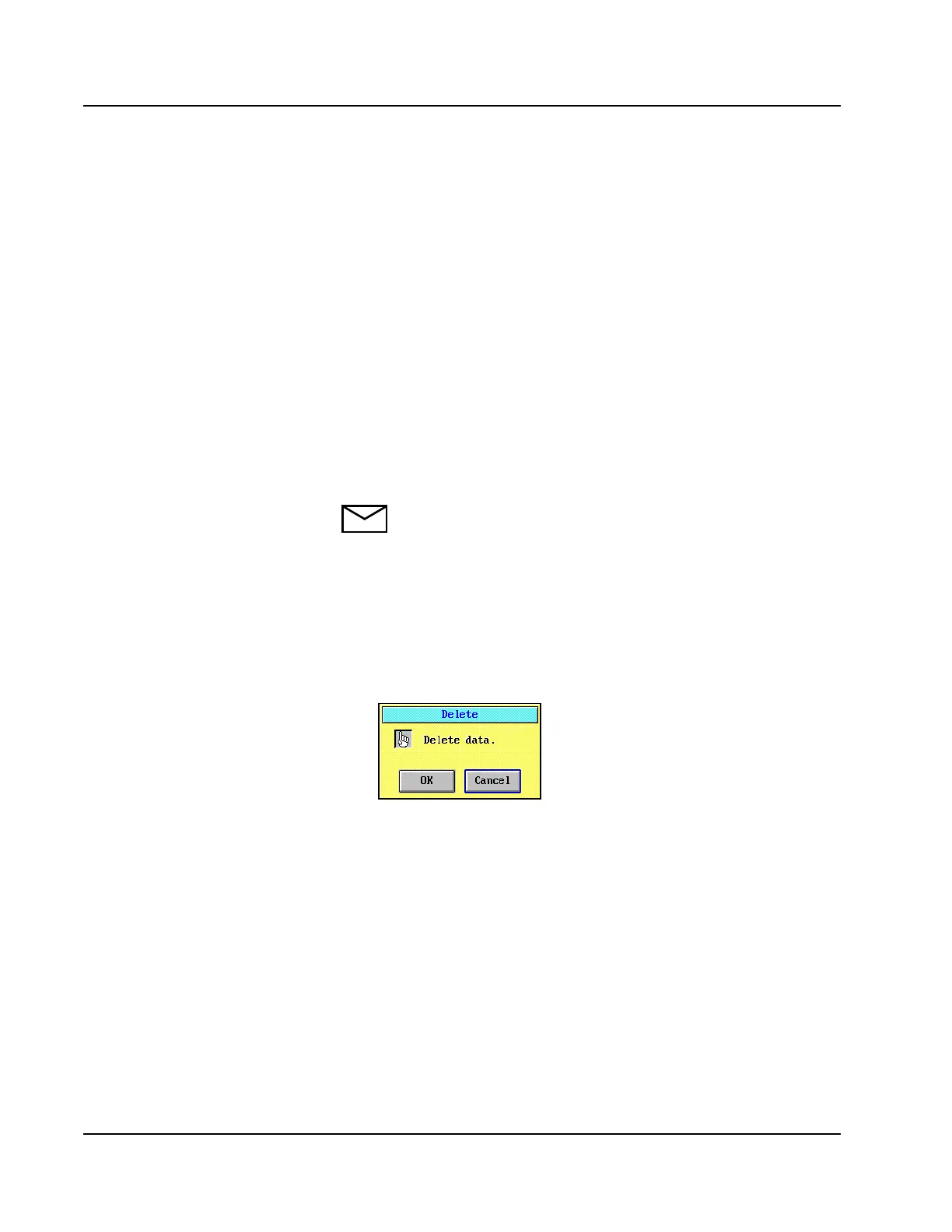
3. Select <Del Prev> in the right-hand column. A confirmation dialog
window is displayed.
Figure 6.13: Delete Confirmation Dialog Window
4. Select <OK>. The previous calibration curve data are deleted.



 To Next Page