MODULE 7: QUALITY CONTROL
7-8 AEROSET
®
Customer Training Guide
94858-103 — July 2003
Loading the Controls
When loading controls, the following conditions must be met:
• Ensure there is sufficient sample volume to run the ordered tests.
• Inspect the samples for splashing, air bubbles, and foaming. Do not
run samples when these conditions exist.
Use the following instructions to load controls.
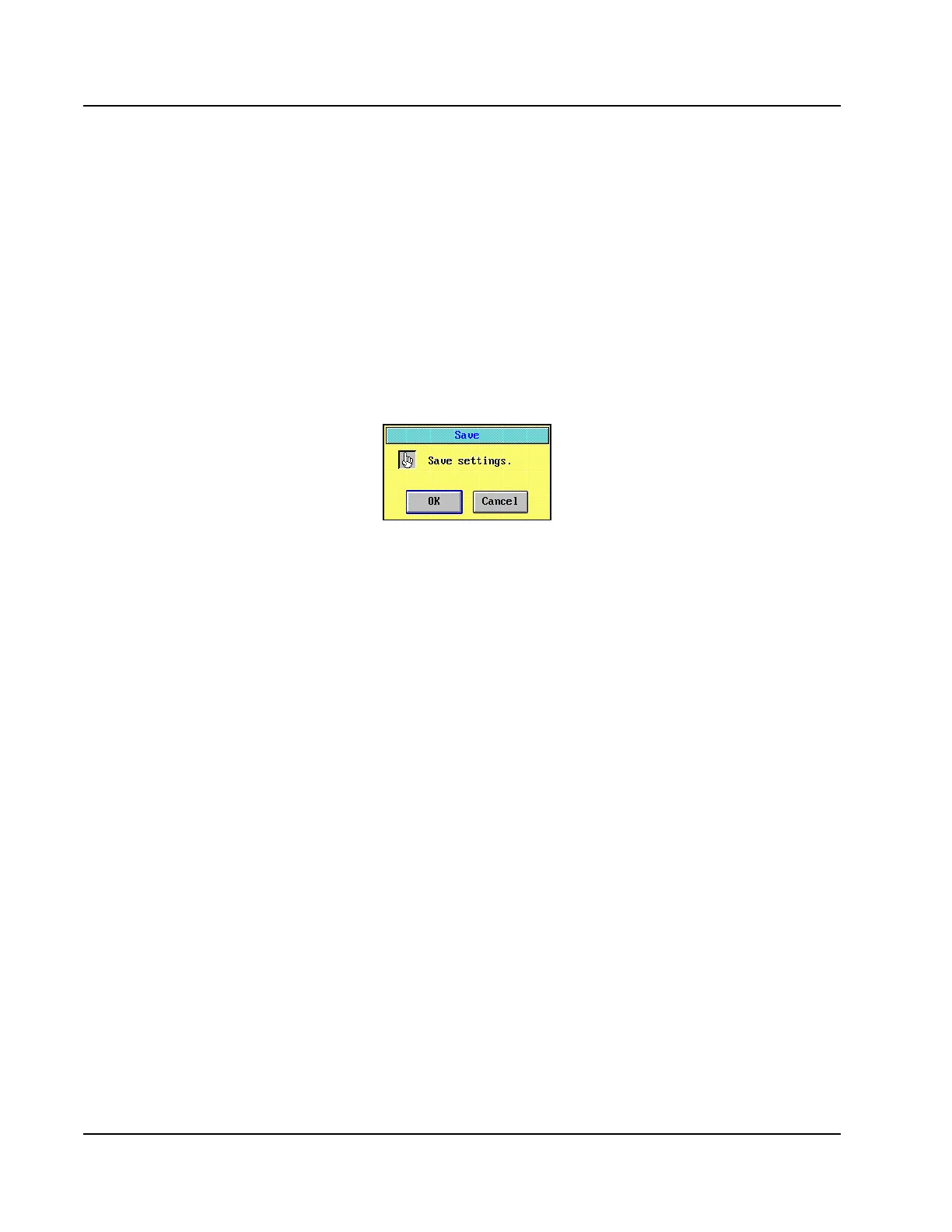
1. Select <Save> in the right-hand column of the RUN OPTIONS
screen to save the QC order. A confirmation dialog window is
displayed.
Figure 7.2: Save Confirmation Dialog Window
2. Select <OK>.
3. Select <Cancel> on the RUN OPTIONS screen to exit the screen
without starting the run.
4. Select <Cal/Control> in the Information Access Area. The
CALIBRATOR/CONTROL screen is displayed.



 To Next Page