MODULE 11: COMPONENT REPLACEMENT AND TROUBLESHOOTING
11-8 AEROSET
®
Customer Training Guide
94858-103 — July 2003
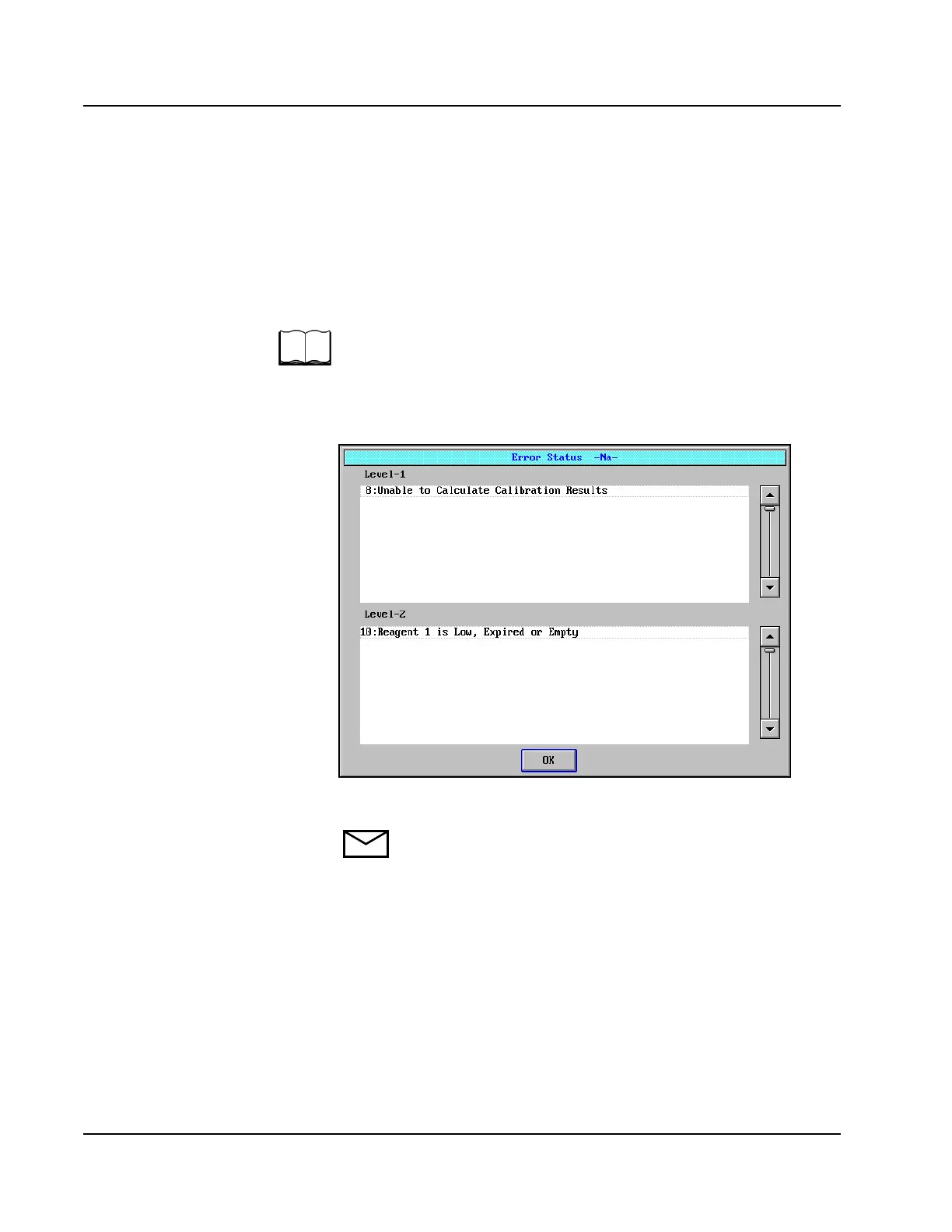
Assay-Specific Error Messages
Assay-Specific Error Messages are displayed on the Error Status
screen, accessed by selecting <Status> on the ASSAY STATUS screen.
When assay button text is colored pink, black, or yellow, instead of the
normal green, one or more of these messages is displayed to give an
explanation of the color change.
The Calibration Error Codes are listed with appropriate probable causes
and corrective action in Section 10, Diagnostics and Troubleshooting of
the AEROSET System Operations Manual.
An example of the Error Status screen with Assay-Specific Error
Messages is displayed below.
Figure 11.4: Error Status Screen
NOTE: Errors displayed in the Level-1 Section of the Error
Status screen generate Result Error Codes. Errors displayed in
the Level-2 Section of the Error Status screen do not generate
Result Error Codes.
• Example-IgG=black



 To Next Page