Error Codes and Messages
AEROSET
®
Customer Training Guide 11-9
94858-103 — July 2003
Error Log Messages
The Error Log icon changes colors to indicate that an Error Log Message
has been generated. The color of the icon indicates the severity of the
error that has occurred. The following table explains the different error
levels and icon colors.
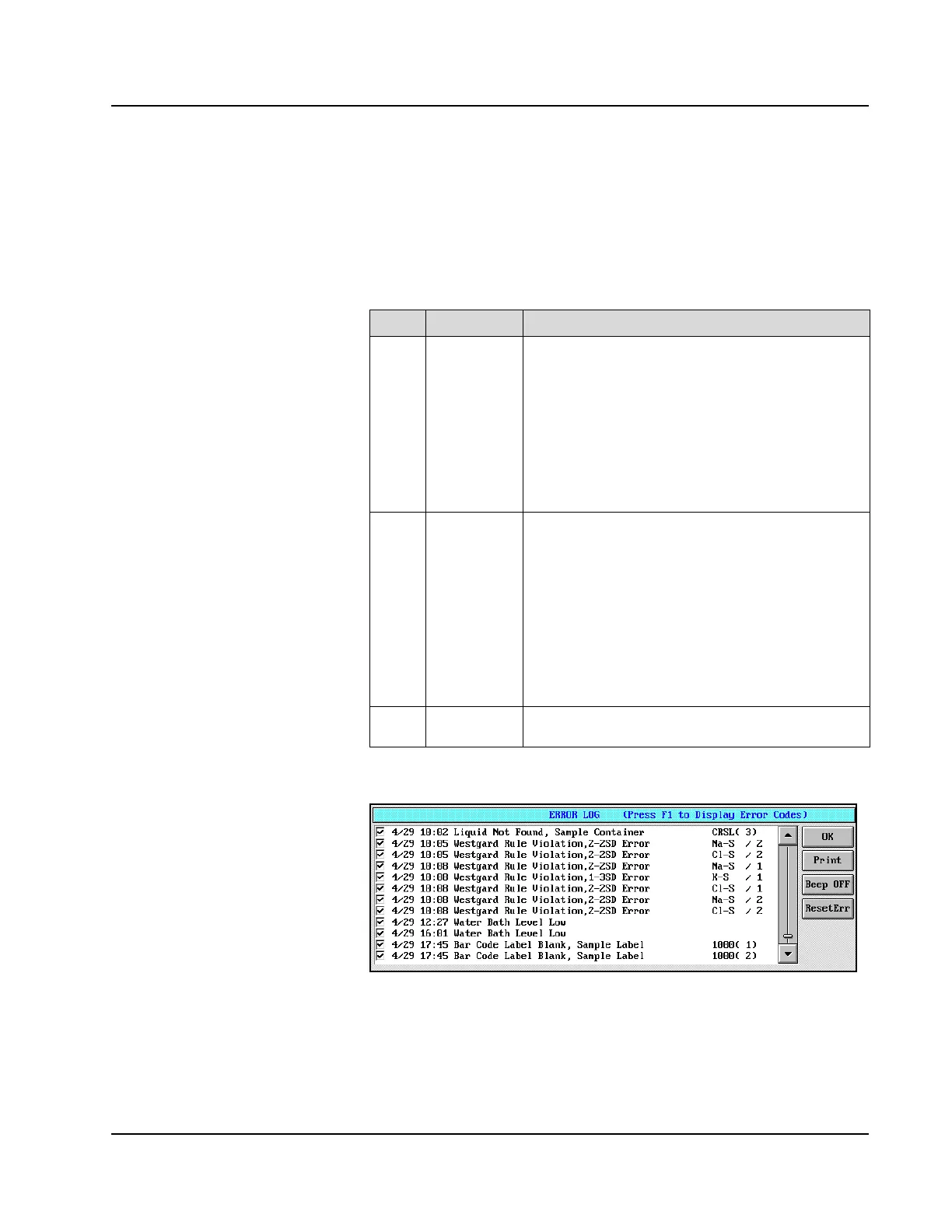
An example of the ERROR LOG screen with Error Log Messages is
displayed below.
Figure 11.5: ERROR LOG Screen
Level Button Color Action of the System
1 Red
background
The System status immediately changes to PAUSE.
The System continues to process the samples already
dispensed, but Result Error Codes are generated for
all results. The System cannot be restarted until the
error is reset in the ERROR LOG screen by an
Operator with “super” Log On access.
If a Level 1 error occurs during a START UP or
SHUTDOWN Procedure, the System immediately
stops.
2 Pink
background
The System status immediately changes to PAUSE.
The System continues to process the samples already
dispensed and Result Error Codes are generated only
for results involved in the error. The System cannot be
restarted until the error is reset in the ERROR LOG
screen. An Operator with any level of Log On access
can reset these errors.
If a Level 2 error occurs during a START UP or
SHUTDOWN Procedure, the System continues with
the procedure.
3 Yellow
background
The System does not PAUSE. All dispensing and
processing continues.
• Example: Error code #294
Sample Carrier pull in
error-will pause all results
and will have HW flag.
• Those run before error are
probably OK.
• <Print> prints all 200
error messages.



 To Next Page