Checking Reagent Inventory
AEROSET
®
Customer Training Guide 2-7
94858-103 — July 2003
The Reagent Report screen can be sorted by the following options:
• Position
• Reagent Name
• Reagent Type
• Expiration Date
• Remaining (%)
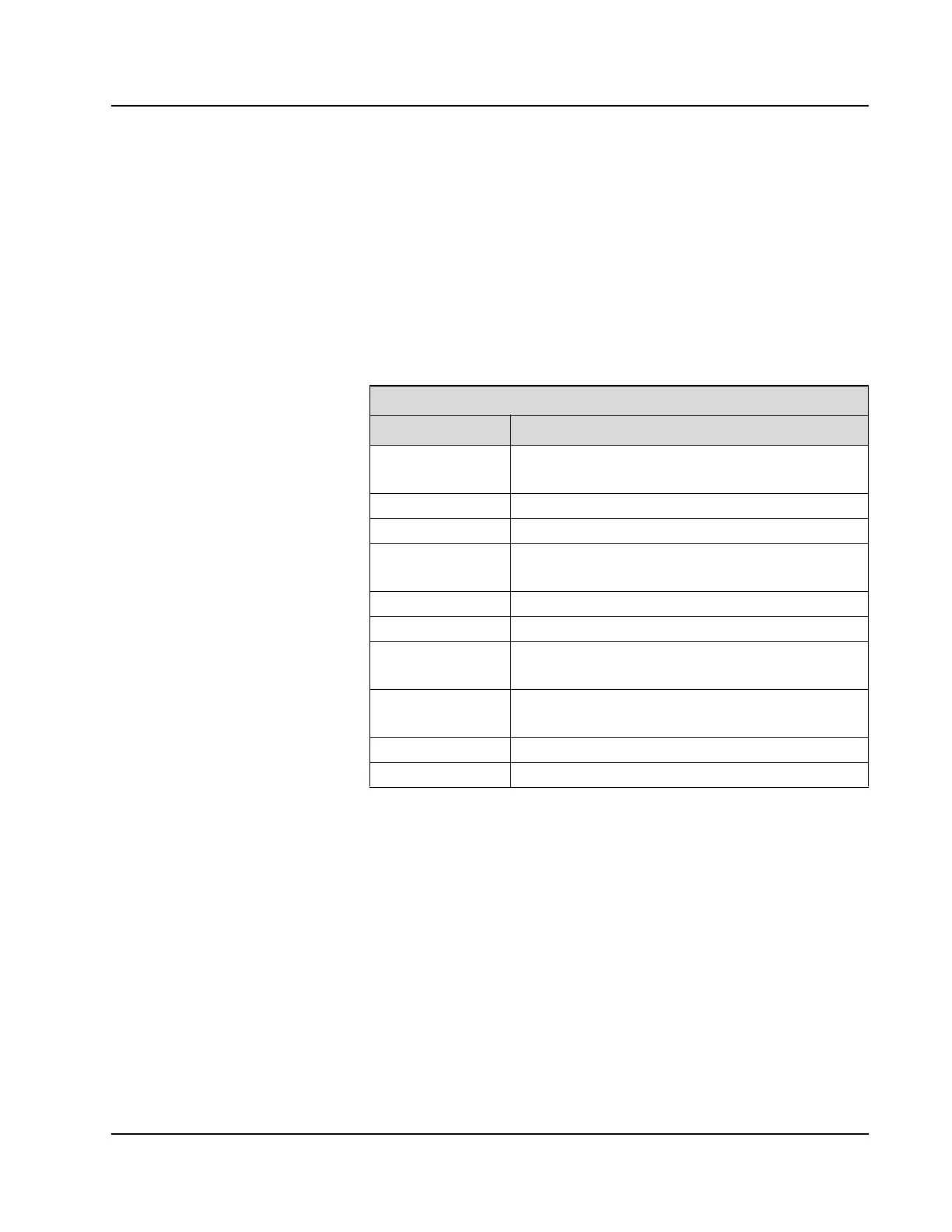
The following information displays on the Reagent Report screen.
Perform the following steps to print a Reagent report.
1. Select the desired sort option in the drop-down list box on the
Reagent Report screen. Select the return arrow to close the list.
2. Select <Print>. The REAGENTS dialog window displays.
3. Select <OK> to print the report.
Reagent Report Screen
Column Description
Pos Reagent segment and position
* Active reagent
Name Reagent name
Type R1, R2, additive, diluent, acid, or alkaline wash
Exp Date Expiration date
* Past expiration date
Lot Lot number
Ctg Reagent cartridge number
%Volume Alert Reagent low alert by %volume
* Reagent is lower than the configured alert
Remaining Rgt (%) Estimated remaining reagent volume by %volume
* Empty after level sense
Remaining Tests # Estimated remaining reagent volume by number of tests
M Indicates the reagent was manually configured



 To Next Page