MODULE 2: BASIC RUN
2-10 AEROSET
®
Customer Training Guide
94858-103 — July 2003
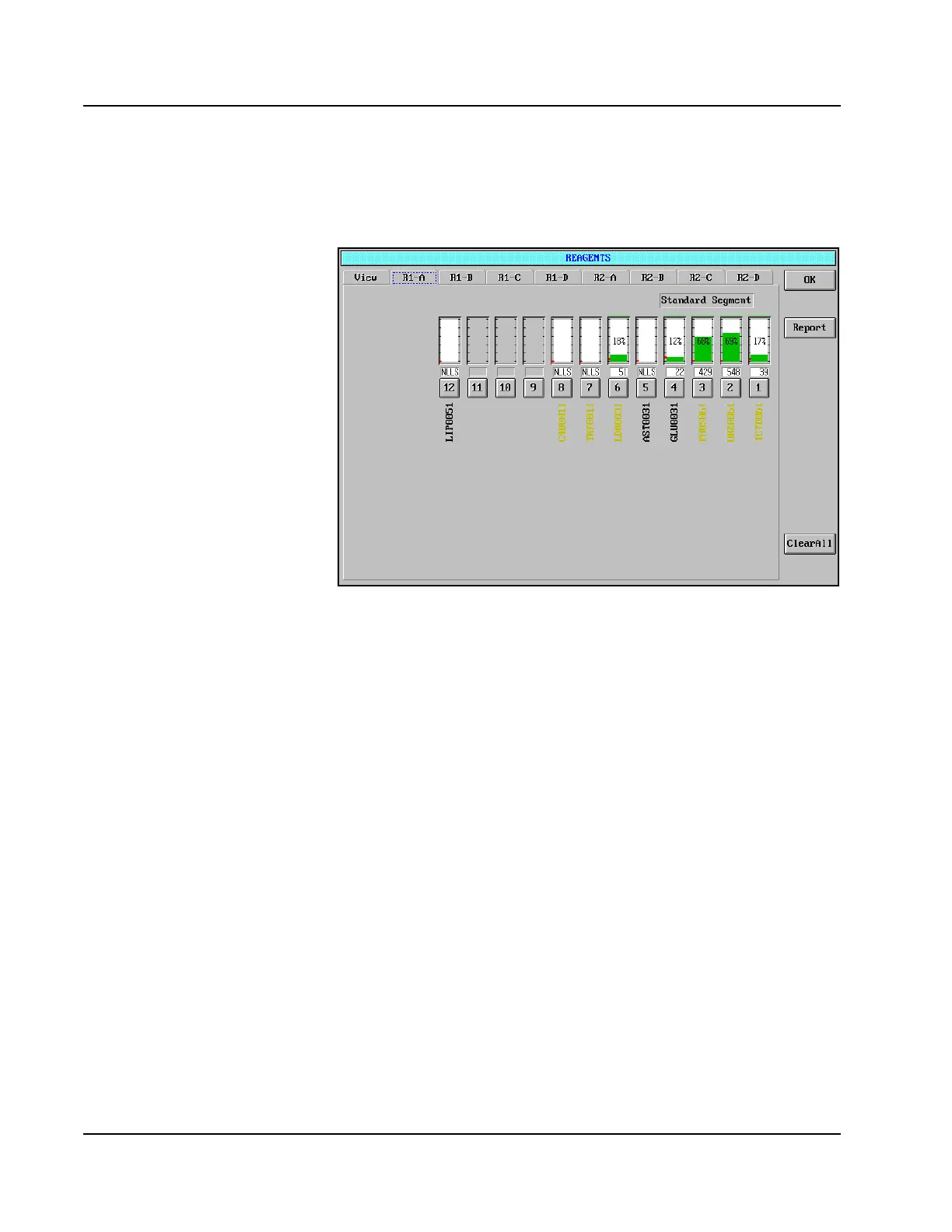
5. For details on each Reagent Supply Center segment, select the
appropriate Reagent Segment tab. The selected Reagent Segment
page displays.
Figure 2.4: REAGENTS Screen, R1-A Page
6. When all reagent cartridges have been reviewed, select <OK> in the
upper-right corner of the screen.
7. If desired, select <Report> then <Print> to print the Reagent
report. Refer to Appendix B, AEROSET System Printed Reports in
the AEROSET System Operations Manual for an example of this
report.



 To Next Page