MODULE 2: BASIC RUN
2-12 AEROSET
®
Customer Training Guide
94858-103 — July 2003
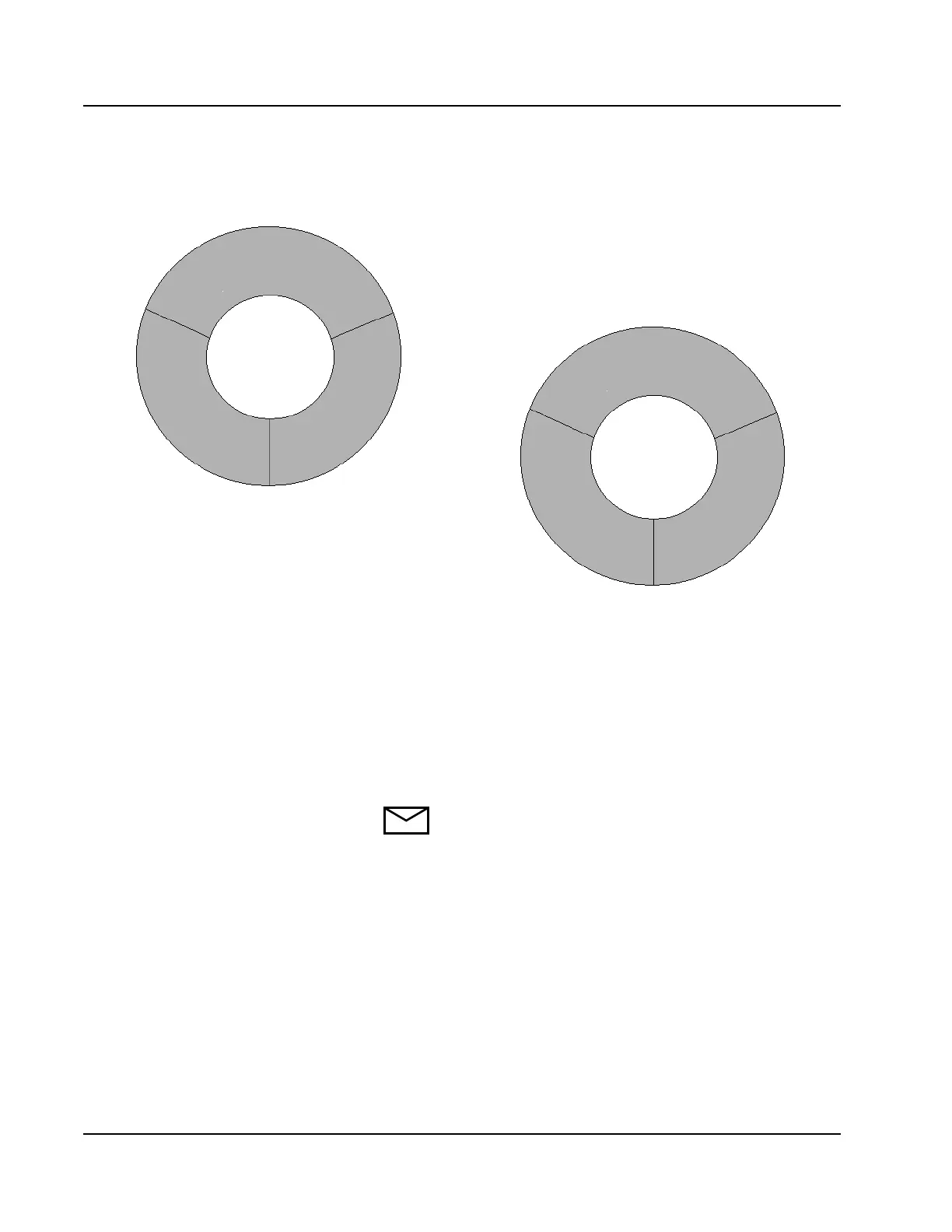
Figure 2.5: Location of A-Line and B-Line on the Reagent Supply
Centers
Use the following instructions to load reagent cartridges.
1. Reagents can be loaded on the System when the status is READY
or PAUSE. If the System is in any other state, select <PAUSE> in
the Action Area of the Main Display. The RUN OPTIONS screen
displays.
2. Select <Pause> in the right column of the screen to pause sampling.
NOTE: Pausing the System only allows access to Reagent
Supply Center 1. The System status must be READY to
gain access to both Reagent Supply Centers. A reagent
scan must be performed to update reagent inventory.
Reagent scan can only be performed when the System
status is READY.
Observe the R1 and R2 Indicators on the Local User
Interface Control Panel before accessing any reagent
position. A green light indicates access is permitted.
3. Remove the Reagent Supply Center cover and use the following
table to determine the loading position.
Reagent Supply Center 1Reagent Supply Center 1
Reagent Supply Center 2
Shaded = A-Line (Outer)
Unshaded = B-Line (Inner)
C
B
D
A
C
B
D
A



 To Next Page