Checking Reagent Inventory
AEROSET
®
Customer Training Guide 2-15
94858-103 — July 2003
4. Gently invert the reagent to ensure a homogenous solution then
remove the cap.
NOTE: Most reagents require inversion; however, it is
recommended that the assay-specific Package Inserts be
reviewed for special handling requirements.
5. Remove air bubbles, if present, with a clean applicator stick.
Alternatively, allow the reagent to set at the appropriate storage
temperature until bubbles dissipate. To minimize volume depletion,
do not use a transfer pipette to remove the bubbles.
CAUTION: Reagent bubbles may interfere with proper
detection of reagent level in the cartridge, causing
insufficient reagent aspiration which could impact results.
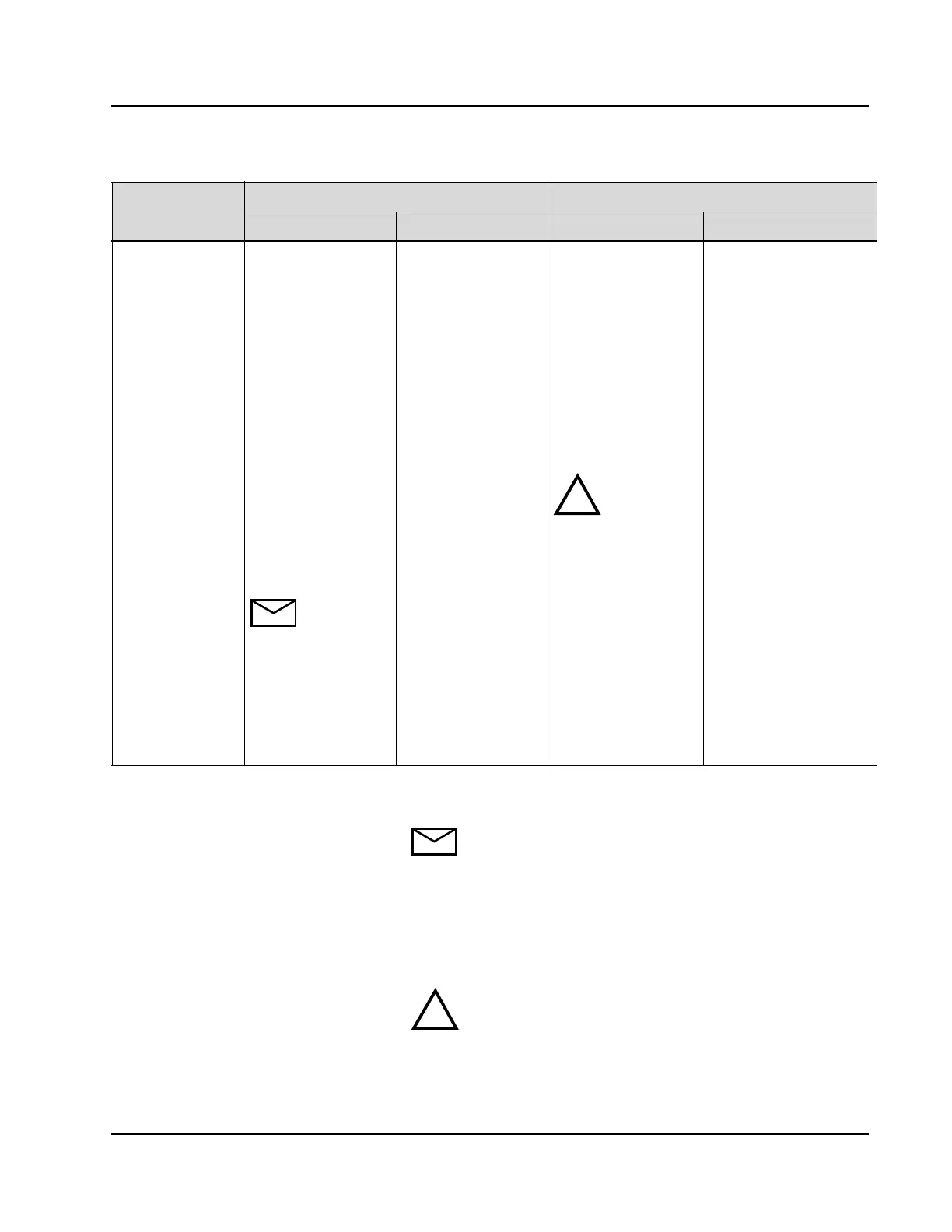
Reagent Link Allows the R1 and R2
reagent pair to be
linked by position. A
maximum of two sets
of reagent cartridges
per assay are allowed.
The lowest R1
position is linked to
the lowest R2 position
and the highest R1
position is linked to
highest R2 position.
Each time a reagent
scan is performed, the
System relinks
reagents according to
position.
NOTE: If the
Multiple Rgt Ctgs
option is configured
ON, the Reagent Link
option is not
functional— i.e., R1
and R2 cartridges are
not linked.
R1 and R2 cartridges
are not linked. R1 and
R2 are utilized
independently.
The linked reagent pair
(R1/R2) to be used first
must be placed in the
lowest available
position. After the
reagent pair is linked
by the System, the
Operator must verify it
is always utilized as a
pair.
NOTE: The
R1/R2 pair must be
placed onboard at the
same time.
New reagent cartridges
should be placed in a
higher numbered position
than cartridges already
onboard. R1 and R2 are
utilized independently.
Unit Configuration
Parameter
Description of Parameter Rules for Loading Reagents: If Parameter Is...
ON OFF ON OFF
!
!



 To Next Page