MODULE 2: BASIC RUN
2-26 AEROSET
®
Customer Training Guide
94858-103 — July 2003
Selecting the Run Options and Starting the Run
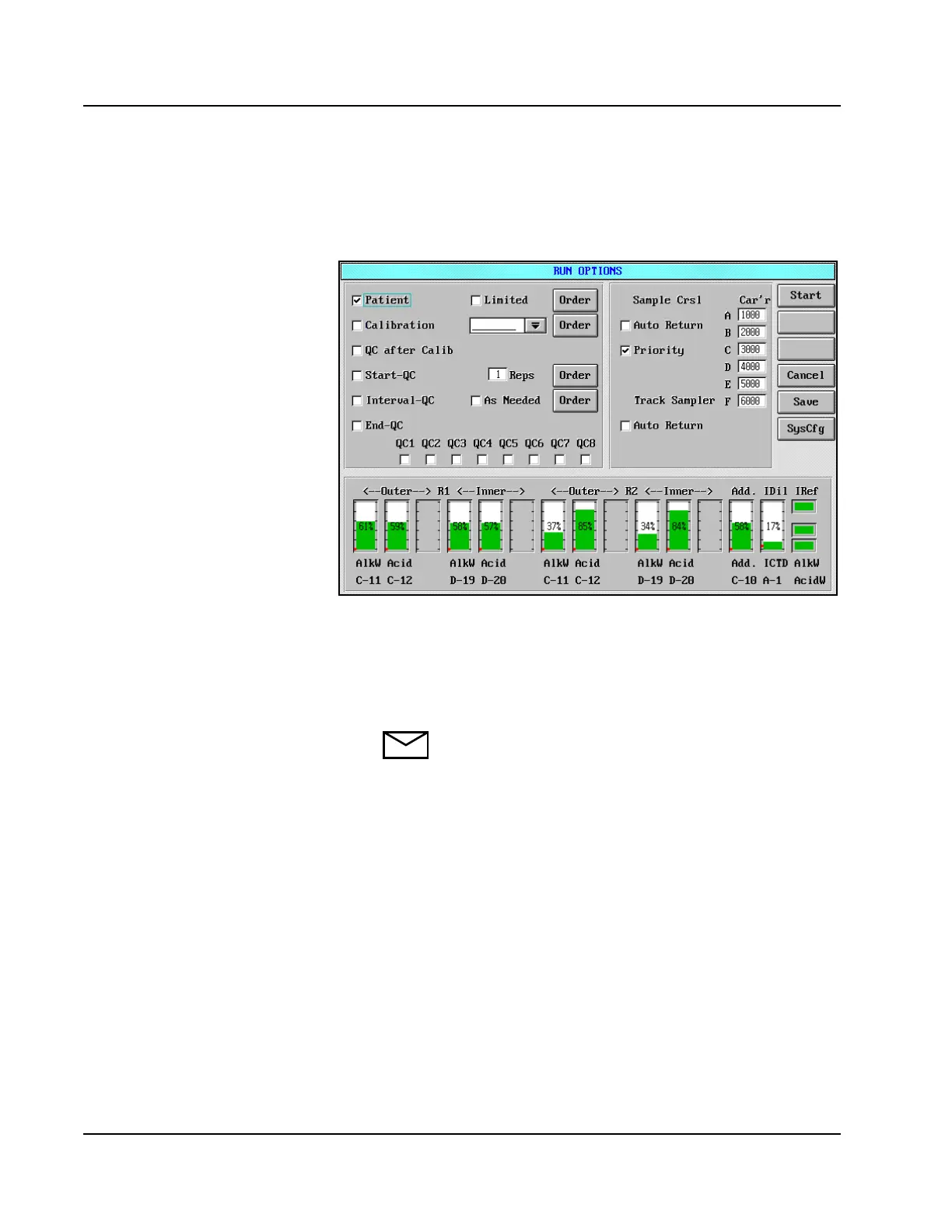
1. Select <RUN> in the Action Area. The RUN OPTIONS screen is
displayed.
Figure 2.11: RUN OPTIONS Screen
2. Place a checkmark (;) in the box to the left of the Patient option by
touching the box.
3. Select <Start> in the right-hand corner of the RUN OPTIONS
screen to initiate sample processing.
NOTE: If calibration is due for an assay, the System
prompts the Operator to perform the calibration. If
calibration is not desired at that time, select <Cancel> on
the displayed dialog window.



 To Next Page