Installation and User Manual ADPRO FastTrace by Xtralis
88 Doc 11168_12
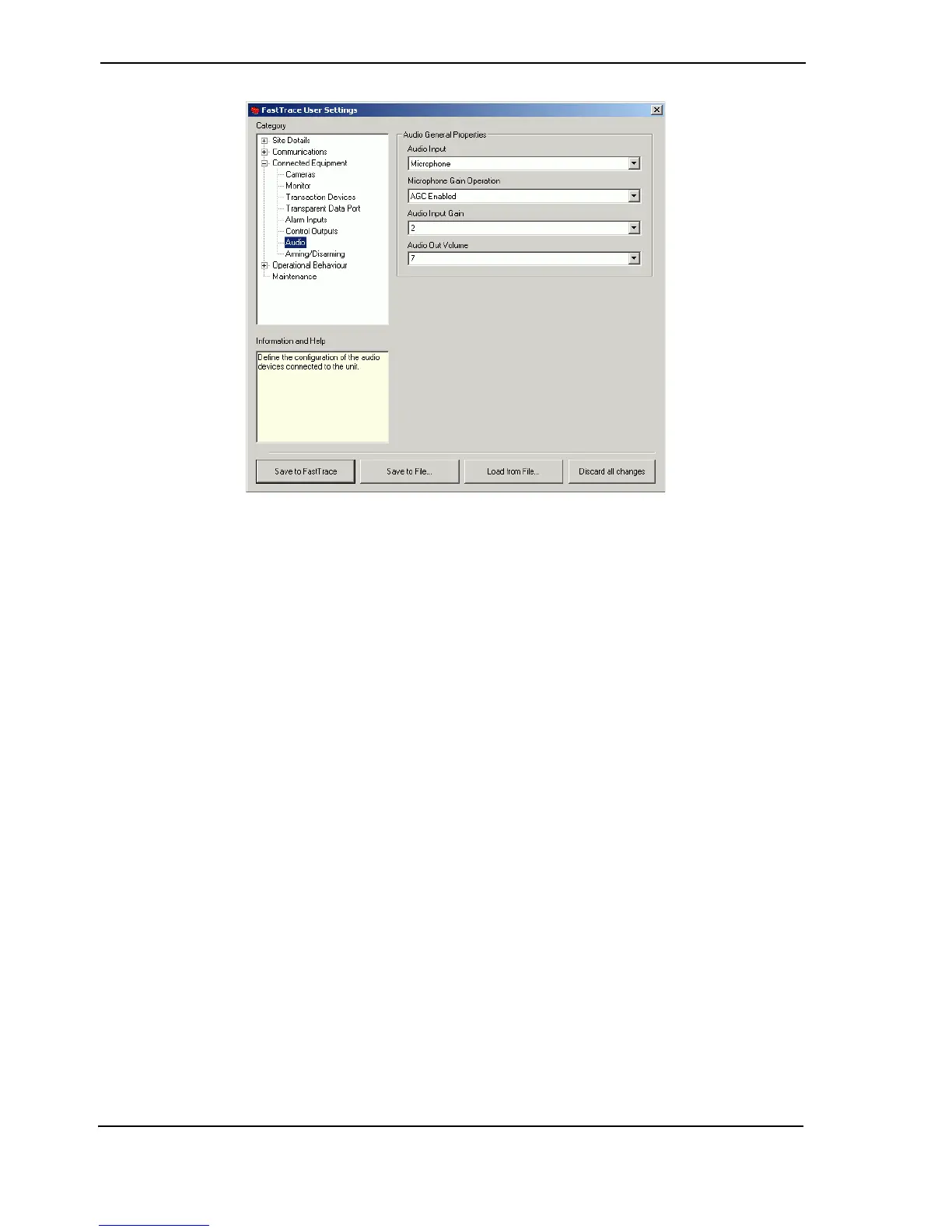
Figure 86: Audio Settings
Audio General Properties
Audio Input
Options: Microphone, Line Input, Switcher
Default: Microphone
Select the type of audio input device connected to the FastTrace unit. Refer to Audio on page 31
for details of the hardware connector. Note that only one audio input type can be used, i.e.
multiple audio inputs cannot be used simultaneously.
Microphone Gain Operation
Options: AGC Enabled, AGC Disabled
Default: AGC Enabled
Select either AGC Enabled (Automatic Gain Control) or AGC Disabled. This option is only
activated when Microphone operation is selected under the Audio Input setting.
AGC is typically used in a more controlled noise environment, such as a Control Room or office,
where only a small amount of background noise is present.
Audio Input Gain
Options: Range 0 to 15
Factory Default: 2
Select a Gain level to apply to audio coming into the FastTrace unit (from local microphones).



 To Next Page