ADPRO FastTrace by Xtralis Installation and User Manual
Doc 11168_12 89
Audio Out Volume
Options: Range 0 to 15
Factory Default: 2
Choose a volume level between 0 (lowest) and 15 (highest) to suit the operational environment.
4.3.17 Arming / Disarming
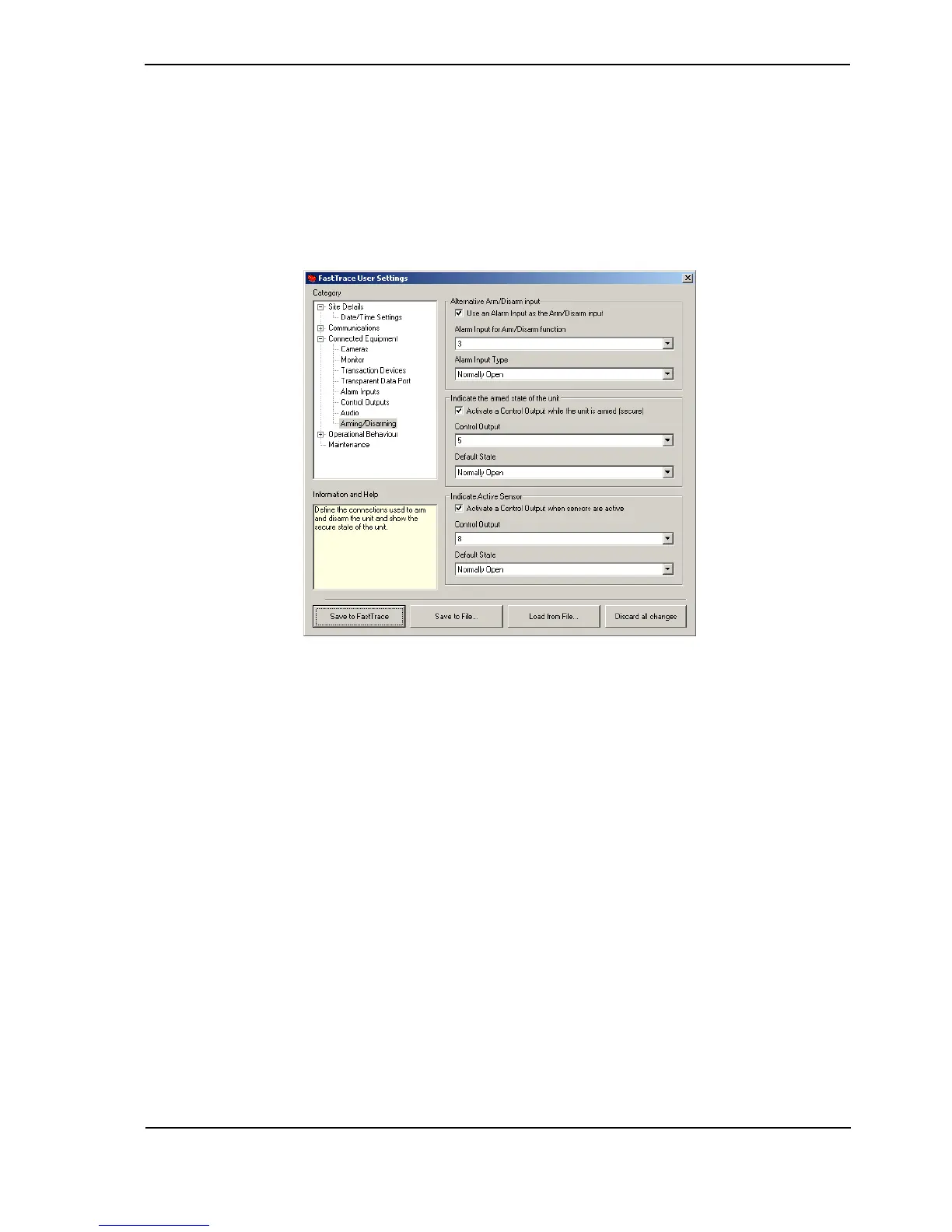
Figure 87: Arming/Disarming Menu
The Arm/Disarm properties allow a user to configure the Arm/Disarm Tamper Protection settings
and Arm/Disarm Local Indication features of FastTrace.
Alternative Arm/Disarm Input
This setting allows an unused alarm input to be configured as the access / secure (arm / disarm)
input on the FastTrace. This provides a tamper detected access / secure input as required in the
BS8418 regulations.
Whenever a tamper has occurred on the Arm/Disarm point, the FastTrace will initiate a Dial Out
and record a tamper event. Once connected to VideoCentral, the tamper event is sent. This
event will be identifiable as a tamper event on the Arming Device.
To configure:
Use an Alarm Input as the Arm / Disarm input: Check this box if using this feature.
Channel: Select an unused alarm input for the access / secure input from the drop-down list. The
alarm input will be marked as not-usable in the alarm input configuration.
Name: Type a name for the alternative access / secure input.



 To Next Page