ADPRO FastTrace by Xtralis Installation and User Manual
Doc 11168_12 77
Note: During the Preset on Alarm function, images could appear dark and/or blurry,
possibly causing FastTrace to interpret this as low contrast, and generating a low
contrast alarm.
Activity Detection Tab
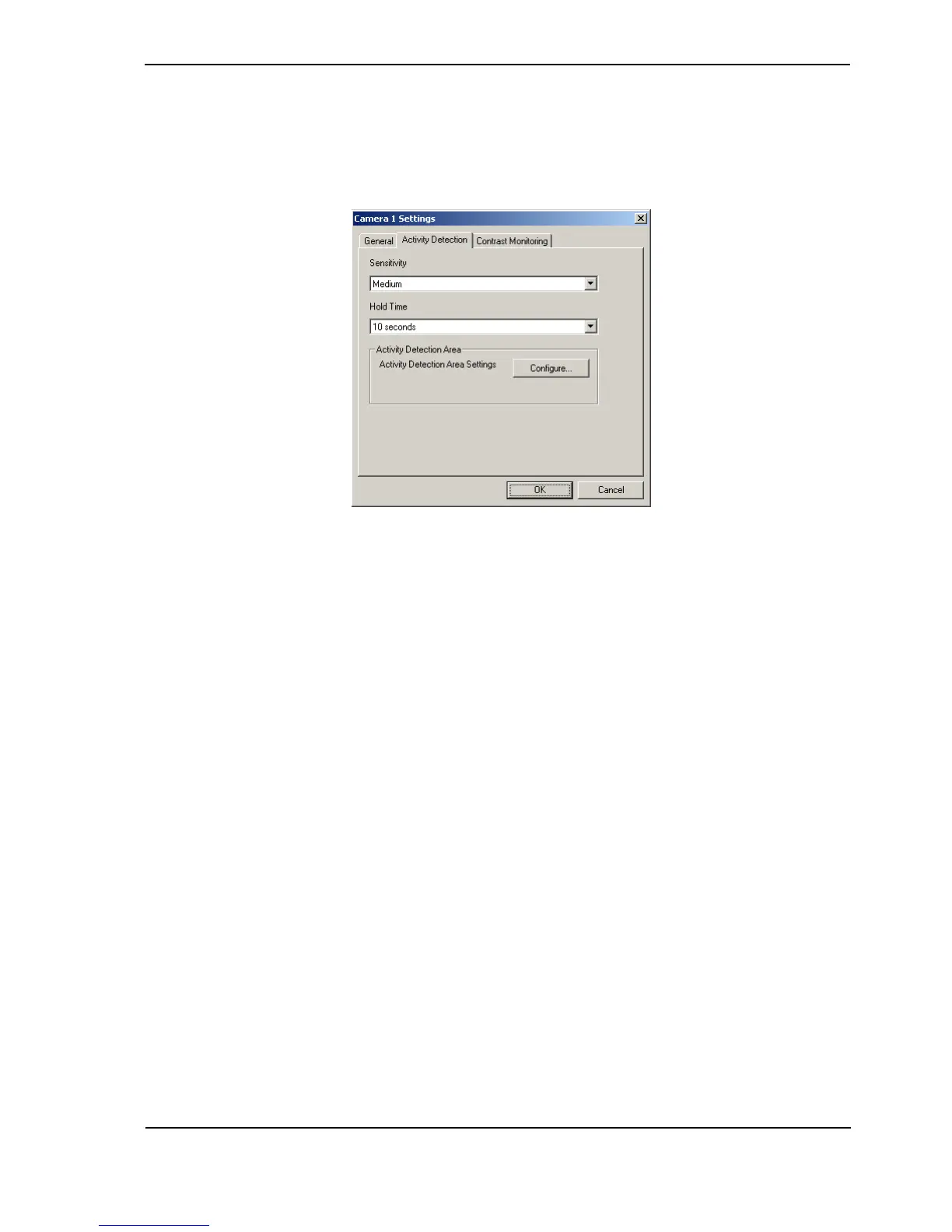
Figure 75: Camera Settings - Activity Detection Tab
Sensitivity
Options: Very Low, Low, Medium, High, Very High
Default: Medium
Set the required sensitivity of the system. The Sensitivity setting defines a cross section of a
target objects size and speed required to trigger an Activity event. Settings are Very Low
(requires large objects moving extended distances to trigger an event), Low, Medium, High and
Very High (Activity events will be triggered by very small objects with limited movement).
Hold Time
Options: None, 2, 5, 10, 30, 60
Default: None
When there is a requirement that two (related) alarm inputs must be active before an alarm event
is activated (known as double knock alarm activation), the Hold Time option sets the time
‘window’ for the second alarm input to occur (event combinations are defined in the Operational
Behaviour section).
If the second alarm input is not activated within the Hold Time period, no alarm event will be
generated. Choose the value most suited to the alarm activation requirement.
Activity Detection Area
Use the Configure button to set the Activity Detection Area used by each configured camera.
The detection area is displayed as a ‘grid’ over the video image, showing exactly where activity
detection will happen. More than one activity detection area can be used. An Activity Detection
Area is made up of a number of ‘detection zones’, with each zone representing a screen area of
16 x 16 pixels.
When the option is selected a display of the selected camera's image is shown.



 To Next Page