ADPRO FastTrace by Xtralis Installation and User Manual
Doc 11168_12 17
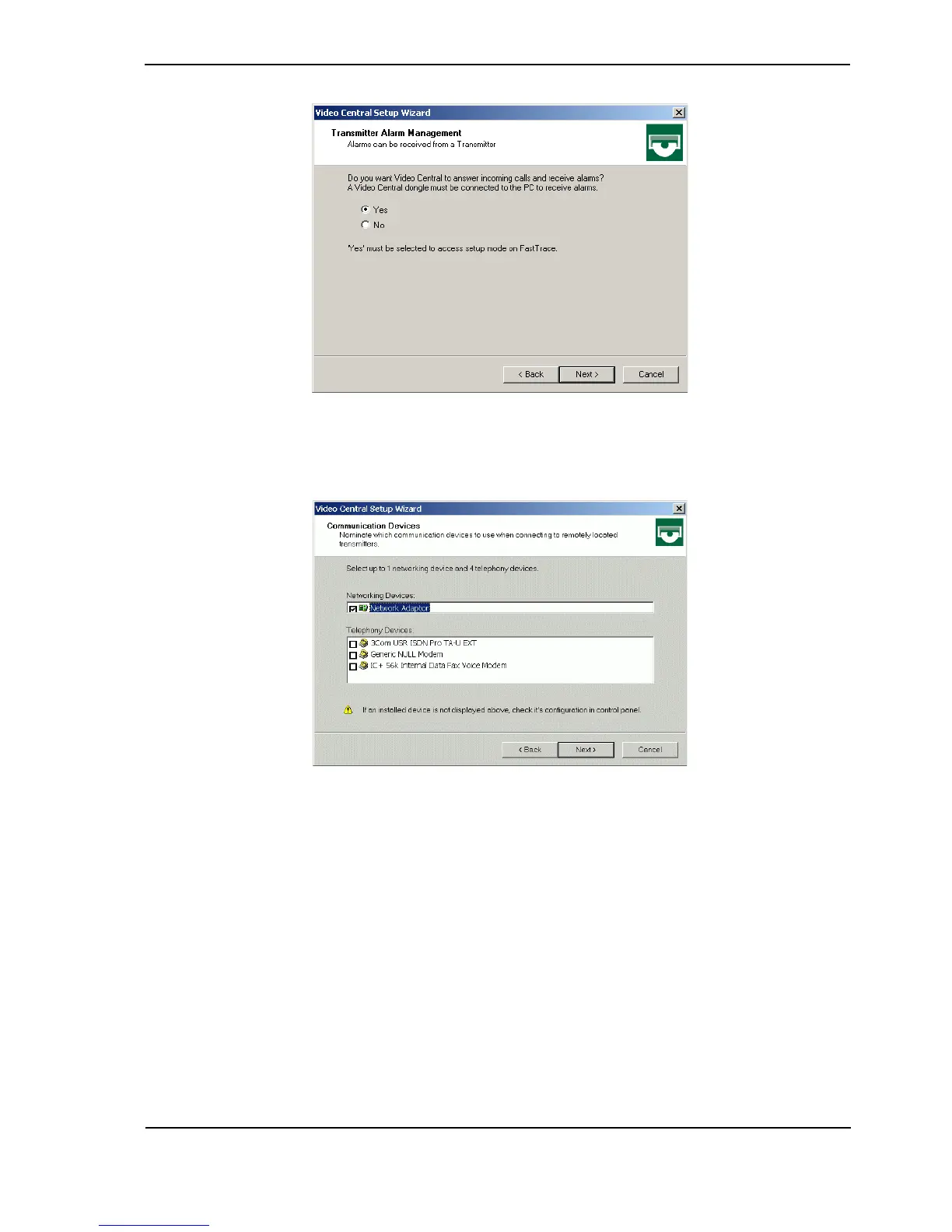
Figure 19: Transmitter Alarm Management
5. Select Yes and click Next.
Figure 20: Communication Devices
6. Select the checkbox next to the device you are using to enable VideoCentral Lite to connect
to the FastTrace unit (Network Adaptor for an ethernet connection, Generic NULL
Modem for a serial connection). Click Next.
Note: If you wish to change the option, you must first DESELECT the current device.
7. If Generic NULL Modem was selected in the previous screen, accept the default selection
of PSTN on the Connection Types screen and the default values on the Phone Line
Checking screen.
8. Click Finish, then Exit and the process is complete.



 To Next Page